
Your team is busy all day and still behind. The inbox fills faster than it clears. Customer questions pile up. Marketing needs content. Sales needs follow-up. Operations needs reports. You bought software to save time, but now you’re paying for tools people barely use.
That’s where most small businesses start thinking seriously about AI. Not because it’s trendy, but because the workday is clogged with repeatable tasks that steal time from the work that grows the business.
The benefits of ai in the workplace are real, but they’re uneven. Some uses create quick wins. Others create confusion, rework, or team pushback. The difference usually isn’t the model or the vendor. It’s whether the business picked the right problem, set a baseline, and rolled it out in a way people could use.
Beyond the Hype How AI is Changing Work Today
AI has already moved past the “interesting experiment” stage. In many offices, it’s becoming standard operating equipment. Recent Gallup data shows total AI use among remote-capable roles rose from 28% in Q2 2023 to 66%, and frequent use rose from 13% to 40% (Gallup workplace AI adoption data).
That matters for a small business owner because competitors don’t need a massive budget to start gaining an edge. They can use AI to draft internal summaries, speed up support responses, organize research, clean up product descriptions, and reduce the administrative drag that slows down decision-making.
What this looks like in a normal business week
A local service company uses AI to turn rough technician notes into cleaner customer follow-ups. An e-commerce store uses it to rewrite product copy and summarize reviews into buying themes. A publisher uses it to tag content, cluster keywords, and turn one article into several channel-ready variations.
None of that is science fiction. It’s workflow cleanup.
If you want a useful perspective on how AI is changing team communication, Pebb's ChatGPT 4.0 communication insights are worth a read because they focus on day-to-day communication habits rather than abstract AI theory.
AI usually creates value first in the places where your team repeats the same decision, the same summary, or the same handoff every day.
The mindset shift that matters
The wrong question is “Should we use AI?” That question is already getting outdated.
The better question is “Where is my team losing time on work that a system could assist with safely?” For many companies, that starts with customer service, reporting, content operations, scheduling, and internal communication. If you’re sorting through options, this overview of AI solutions for businesses is a good place to frame what belongs in a practical rollout versus what belongs in a later phase.
The urgency isn’t about chasing hype. It’s about avoiding a slower, more expensive way of running the same business while competitors get faster.
The Four Pillars of AI Workplace Benefits
Most business owners hear a loose list of AI promises. Save time. Cut costs. Improve service. Work smarter. That language is too vague to guide an investment decision.
A better way to evaluate the benefits of ai in the workplace is to sort them into four pillars and ask where each one shows up in your operation.
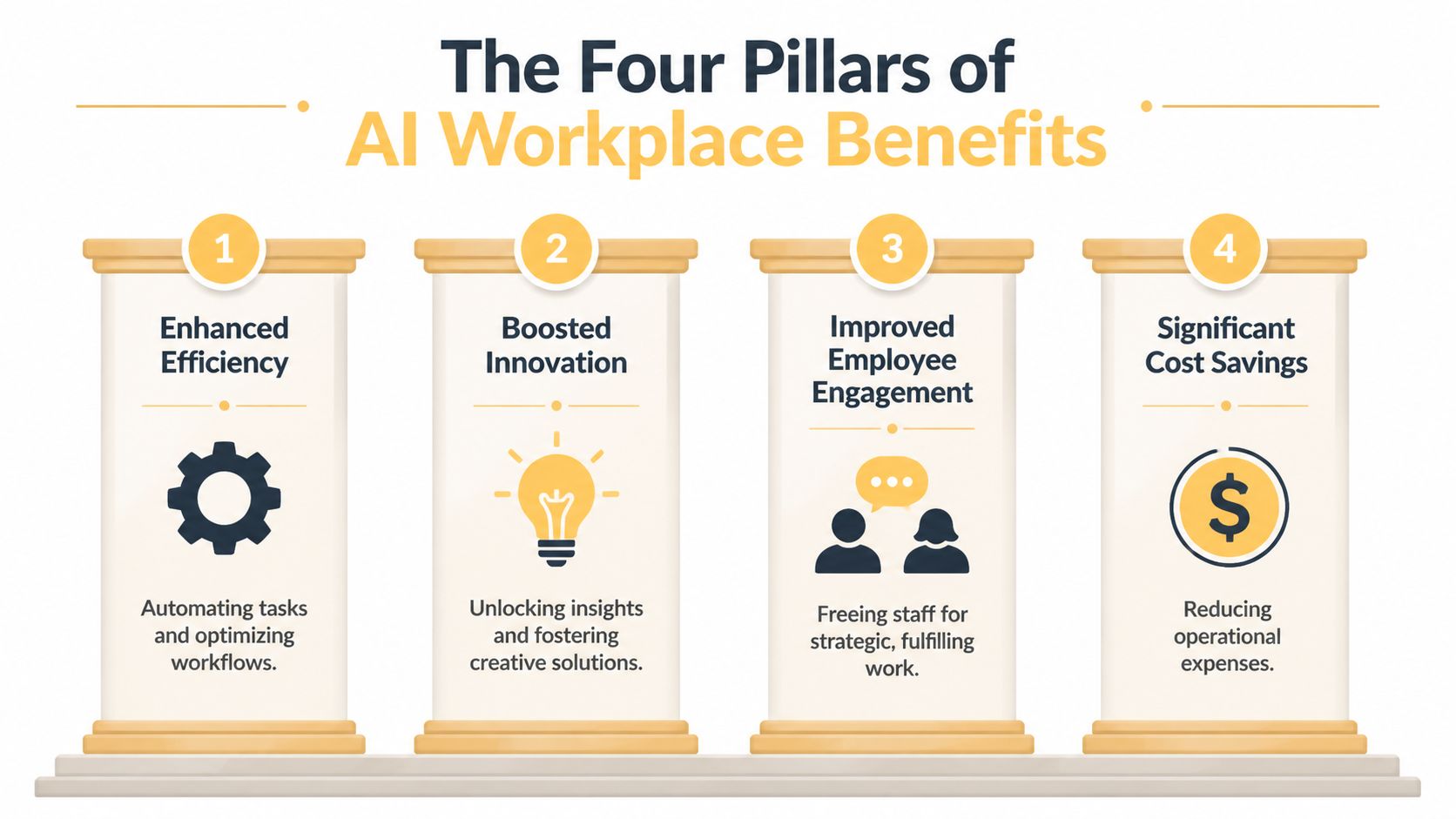
Enhanced efficiency
This is the first pillar because it’s usually the easiest to spot. AI handles repetitive tasks that follow a pattern. Think drafting a first-pass email, summarizing a meeting, organizing notes, classifying support tickets, or pulling themes from customer feedback.
The point isn’t that AI “works harder.” The point is that your staff stops burning skilled hours on low-judgment work. That creates room for follow-up calls, campaign strategy, account management, and problem-solving.
Boosted innovation
Good teams often don’t lack ideas. They lack time to test them. AI shortens the distance between question and draft. A marketer can explore ad angles faster. A publisher can identify topic clusters faster. A product team can move from rough notes to organized requirements faster.
That’s where experimentation improves. Teams can review more options before deciding what goes live. If you’re watching how this affects service quality, Halo AI’s look at the future of customer experience with AI is useful because it connects AI to customer-facing execution, not just internal productivity.
Improved employee engagement
This benefit gets overlooked because it doesn’t show up first on a software demo. People do better work when they’re not buried in copy-paste tasks, inbox triage, and repetitive admin. AI is most useful when it removes the work employees dislike and preserves the work that depends on judgment, empathy, and context.
MIT Sloan reports that firms with large increases in AI use saw 9.5% more sales growth and 6% higher employment growth over five years (MIT Sloan on AI and the labor market). That finding matters because it pushes back on the shallow idea that AI only helps by shrinking headcount. In practice, businesses often use it to expand output and let people focus on work AI doesn’t handle well.
Significant cost savings
This pillar gets the most attention, but it works best when it follows the first three. A business cuts costs more effectively when it reduces rework, speeds up handoffs, and gives employees better inputs.
Here’s a simple way to think about the four pillars:
| Pillar | What changes first | What a business owner notices |
|---|---|---|
| Enhanced efficiency | Routine tasks move faster | Staff gets time back |
| Boosted innovation | More ideas get tested | Teams stop stalling on first drafts |
| Improved employee engagement | Work shifts toward judgment | People spend less time on drudgery |
| Significant cost savings | Waste and delays shrink | Margins improve without forcing speed for its own sake |
Operator’s view: The strongest AI projects don’t replace your team’s value. They remove the friction that keeps your team from using that value.
How AI Drives Results in Your Industry
The benefits of ai in the workplace become easier to judge when you stop thinking in broad categories and look at actual operating pressure. Different industries need different wins.
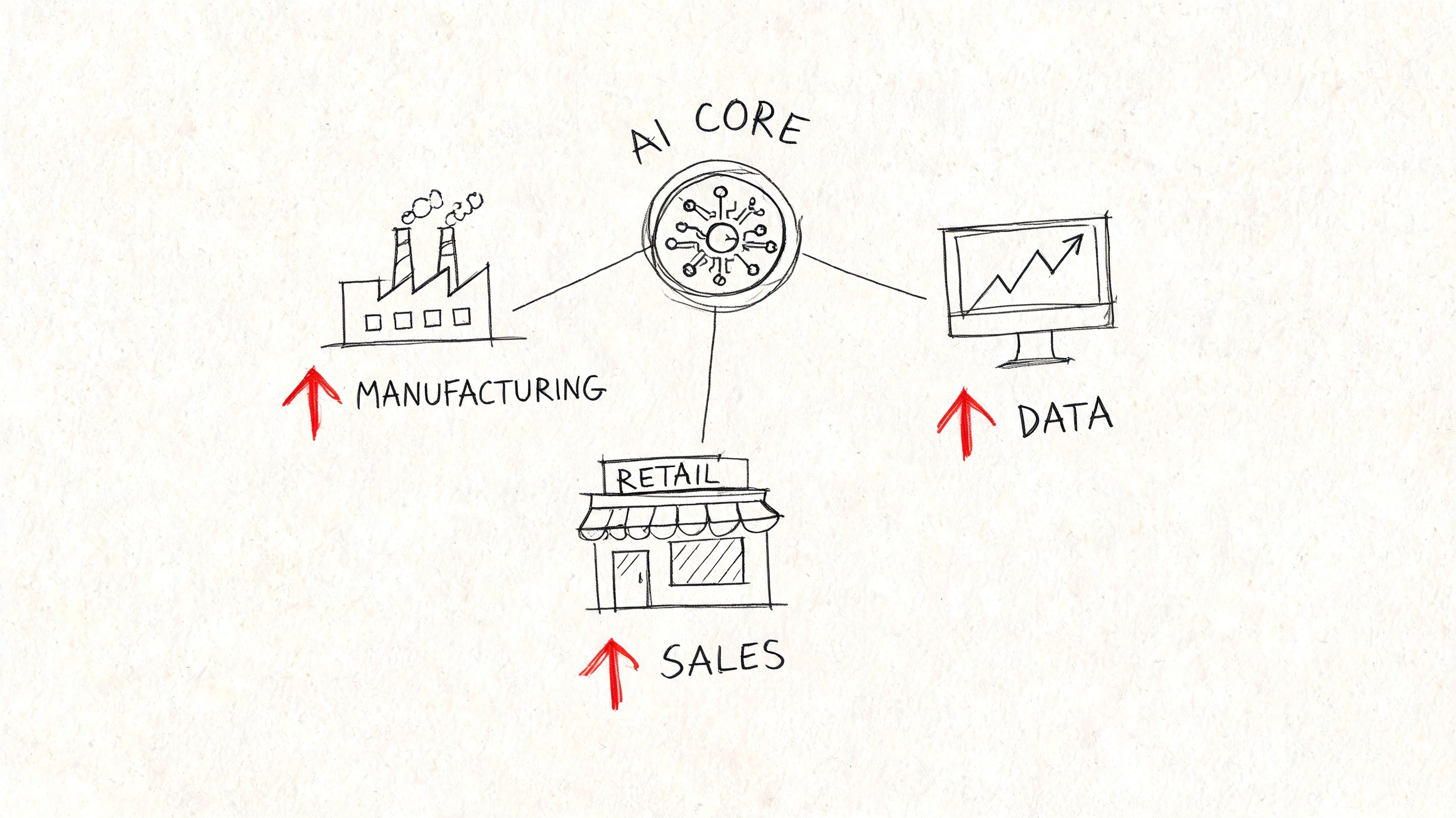
E-commerce retailers
An online store usually feels pain in three places. Product content. Customer support. Merchandising decisions.
AI helps when a retailer has hundreds or thousands of SKUs and a small team. It can assist with rewriting product descriptions, grouping review feedback, generating FAQ drafts, and helping support staff respond faster with more consistent language. In customer support, AI can boost agent productivity by up to 30%, and one study found AI-assisted agents handled 13.8% more inquiries per hour (Talogy on AI in workplace support).
That kind of lift matters in e-commerce because support isn’t a side function. It affects conversion, returns, and repeat orders.
Digital publishers
Publishers deal with scale differently. They’re managing topic selection, content refreshes, tagging, internal linking, search intent alignment, and audience retention. AI is useful here when it acts like an editorial assistant, not an editor-in-chief.
A strong publisher workflow might use AI to cluster related topics, identify outdated copy, draft metadata variations, and turn article transcripts into structured notes for the editorial team. It can also help support staff respond to subscription issues with more consistency.
For a deeper look at where automation fits into repeatable business processes, these intelligent automation use cases show the kinds of tasks that are worth systematizing first.
Local service businesses
A service business often has fewer moving parts than a publisher or retailer, but the margin for wasted time is smaller. Calls come in. Estimates need to go out. Appointments shift. Follow-ups get missed. Reviews need responses.
AI works well here when it supports speed and consistency. It can help draft estimate emails, summarize intake calls, organize lead notes, and create support responses based on previous interactions. It’s especially valuable when the owner is still acting as the bottleneck for communication.
What works and what doesn’t
The best industry use cases share the same pattern:
- Clear repetition: The team performs the task often enough to justify improvement.
- Visible output: You can check whether the AI result is useful before it reaches a customer.
- Direct business impact: Faster handling, better consistency, or fewer missed opportunities.
What usually fails is broader than the business needs. A small company buys an “AI platform” when what it really needed was a better support workflow, a faster content pipeline, or a cleaner internal process.
Measuring the ROI of AI Integration
If you can’t measure it, don’t call it ROI. Call it experimentation.
That sounds blunt, but it saves a lot of wasted money. Many businesses buy AI tools because the demo looks impressive. Then they judge success by vibes. The right approach is simpler. Pick one business problem, set a baseline before the rollout, and compare results after the workflow changes.
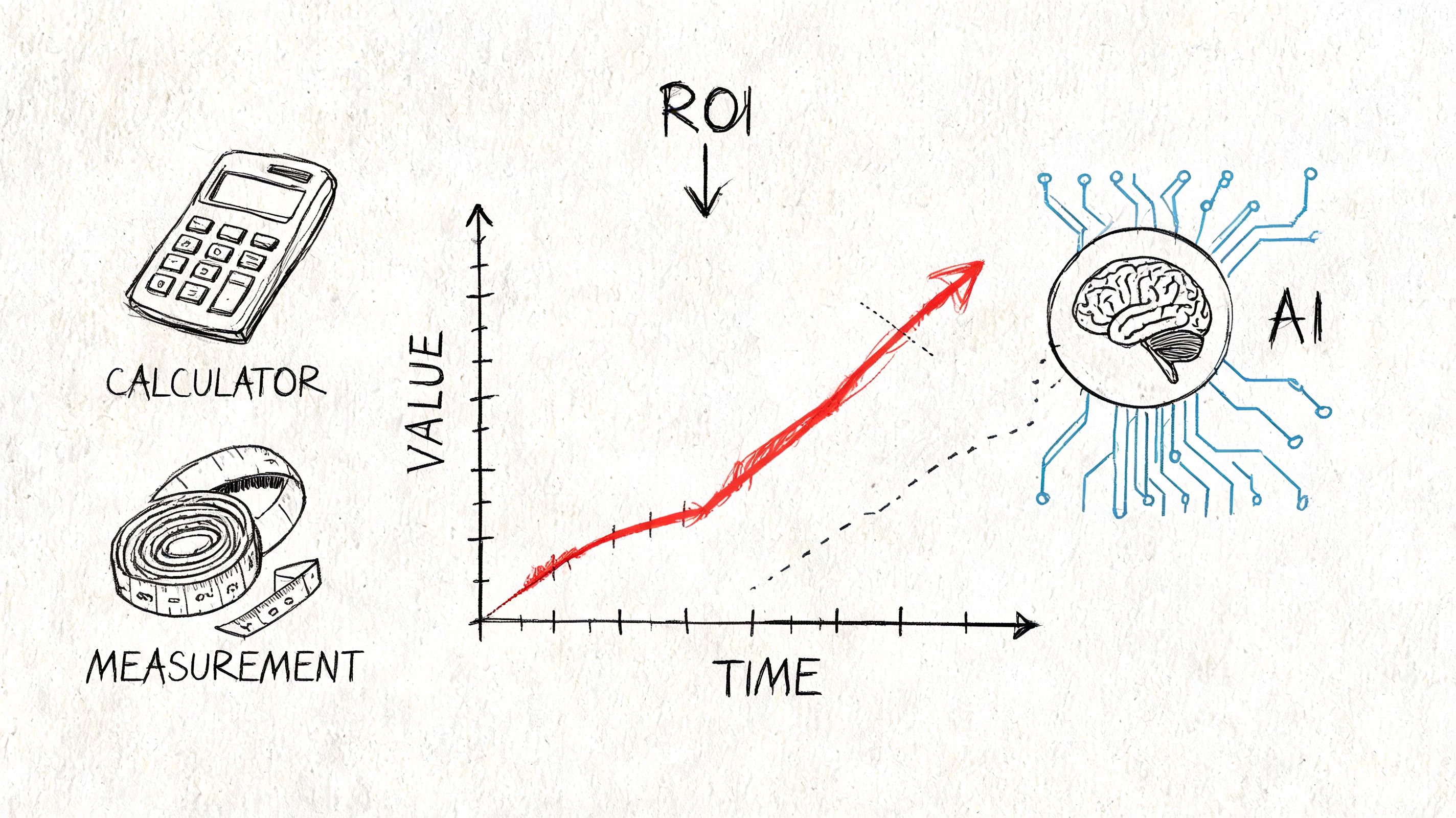
Start with operational KPIs
For support teams, track response time, time to resolution, backlog size, and how often staff needs escalation. For marketing teams, track content production speed, revision load, and campaign turnaround time. For operations, track how long recurring admin tasks take before and after AI assistance.
The point is to measure workflow movement, not just tool usage. High usage doesn’t mean the tool helped.
Tie activity to a business outcome
Use a simple model like this:
| Area | Workflow KPI | Business outcome to watch |
|---|---|---|
| Customer support | Resolution speed, queue volume | Better customer retention or fewer lost leads |
| Marketing | Drafting time, production volume | More output with the same team capacity |
| Sales admin | Follow-up speed, summary completion | Faster handoff and less lead leakage |
| Operations | Time spent on recurring tasks | Lower admin burden and more management capacity |
This doesn’t require advanced analytics. It requires discipline. Look at what the team did before, what changed in the workflow, and what happened after.
Avoid fake ROI math
A common mistake is counting every minute “saved” as a win even when the team never redirected that time toward higher-value work. If AI helps someone draft notes faster but the process still requires the same number of approvals, the actual gain may be modest.
Don’t measure AI by how clever the output sounds. Measure it by whether the business moves faster, cleaner, or more profitably.
Review after the workflow stabilizes
Early results are often noisy. Staff is learning the tool. Managers are adjusting prompts. Processes are still messy. Give the workflow enough time to settle, then review it against the baseline.
The strongest ROI signals are practical. Less rework. Faster follow-up. Better consistency. More customer-facing time. If those shifts are happening, the AI is earning its keep.
Your Practical Guide to Getting Started with AI
Most companies shouldn’t begin with a custom AI system. They should begin with one bottleneck that wastes time every week and a tool that can improve it without changing the whole company at once.
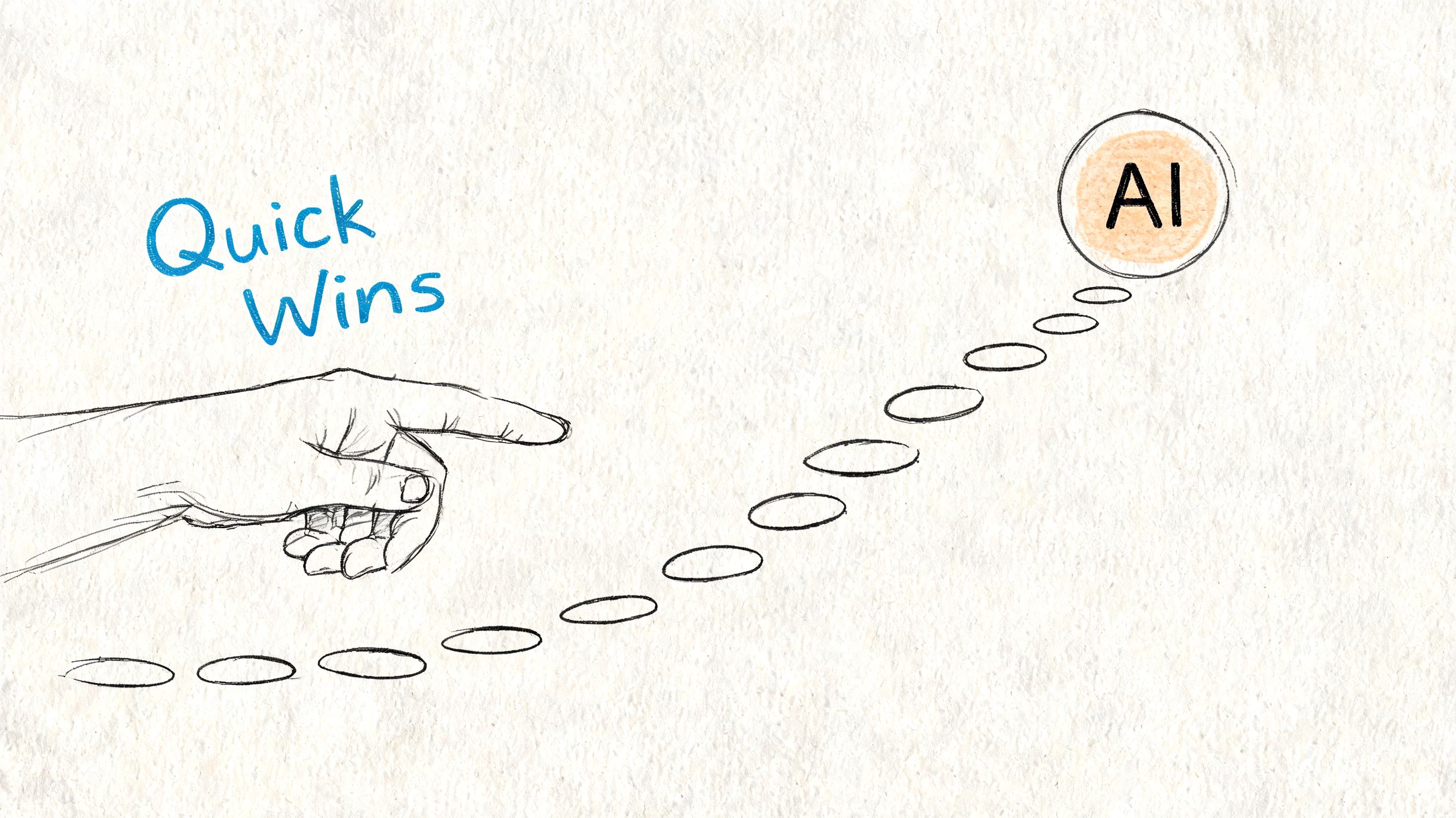
AI-driven automation in IT and operations can double productive output, and simple generative AI uses like summarizing meetings or drafting emails can save a user one full workday per month (Zylo on AI in the workplace). That’s why the smartest starting point is usually boring on purpose. You want a low-risk workflow with clear before-and-after results.
Step 1 Pick one painful bottleneck
Don’t start with “we need an AI strategy.” Start with “our account managers spend too much time writing recap emails” or “support keeps answering the same questions from scratch.”
Good first targets include:
- Meeting summaries: Sales calls, project calls, and internal status updates.
- First-draft writing: Email follow-ups, FAQs, product copy, and internal SOPs.
- Support assistance: Suggested replies, response templates, and conversation summaries.
- Research cleanup: Organizing notes, extracting themes, and converting rough input into usable outlines.
Step 2 Use tools your team can actually adopt
If your team already lives in Microsoft Teams, Google Workspace, Slack, HubSpot, Shopify, Notion, or Zendesk, start there. Embedded AI inside familiar software usually gets adopted faster than a separate platform that needs its own process.
For founders who want to understand the low-code side before buying something more complex, this founder's guide to no-code AI gives a useful non-technical overview of what can be built without a full engineering lift.
Step 3 Run a controlled pilot
Pick one team. Set one baseline. Define one success standard.
A simple pilot structure works well:
- Choose the workflow that is repetitive and reviewable.
- Define the guardrails for privacy, approvals, and human review.
- Train the team on when to use the tool and when not to.
- Review outputs weekly and tighten the process based on what failed.
A short explainer can help if your team needs a plain-English overview before starting:
Step 4 Keep humans in the approval loop
This matters more than most demos admit. AI is excellent at producing drafts, patterns, and summaries. It’s weaker when tone, business context, customer history, or exceptions matter. The first phase should always preserve review by the person closest to the work.
A good first AI project feels like a better assistant, not a risky replacement for judgment.
If the pilot reduces drag and the team keeps using it without resentment, you’ve got something worth expanding.
Navigating the Risks and Common Pitfalls
Most AI problems in small businesses aren’t technical failures. They’re management failures. The tool may work fine, but the rollout creates confusion, fear, or extra work.
The biggest challenge in AI deployment is managing organizational resistance and employee anxiety about job displacement, and poor implementation can make burnout worse when half of all workers already report burnout (Microsoft on AI workplace benefits and change management).
The human problem comes first
When leaders say, “We’re bringing in AI to improve efficiency,” employees often hear, “We’re about to cut people or monitor every move.” If that concern isn’t addressed directly, adoption gets passive resistance. Staff avoids the tool, uses it badly, or pretends it’s helping when it isn’t.
You reduce that risk by explaining what the tool is for, what it won’t be used for, and where human approval still matters.
Common mistakes that slow adoption
A few mistakes show up again and again:
- Buying too much tool: A company with one workflow problem buys a full platform it doesn’t need.
- Skipping process cleanup: AI gets layered onto a messy process and inherits the mess.
- No review standard: Staff doesn’t know what “good output” looks like, so quality varies wildly.
- No training: People get access, not instruction.
- Bad communication: Leaders announce AI as a cost move and then wonder why morale drops.
What works better
A steadier rollout usually looks like this:
| Bad rollout | Better rollout |
|---|---|
| AI is framed as replacement | AI is framed as support for repeatable work |
| Teams get access with no playbook | Teams get examples, boundaries, and review rules |
| Success is assumed | Success is measured against a baseline |
| Managers focus on the tool | Managers focus on workflow and role clarity |
Some employees will adapt quickly. Others will need examples, reassurance, and time. That isn’t resistance for its own sake. It’s a normal response to operational change.
Privacy and judgment still matter
Even a useful tool can create risk if employees paste sensitive information into the wrong system or publish outputs without checking accuracy. That’s why every rollout needs a usage policy in plain language.
Keep it simple. State what data can be used, what data can’t, which tasks require approval, and who owns final review. Businesses that skip this step usually create “shadow AI” behavior where employees use random tools without oversight.
Scaling Your Success and When to Call an AI Consultant
A DIY approach works well when you’re testing one workflow and the stakes are manageable. It stops working when the business needs multiple tools to connect, teams start using AI inconsistently, or leadership wants results tied to a larger growth plan.
That’s usually the point where outside help becomes practical, not extravagant. If you need custom workflows, system integration, governance rules, or a roadmap that connects AI to revenue operations, support, SEO, and web systems, the work has moved beyond casual experimentation.
The signs are usually clear:
- You’ve proven one use case and want to scale it across departments.
- Your team uses several tools that don’t share process or standards.
- You need custom integration instead of another standalone app.
- Leadership wants accountability around ROI, privacy, and workflow design.
If that sounds familiar, this guide on when to hire an AI consultant can help you decide when expert support makes sense.
The businesses getting the most from AI aren’t the ones chasing every new feature. They’re the ones choosing the right problems, measuring results, and building systems their teams can trust.
Up North Media helps businesses turn AI from a vague idea into a working advantage. If you need practical help with AI consulting, workflow automation, web app integration, or data-driven growth strategy, Up North Media is a strong partner to start the conversation with.