

Choosing an SEO plugin feels bigger than it should. You install one small WordPress add-on, and suddenly it's handling metadata, schema, redirects, sitemaps, social previews, content scoring, and in some cases your whole editorial workflow. Pick well, and publishing gets easier. Pick poorly, and you inherit clutter, confusing defaults, and a plugin your client never really uses.
That's the situation a lot of site owners are in right now. They've narrowed the field to a few recognizable names, but every tool claims to be one of the best seo plugins for WordPress. The feature lists blur together fast. What matters is fit. A local service company needs something different from a publisher with multiple authors, and both need something different from a WooCommerce store with a lot of product pages.
At Up North Media, we've installed, migrated, and handed off SEO plugins across simple brochure sites, content-heavy sites, and more complex builds. We care less about flashy settings panels and more about whether the plugin helps the right person do the right work without breaking the site or creating cleanup later.
If you're also weighing infrastructure decisions around your site stack, it's worth reviewing how SEO and hosting work together in practice with this guide to compare WordPress hosting plans Australia.
1. Yoast SEO
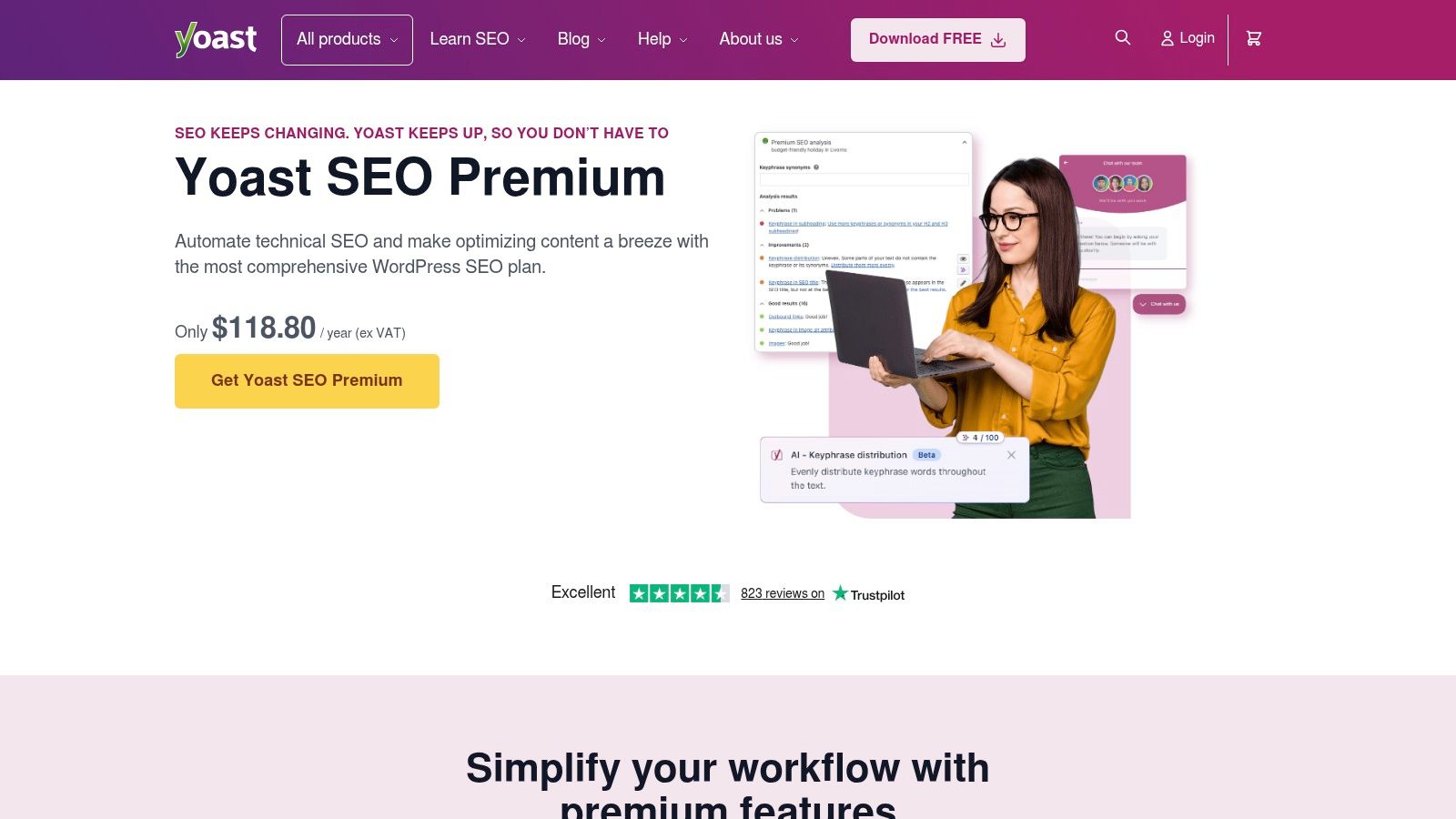
A common hand-off problem looks like this. The site is built well, the SEO basics are in place, then three different people start publishing and metadata quality drops within a month. Yoast remains one of the safest fixes for that situation because its interface gives non-specialists clear prompts without asking them to learn technical SEO from scratch.
That guided workflow is the main reason we still recommend it so often. Yoast centers the day-to-day tasks content teams touch: titles, meta descriptions, canonical settings, social previews, XML sitemaps, and page-level analysis. Yoast also documents how its analysis and traffic light system are meant to support editorial consistency in its guide to the readability analysis and SEO assessments. For teams that need the basics behind those checks, we often pair the plugin with our own SEO best practices checklist for WordPress teams and, for broader context, what search engine optimization is.
Where Yoast works best
We usually put Yoast in front of local service businesses, B2B companies with several internal contributors, franchise groups, and ecommerce teams where marketing owns content but not technical SEO. In those setups, consistency matters more than squeezing every setting into one dashboard.
Yoast is more opinionated than some alternatives, and that is often a benefit. It gives authors guardrails, keeps key settings in predictable places, and makes client training easier after launch.
Practical rule: If non-SEO authors publish directly in WordPress, Yoast is usually the safer hand-off.
Its market share also matters in a practical way. Widespread adoption means fewer compatibility surprises with themes, page builders, and common WordPress plugins, even though market position alone is never a reason to choose a tool.
The trade-offs are straightforward:
- Strong fit for editorial teams: Real-time feedback helps writers catch missing metadata, weak structure, and basic on-page issues before publishing.
- Good fit for growing sites: Premium features like redirects and internal linking suggestions become more useful once page count starts climbing.
- Less suited to stripped-down builds: The interface can feel heavy on smaller sites, and licensing costs stack up across a large portfolio.
- Not our first choice for highly customized SEO workflows: Teams that want finer control over schema, modular settings, or lighter admin screens may prefer a different plugin.
We use Yoast when the goal is stable process, cleaner client hand-off, and fewer publishing mistakes across a mixed-skill team.
2. Rank Math
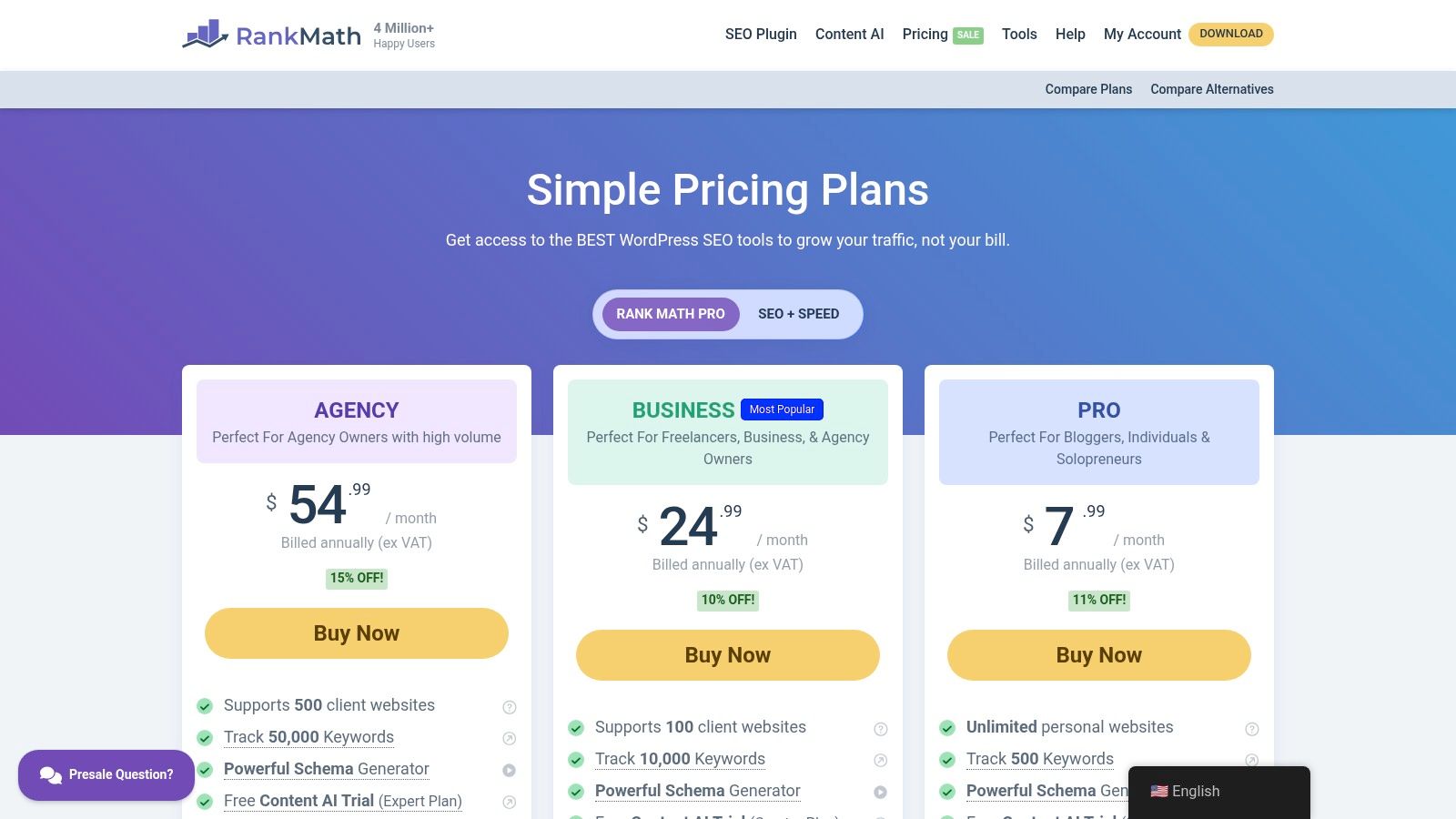
A common agency scenario looks like this. A client wants schema controls, local SEO settings, redirects, analytics views, and basic technical cleanup, but they do not want five separate plugins and a messy hand-off. Rank Math fits that brief better than many alternatives.
We usually recommend it for growth-stage businesses, affiliate projects, and content-heavy sites run by someone comfortable inside WordPress. It gives teams a lot of control in one plugin, which can reduce plugin sprawl and simplify early-stage stack decisions. That same depth can create maintenance risk if nobody on the client side owns SEO after launch.
Rank Math itself positions the plugin as a broad SEO suite with modules for schema, local SEO, redirections, and analytics integrations on its official feature page. That lines up with how we evaluate it in practice. The question is rarely whether it has enough features. The question is whether the client can manage those features without drifting into bad settings over time.
Agency fit and rollout notes
Rank Math works best when the site has a clear operator. That might be an in-house marketer, a technically capable founder, or an agency retaining ongoing support. For simple brochure sites with light publishing activity, the extra controls often go unused. In those cases, more settings do not create more value.
We also pay attention to migration and hand-off. Rank Math is a practical choice when replacing older SEO setups because it can consolidate tasks that were previously spread across multiple plugins. During onboarding, we pair it with a documented process so clients know what to touch and what to leave alone. Our SEO best practices checklist for WordPress teams helps with that hand-off.
What stands out from an agency point of view:
- Strong fit for feature-consolidation projects: Good option for clients who want schema, redirects, local settings, and metadata controls in one place.
- Useful for technically confident teams: The modular setup gives experienced users more room to configure the plugin around the site's goals.
- A realistic choice for growing SMB sites: It can cover a lot before a client needs extra SEO tooling.
- Less suited to low-maintenance client accounts: More options means more ways to misconfigure titles, schema, or indexing settings after hand-off.
- Licensing needs a review before standardizing: Agencies should check plan rules carefully if they plan to deploy it across multiple client sites.
Rank Math is a strong choice when the client needs range and control. It is a weaker choice when the client needs simplicity and tight publishing guardrails.
We use Rank Math when the priority is breadth, consolidation, and room to configure. We skip it when a client needs a cleaner editorial workflow than a feature-heavy control panel.
3. All in One SEO
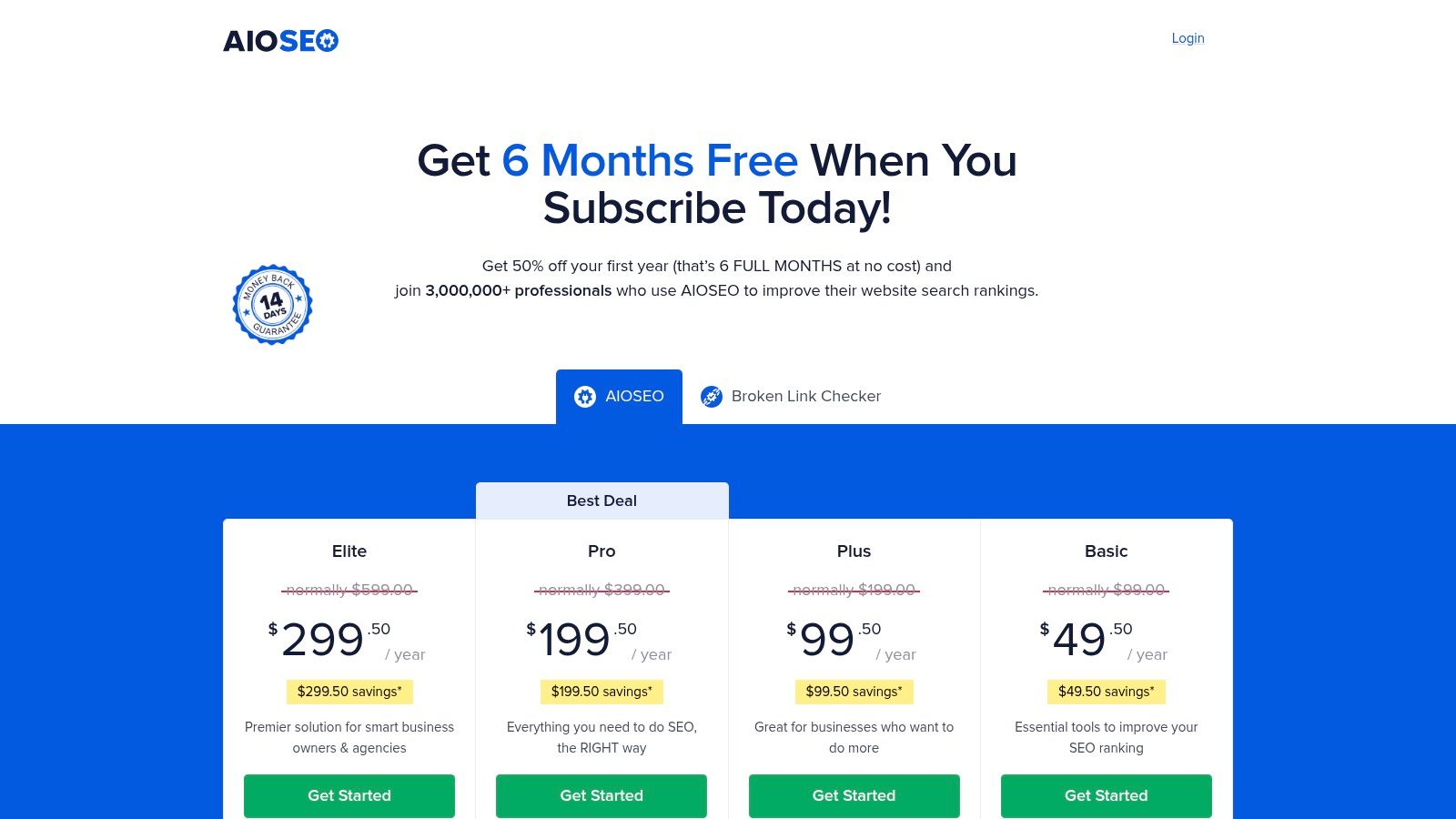
AIOSEO usually comes up after a familiar agency scenario. A client wants one plugin that covers titles, schema, XML sitemaps, redirects, and local SEO settings, but they do not want a tool that feels overly editorial or too developer-first. That is the lane where AIOSEO tends to make sense.
We use it for businesses that want a capable all-in-one setup with a lower training burden than some feature-heavy alternatives. It is a practical fit for local service companies, WooCommerce stores, and small marketing teams that need enough control to do real SEO work without turning every settings screen into a hand-off risk.
AIOSEO also has broad market adoption, and WordPress.org lists it among the established SEO plugins in the ecosystem on its All in One SEO plugin page. For agency selection, that matters less as a popularity contest and more as a maintenance signal. Mature plugins usually have better migration paths, better documentation, and fewer surprises when inheriting an existing site.
Where AIOSEO fits best
The strongest use case is the client who wants consolidation without getting buried in configuration. We have seen it work well for:
- Local businesses: Solid support for local schema, service pages, and location-focused metadata.
- WooCommerce stores: Useful product SEO controls without needing a separate workflow for basic ecommerce optimization.
- Small multi-site client portfolios: Easier to standardize than some plugins that expose too many decisions to end users.
- Teams that need redirects in the same tool: Helpful during redesigns, URL cleanups, and post-migration QA.
The trade-off is interface density. AIOSEO is not difficult to work with, but the admin can feel busy once multiple modules are active. For experienced marketers, that is manageable. For low-touch clients who only log in to publish a page or update business hours, it creates more room for accidental setting changes than we would like.
That hand-off point matters. If a client needs a plugin they can mostly ignore after launch, we usually look harder at lighter options. If they need one dashboard that handles core SEO jobs without stitching together several plugins, AIOSEO stays in the shortlist.
For teams that need a repeatable baseline process, our SEO best practices checklist pairs well with AIOSEO during onboarding.
It earns its place on a best seo plugins list because it handles a wide range of real client needs without forcing one rigid workflow. From an agency perspective, that balance is the reason to choose it.
4. SEOPress
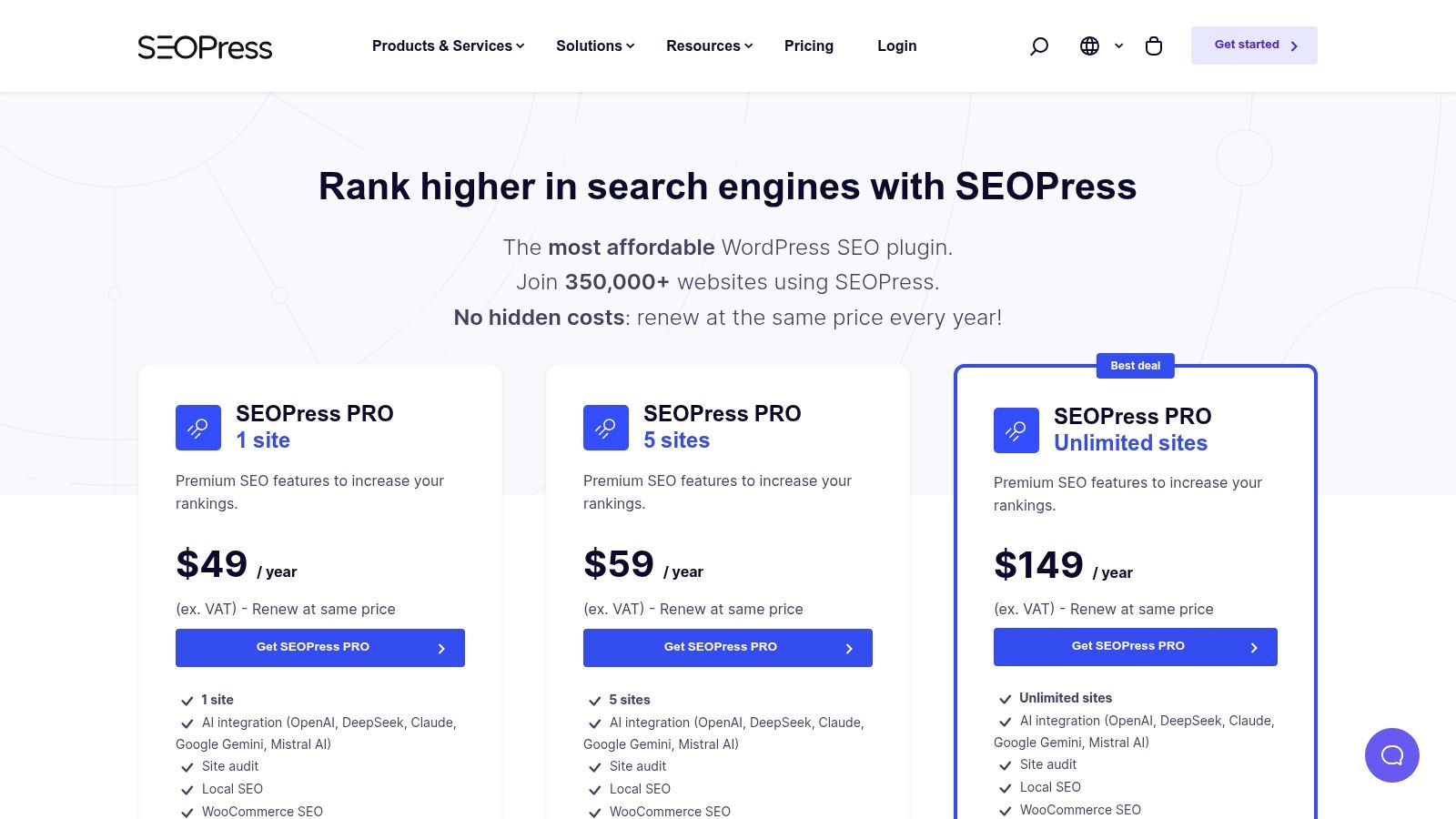
A common agency scenario looks like this. The site is custom-built, the client only logs in to update pages once or twice a month, and nobody wants an SEO plugin that turns the WordPress admin into a training course. SEOPress fits that job well.
We use it on builds where control matters but presentation matters too. The interface stays relatively tidy, the settings are organized in a way that makes sense for technical teams, and the white-label options are useful when we are handing off a managed site under our own process.
Why agencies keep coming back to it
SEOPress earns its place on this list because it solves a specific agency problem. It gives developers and marketers the core SEO controls they need, without pushing constant scoring prompts and content nags in front of clients who are just trying to publish a page.
From Up North Media's perspective, that makes it a strong fit for a few client types:
- Custom brochure sites: Clean title, meta, schema, sitemap, and redirect management without adding much admin clutter.
- Service businesses with low-touch teams: Easier hand-off when the client needs a focused interface, not a lot of coaching inside WordPress.
- Agencies managing multiple client sites: White-label settings and import tools help standardize setups and reduce migration friction.
- Developer-led projects: Better fit for teams that already know how they want SEO configured and do not need heavy editorial guidance.
The migration angle matters more than feature grids usually show. During rebuilds, importing metadata from another plugin can save a lot of cleanup time, especially on older sites with years of manual title tag work. That is one of the reasons we keep SEOPress in the shortlist for redesigns and platform refreshes.
Its main trade-off is reach. Yoast and Rank Math have bigger communities, more third-party tutorials, and more clients who have already seen the interface before. If a hand-off depends on familiar documentation or a broad ecosystem of add-ons, that can tip the decision away from SEOPress.
WPBeginner includes SEOPress in its roundup of WordPress SEO tools and highlights its white-labeling, redirect management, and schema support, which lines up with how we evaluate it on agency builds: WPBeginner's SEO plugin comparison.
We recommend SEOPress when the brief is clear: keep the admin cleaner, keep the setup flexible, and make client hand-off easier without giving up the SEO basics that matter.
5. The SEO Framework
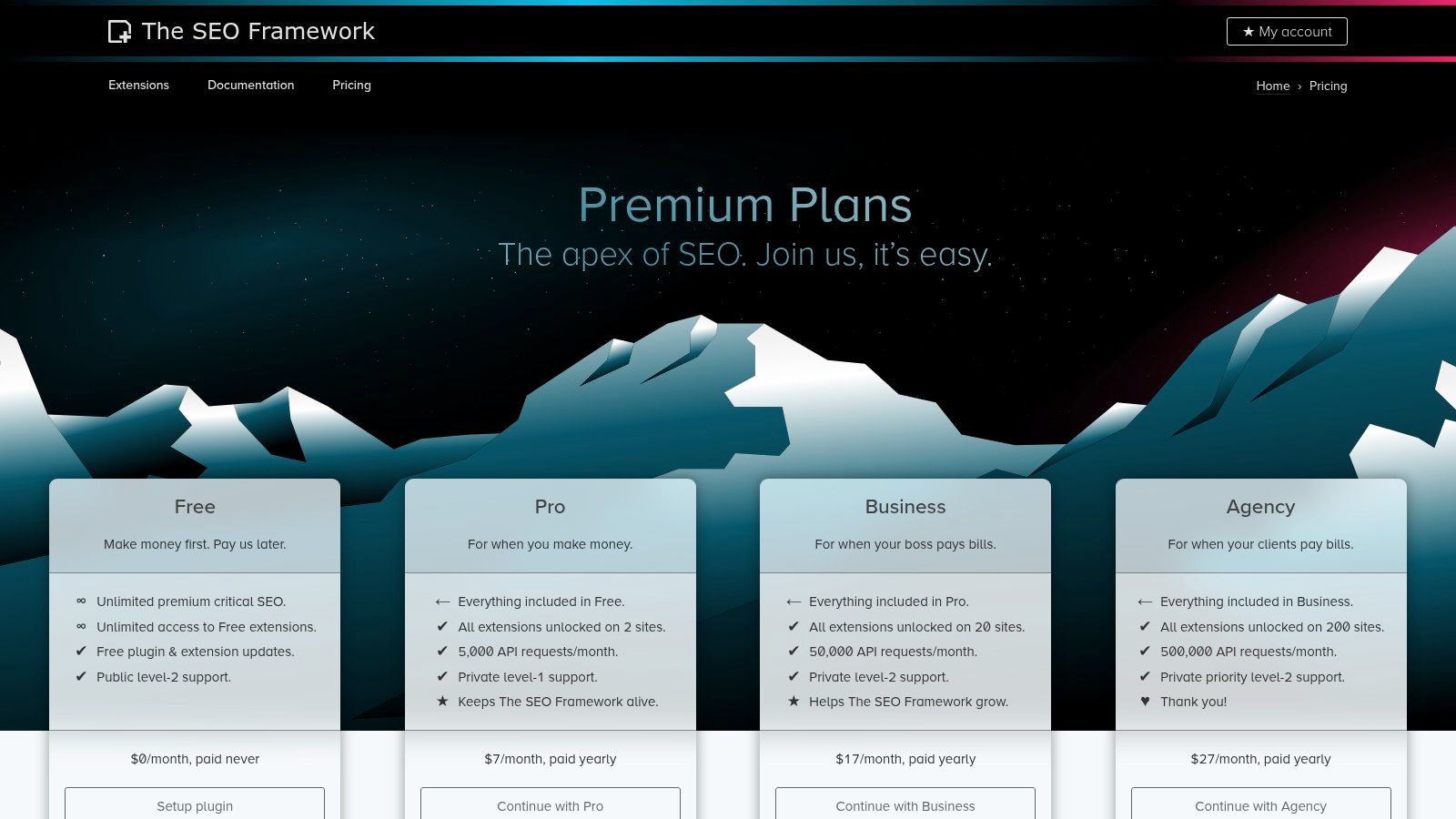
The SEO Framework is what we recommend when speed, restraint, and sane defaults matter more than on-screen coaching. It doesn't try to be your content strategist. It tries to configure core SEO elements cleanly and stay out of the way.
That approach is valuable on sites with experienced builders, multisite environments, and performance-sensitive projects where every extra admin distraction feels unnecessary. For developers, it often feels refreshingly quiet.
Best use cases for a lighter footprint
Zapier's roundup places Yoast among the best for content analysis, while calling out The SEO Framework for speed and automation. That distinction matches how we think about it. This plugin is less about coaching and more about efficient defaults.
We usually like it for:
- Developer-led builds: Teams that prefer direct control over templates, taxonomy handling, and technical output.
- Fast brochure sites: Businesses that need clean SEO coverage without a lot of dashboard complexity.
- Multisite or repeatable setups: Especially when the same technical pattern is deployed across several sites.
The trade-off is obvious. Clients don't get the same content guidance they'd get from Yoast or Rank Math. If a marketing coordinator needs readability prompts, keyphrase reminders, or stronger guardrails, The SEO Framework can feel too hands-off.
That doesn't make it weaker. It makes it narrower.
For speed-focused sites and technically confident teams, it's one of the best seo plugins because it avoids trying to do too much.
6. Squirrly SEO
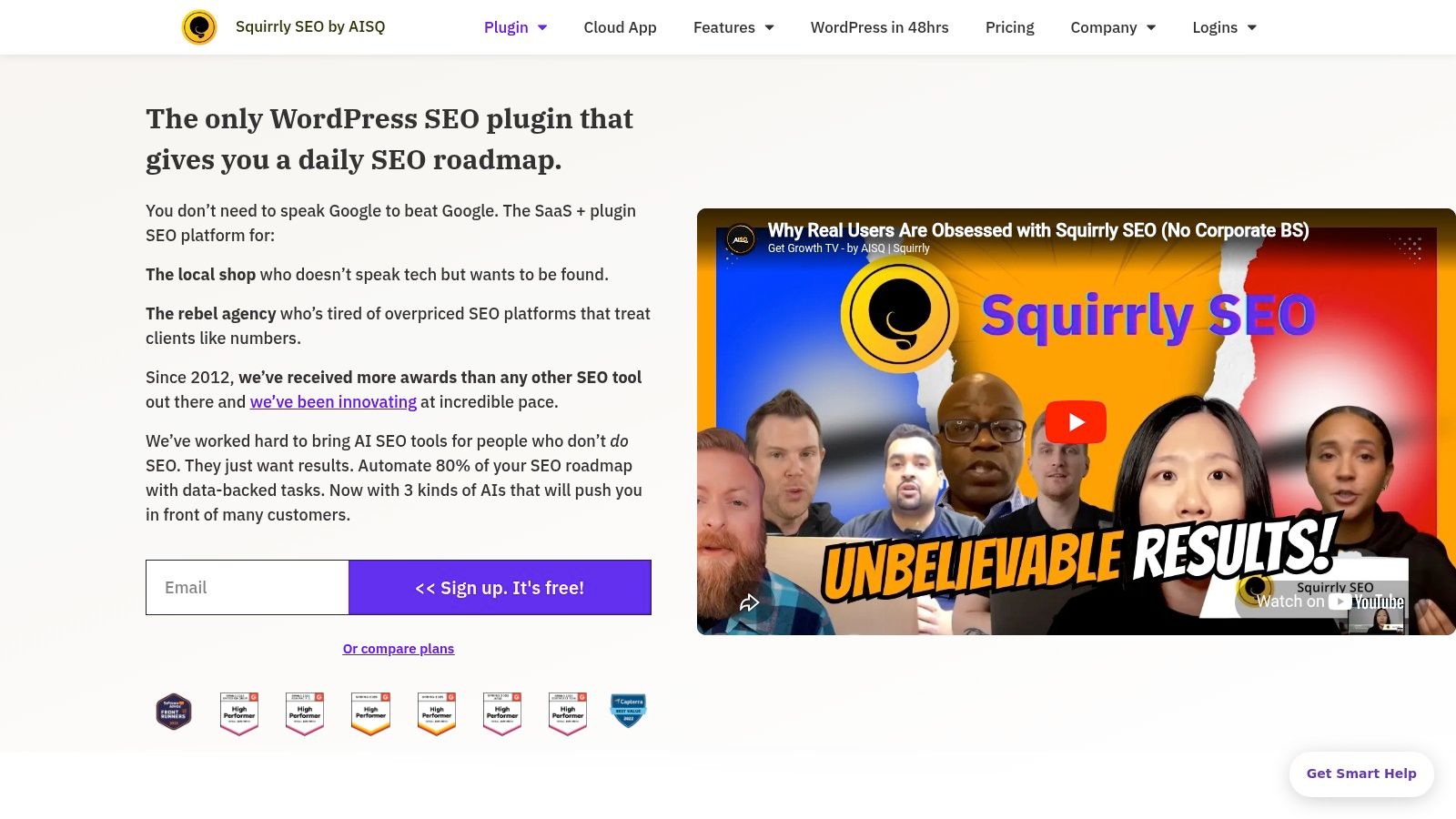
Squirrly takes a different approach from most WordPress SEO plugins. Instead of acting mainly like a settings layer inside WordPress, it behaves more like a guided SEO system. That can be a great fit for small teams that need structure and a poor fit for seasoned SEO operators who already have a workflow.
We've seen this style work best when the business owner is wearing multiple hats and needs clear next actions. Daily goals, focus pages, live assistance, and audit-style prompts can help a generalist team keep moving.
Where Squirrly helps most
Squirrly is strongest when execution is the problem, not access to features. A lot of small businesses don't need more switches. They need a system that says, “Do this page next, fix this issue, update this metadata, track this priority.”
That's why we'd consider it for:
- Small in-house teams: Especially where no one is a dedicated SEO specialist.
- Founder-led marketing: The workflow is more guided than traditional plugins, which can reduce decision fatigue.
- Businesses that want one connected environment: Research, optimization, and monitoring are tied together more tightly than in many competitors.
The friction point is also clear. Experienced SEO teams may find the guidance layer heavy. If you already know how to prioritize pages, structure internal links, and manage metadata at scale, Squirrly can feel like a system that adds process you don't need.
It's a smart choice when the team needs coaching inside the tool, not just settings.
7. Slim SEO
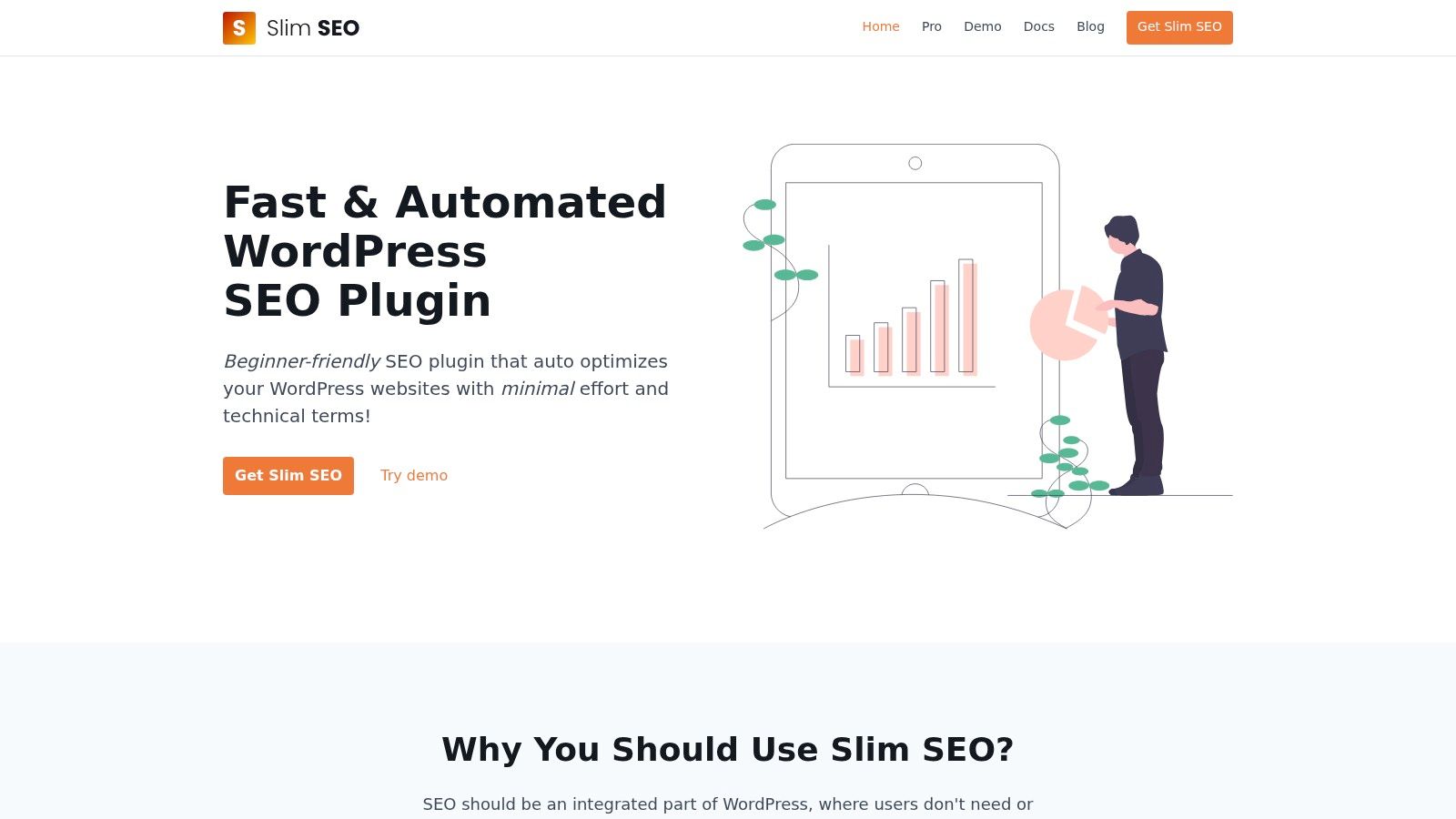
Slim SEO is one of the easiest plugins to recommend for simple sites. Install it, let it handle the basics, and move on. That's the pitch, and in many cases that's exactly the right pitch.
We tend to use it on brochure-style websites, landing page systems, microsites, and builds where the client is unlikely to maintain lots of SEO settings. It's also useful when we want fewer admin distractions during hand-off.
Why less can be better
Slim SEO covers core needs such as automatic titles and descriptions, schema, sitemaps, breadcrumbs, redirects, and image alt automation. For some websites, that's enough. Not every business needs a full publishing assistant with audits, scores, and prompts on every page.
Its strengths are straightforward:
- Fast deployment: Good for sites that need clean setup without a long configuration phase.
- Minimal interface: Clients don't get buried in settings they'll never touch.
- Developer-friendly: Especially useful in builds that already rely on custom fields or structured content patterns.
Its weakness is just as straightforward. Slim SEO won't coach your writers. If your content process depends on in-editor analysis, readability suggestions, or internal linking prompts, you'll outgrow it quickly.
A lightweight plugin works best when the content workflow is already disciplined outside WordPress.
Among the best seo plugins, Slim SEO earns its place by being selective. It focuses on core execution instead of trying to be an all-in-one SEO command center.
8. SmartCrawl
SmartCrawl makes the most sense when the client is already in the WPMU DEV ecosystem. On its own, it's a capable SEO plugin. As part of a broader managed stack with performance, image optimization, security, and reporting tools, it becomes much more appealing.
That bundling matters in agency work. Some clients don't want best-in-class tools from five vendors. They want one dashboard, one support channel, and fewer moving parts.
Best for bundled site management
SmartCrawl handles titles, metadata, sitemaps, schema, audits, auto-linking, redirects, and reporting. The feature set is solid, and the interface is generally approachable. We've found it especially suitable for teams that value operational simplicity over chasing every advanced niche feature.
It tends to fit:
- Managed WordPress environments: Especially where WPMU DEV tools are already handling speed, media, or maintenance.
- Agencies that want centralization: Multi-site management is easier when plugin updates and support live in one ecosystem.
- Clients who prefer suites over piecemeal tools: Less vendor sprawl, fewer logins, simpler support expectations.
The downside is value concentration. If you don't need the rest of the WPMU DEV membership, SmartCrawl is harder to justify as a standalone decision. Smaller sites can end up paying for a lot of surrounding capability they won't use.
We don't usually recommend SmartCrawl as the first plugin to evaluate. We recommend it when the rest of the stack already points in that direction.
9. WP Meta SEO
WP Meta SEO earns its spot for one reason: bulk work. When a site has a large content library and the team needs to clean up metadata, image attributes, redirects, and sitemap coverage efficiently, this plugin becomes more interesting than its lower profile suggests.
We don't usually start small sites on WP Meta SEO. We consider it when the workload is operationally heavy. If someone has to touch hundreds of entries, bulk editing matters more than polished coaching.
Strong fit for content-heavy sites
This plugin is practical for publishers, WooCommerce stores with many products, and long-running business sites with years of accumulated pages. Its bulk meta editor and image SEO controls can save a lot of repetitive effort.
Why we'd pick it:
- Bulk metadata updates: Useful when inherited title tags and descriptions need cleanup at scale.
- Image SEO support: Helpful on media-heavy sites where alt attributes were handled inconsistently.
- Search Console workflow tie-in: The Pro version connects suggestions more directly to content work.
The trade-off is experience. WP Meta SEO feels more utilitarian than polished. It doesn't give the same editorial guidance or broad ecosystem support as larger players like Yoast, Rank Math, or AIOSEO.
That said, not every team needs elegance. Sometimes they need speed and bulk control, and WP Meta SEO delivers that better than many prettier tools.
10. SEO Engine
SEO Engine is the newest-feeling option on this list. It focuses on lightweight automation, pragmatic defaults, and a cleaner modern experience rather than trying to match the legacy giants feature for feature. That makes it interesting, but also a plugin we'd validate carefully before deploying widely across client accounts.
For smaller sites or teams already using other Meow Apps tools, it can be appealing. The plugin aims to automate metadata, schema, social cards, sitemaps, robots handling, and missing link or ALT fixes without adding a lot of bloat.
Where we'd test it first
We'd trial SEO Engine on lower-risk projects before making it a standard recommendation. A newer ecosystem can be a strength because the tool feels fresh and focused, but it also means fewer tutorials, migration stories, and community references when a client needs support.
Its strongest use cases are likely:
- Simple business sites: Teams that want automation more than granular SEO coaching.
- Performance-conscious builds: The lightweight positioning is attractive for cleaner WordPress installs.
- Existing Meow Apps users: Operational familiarity matters more than people realize.
The caution is mostly about maturity. Before rolling it out across many client sites, we'd want to confirm how its Pro packaging, support model, and longer-term roadmap align with the client's needs.
For early adopters who want a lightweight plugin with modern defaults, SEO Engine is worth watching closely.
Top 10 SEO Plugins, Feature Comparison
| Plugin | Core features | Quality (★) | Price / Value (💰) | Target (👥) | USP (✨🏆) |
|---|---|---|---|---|---|
| Yoast SEO | Real-time SEO & readability, XML sitemaps, redirects, schema | ★★★★☆ | 💰 Premium per‑site; add‑ons (Local/Video/News) | 👥 Content teams, SMBs, e‑commerce | ✨ Editorial guidance & courses; 🏆 Mature ecosystem |
| Rank Math | Rank tracker, advanced schema, image & local SEO, analytics | ★★★★★ | 💰 Generous free; PRO unlimited personal sites, Business for agencies | 👥 Agencies, freelancers, value seekers | ✨ All‑in‑one feature set in WP; 🏆 Best feature/value ratio |
| All in One SEO (AIOSEO) | On‑page tools, schema, WooCommerce, redirections, SEO audit | ★★★★☆ | 💰 Tiered (1→100 sites); Pro/Elite for priority support | 👥 Freelancers, SMBs, agencies with WooCommerce | ✨ TruSEO audit & WooCommerce focus; 🏆 Scales cleanly |
| SEOPress | XML/HTML sitemaps, schema, white‑label, CSV import, migrations | ★★★★☆ | 💰 Simple, affordable PRO; clear pricing | 👥 Agencies, developers, privacy‑minded sites | ✨ Privacy‑friendly + white‑label; 🏆 Strong developer hooks |
| The SEO Framework | Auto titles/descriptions, canonical, schema graph, extensions | ★★★★★ | 💰 Lightweight core + paid extensions | 👥 Developers, multisite, speed‑focused sites | ✨ Performance‑first & minimal bloat; 🏆 Reliable for fast sites |
| Squirrly SEO | Focus Pages, live in‑editor assistant, weekly audits, SaaS data | ★★★★☆ | 💰 SaaS‑coupled tiers; task/workflow pricing | 👥 Non‑experts, small teams needing guidance | ✨ Guided workflows & Daily SEO Goals; 🏆 Actionable tasks |
| Slim SEO | Auto meta, schema, sitemaps, image alt, redirects; add‑on builder | ★★★★★ | 💰 Free core; Pro add‑ons or bundle | 👥 Developers, performance sites, minimalists | ✨ Very lightweight, near‑zero setup; 🏆 Fast deployment |
| SmartCrawl (WPMU DEV) | Titles/meta, sitemaps, schema, auto‑linking, audits, reporting | ★★★★☆ | 💰 Best value via WPMU DEV membership | 👥 Managed sites, agencies using WPMU suite | ✨ Integrated with Smush/Hummingbird/Defender; 🏆 Centralized support |
| WP Meta SEO | Bulk meta editor, mass image SEO, sitemaps, redirects, GSC pro | ★★★★ | 💰 Pro offers bulk/agency licensing | 👥 Content‑heavy sites, publishers, SEOs doing mass edits | ✨ Time‑saving bulk operations; 🏆 Efficient large‑site workflows |
| SEO Engine (Meow Apps) | Auto meta & schema, ALT/link fixes, WooCommerce enhancements | ★★★★☆ | 💰 Free core on WP.org; Pro vendor options evolving | 👥 Meow Apps users, modern/AI‑focused sites | ✨ AI‑driven automations for modern SERPs; 🏆 Clean UX & speed |
From Plugin to Performance Your Next Move
A common handoff goes like this. A business launches a redesigned WordPress site, installs an SEO plugin with every module turned on, and six months later nobody on the team knows which settings matter, who owns redirects, or why titles keep changing. The plugin was not the problem. The fit was.
At Up North Media, we choose plugins based on the site type, the people touching it, and the level of control the client can realistically maintain after launch. A local service business with ten core pages usually does better with a cleaner setup such as SEOPress, Slim SEO, or The SEO Framework. An editorial team with writers and marketers inside WordPress every day often benefits from Yoast because its cues are built into the publishing workflow. A growing store or a marketing team that wants more settings in one place may prefer Rank Math or AIOSEO, especially if schema, redirects, and role controls need to live in one dashboard.
The broader shift is clear. These plugins no longer just handle metadata and sitemaps. They influence how teams draft, review, publish, and maintain content. That changes the buying decision. We are no longer only asking, "Can this plugin output the right tags?" We are also asking, "Can this client use it correctly three months from now without creating avoidable messes?"
We see two mistakes over and over. The first is overbuying. A simple brochure site ends up with a feature-heavy plugin that adds settings the client will never touch, which raises the chance of bad edits during handoff. The second is underbuying. A publisher, ecommerce store, or multi-author site picks the lightest tool possible, then runs into limits around redirect management, schema control, bulk edits, or editorial guidance.
The better approach is operational. Match the plugin to the team, configure only what the site needs, and document who owns metadata, redirects, schema changes, and content standards. Keep those standards outside the plugin too, in your SOPs or editorial process, so a plugin switch does not reset the whole system.
That is the part many comparison posts miss. Plugin choice affects migration effort, training time, and long-term maintenance as much as feature depth.
If your team is weighing plugin selection alongside broader SEO execution, Up North Media is one option for businesses that need WordPress SEO tied to a larger content, technical, and growth strategy. The plugin matters, but performance comes from the process around it.
If you want help choosing, configuring, or migrating one of these plugins, Up North Media works with businesses that need practical SEO guidance tied to real site performance, content operations, and long-term growth.