
You're probably in the same spot most site owners hit sooner or later. Your WordPress site is live, content is going out, and now you need an SEO plugin that won't create more work than it solves. The hard part is that most plugin roundups blur together. They all promise better rankings, cleaner metadata, schema support, and easier optimization.
That's not enough to make a good decision.
Choosing among the best wordpress seo plugins is less about who has the longest feature list and more about fit. A local service business usually needs clean local schema, simple metadata control, redirects, and a setup that won't confuse the person updating pages. A publisher may care more about editorial workflow, content analysis, indexation control, and bulk updates. An ecommerce team often needs product schema, category optimization, WooCommerce support, and a plugin that won't get in the way of other revenue-critical tools.
Picking the wrong plugin can leave you with cluttered settings, overlapping features, slow admin workflows, or a messy migration later. Picking the right one gives you a reliable operating layer for technical SEO, metadata, sitemaps, schema, redirects, and content guidance.
At the agency level, we've seen the same pattern repeatedly. Teams rarely switch because a plugin is “bad.” They switch because the plugin no longer matches the site's scale, workflow, or technical comfort level. That's why this guide focuses on trade-offs, business fit, and migration reality, not just marketing bullets.
If you're also comparing the two names most buyers narrow down first, Four Eyes' comparison of SEO plugins is a useful companion read.
1. Yoast SEO
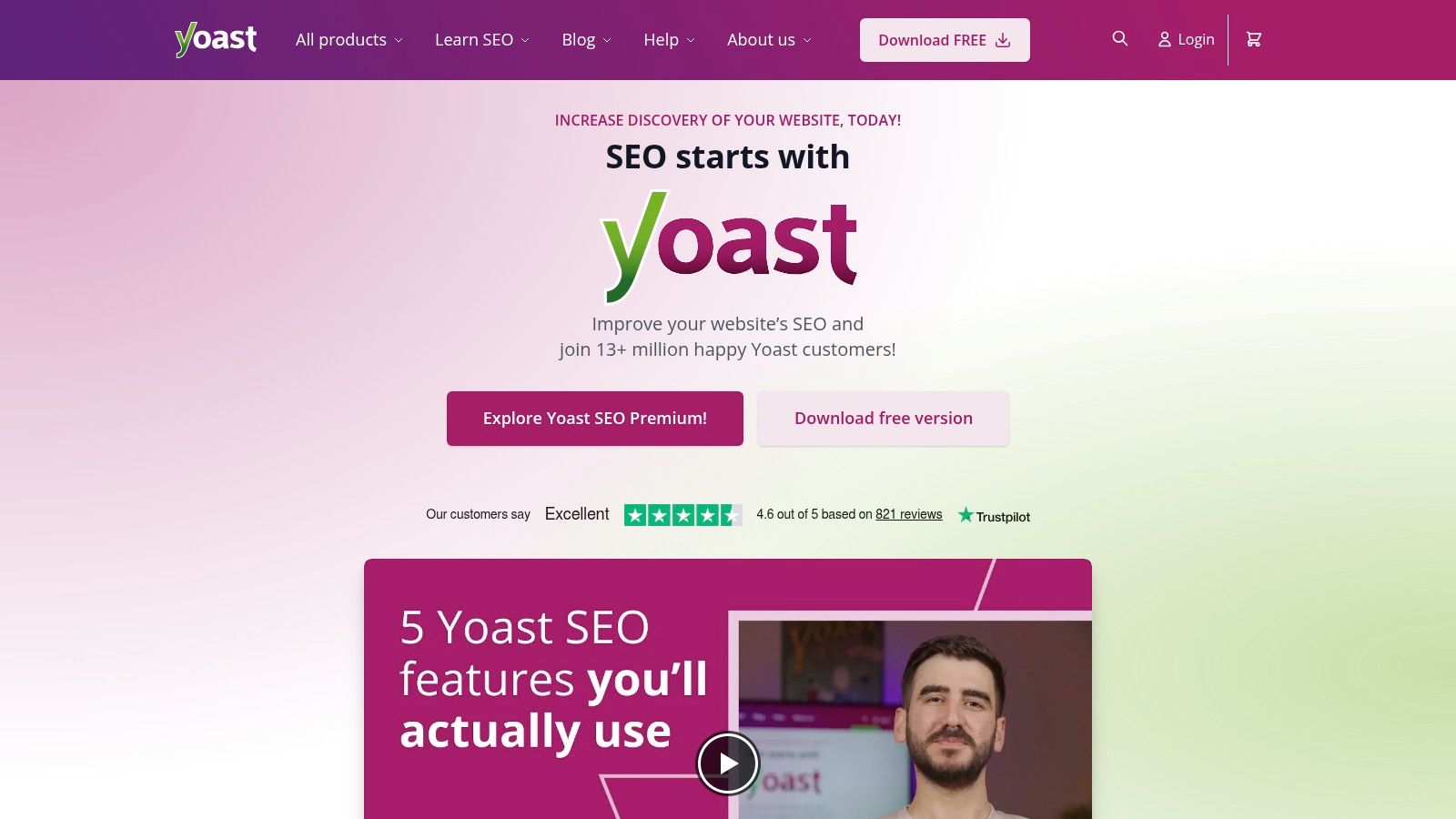
A common agency scenario looks like this. The site owner wants better rankings, the person editing pages is not technical, and nobody wants an SEO plugin that turns basic publishing into a training exercise. Yoast usually fits that situation well because it gives teams clear defaults, strong documentation, and enough guidance to keep day-to-day work consistent.
Yoast also has the market history to back that up. According to Yoast's WordPress.org plugin listing, it has more than 10 million active installations. That kind of adoption does not prove it is right for every site, but it does tell you the product has been tested across a huge range of WordPress setups.
Where Yoast works best
Yoast is a strong match for service businesses, editorial teams, and organizations that need guardrails more than advanced tuning on day one. The content analysis, readability checks, XML sitemaps, canonical settings, and default schema output cover the core jobs many sites need from a single plugin.
I recommend it most often when the primary bottleneck is process, not missing features. If your team publishes unevenly, forgets metadata, or needs a cleaner workflow between writers and marketers, Yoast helps standardize the basics. It also pairs well with a broader stack of SEO software tools for growing teams when the plugin itself is only one part of your workflow.
If someone on your team still needs a solid grounding in fundamentals, it also pairs well with a practical overview of what search engine optimization means. The plugin can guide decisions inside WordPress, but it cannot replace SEO judgment.
Practical rule: Choose Yoast when you want a stable default, clear training value, and fewer chances for non-technical users to make a mess of key settings.
Trade-offs to know
Yoast is not always the best fit for teams that want lots of built-in modules under one roof. Compared with some competitors, more advanced features can sit behind paid tiers, and power users may find the interface heavier than they want, especially inside the editor sidebar.
Migration into Yoast is usually straightforward, which is one reason agencies still use it as a reset option for cluttered sites. If a business has outgrown a patchwork of plugins or inherited a messy WordPress build, Yoast often gives you a cleaner operating baseline before you decide whether a more specialized setup makes sense later.
2. All in One SEO (AIOSEO)
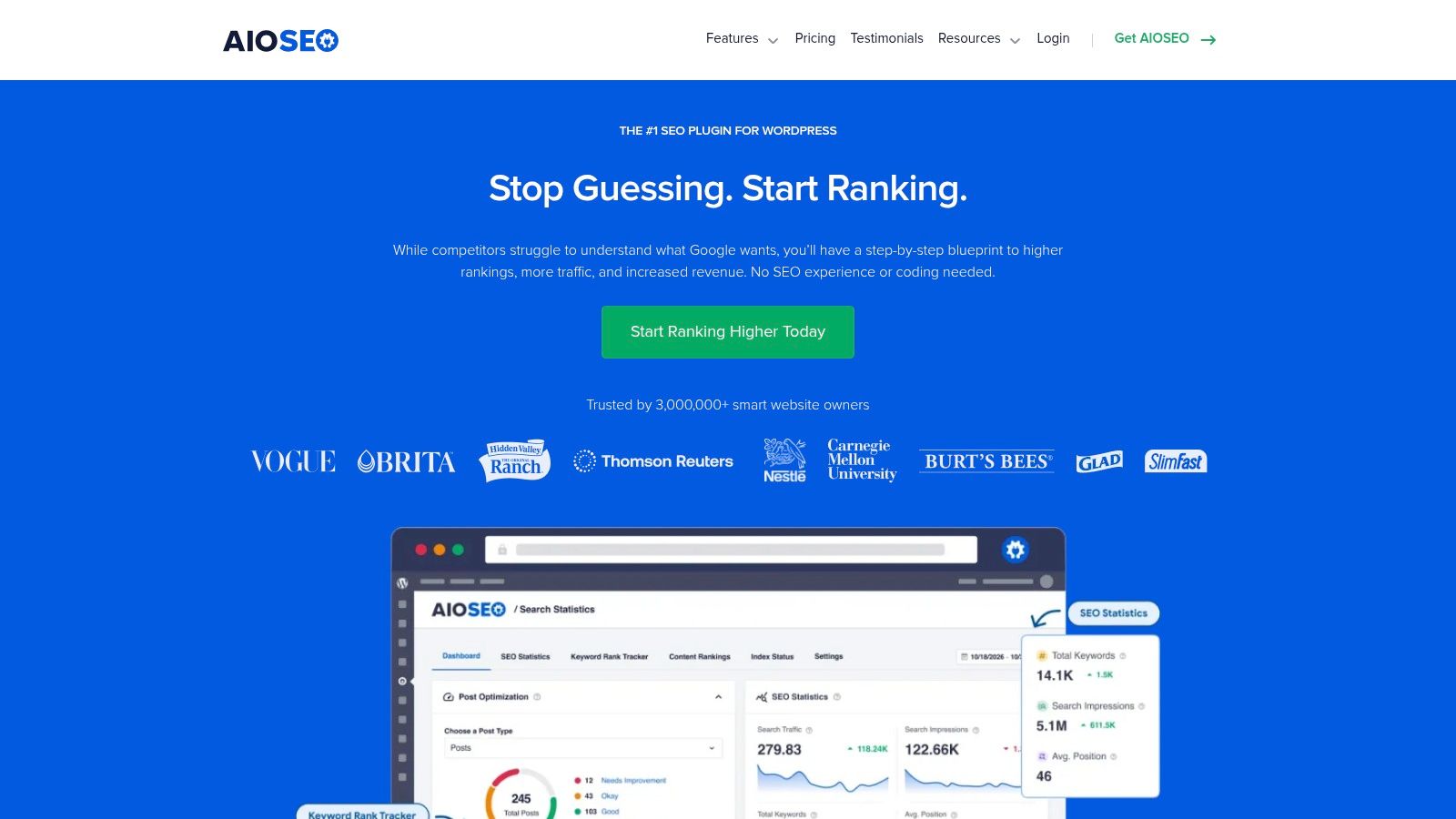
A common agency scenario looks like this. A local business or growing store wants one plugin that covers titles, schema, redirects, local SEO, and ecommerce basics without stitching together three or four separate tools. AIOSEO fits that brief better than many WordPress SEO plugins.
According to AIOSEO's plugin page in the WordPress.org directory, it has 3+ million active installations. That matters less as a popularity badge and more as a practical signal that the plugin is mature, widely supported, and familiar to freelancers, in-house marketers, and agencies.
Best fit for businesses that want breadth without a custom stack
AIOSEO usually makes sense for teams that want a wide feature set in one place. The plugin covers on-page settings, schema, redirects, local SEO, WooCommerce support, and builder integrations, which reduces the need to patch together extra plugins early on.
I would put it near the top of the list for:
- Local SMBs: Good coverage for core SEO settings, local business details, and simpler handoff to non-technical staff
- WooCommerce stores: Useful product SEO controls without forcing a highly customized setup on day one
- Agencies with many smaller client sites: Easier standardization when you need one training process across accounts
Its strength is operational simplicity. If the business does not have a developer available every week, that matters.
AIOSEO also works well when the SEO plugin is only one layer of the marketing stack. For teams comparing plugins alongside broader SEO software for reporting, content, and workflow management, it often fills the WordPress execution role cleanly.
If your team struggles with weak search snippets, a better process for writing meta descriptions will still do more than any plugin setting alone. AIOSEO gives you the fields and guidance. It does not write persuasive copy for you.
Trade-offs to know
AIOSEO tries to cover a lot, and that is both the benefit and the compromise. For some clients, the admin area can feel sales-heavy, especially after login. Less experienced users may not always know which notices are optional upsells and which settings deserve attention.
Pricing also deserves a closer look before rollout. Intro offers can make the plugin look inexpensive at first, but agencies and multi-site businesses should evaluate renewal costs against the number of installs they plan to maintain.
Choose AIOSEO if you want strong built-in coverage, a faster setup for small business sites, and fewer moving parts. Skip it if your team prefers a lighter interface or wants more granular control over every module.
3. Rank Math
A common agency scenario goes like this. The client wants more control than Yoast gives them out of the box, but they are not ready for a custom stack of separate SEO tools. Rank Math usually enters the conversation there.
It suits teams that want breadth in one plugin and are comfortable making setup choices. You get schema controls, redirections, 404 monitoring, WooCommerce SEO features, role management, and module-based settings that can be turned on or off depending on the site. That flexibility is the reason many advanced users rate it highly. It can cover a lot without forcing every feature onto every install.
For agency work, the key question is fit. Rank Math tends to work best for three groups: e-commerce stores that need product schema and WooCommerce-specific controls, publishers that want tighter schema and metadata handling across high post volume, and in-house marketing teams with someone technical enough to review settings instead of accepting defaults blindly.
Why agencies and advanced users like it
Rank Math gives experienced teams room to configure the plugin around the business model. On a store, that usually means checking product schema output, title templates, category indexing rules, and redirect handling after merchandising changes. On a content site, it often means tightening schema choices, cleaning up archives, and making sure author, category, and tag pages follow an intentional indexation plan.
That modular setup is useful during migrations too. If you are reassessing the broader marketing stack and comparing other SEO software options for content and analytics workflows, Rank Math often fits as the WordPress execution layer without much friction.
I also like it for teams that want control over bloat. Modules can be disabled, which helps keep the admin cleaner than a plugin that pushes every feature in front of every user.
Where it can go sideways
Rank Math asks for judgment. That is the trade-off.
A local business owner updating a few service pages each quarter usually does not need this many settings. In those cases, more options can create more mistakes. I have seen teams enable features they did not understand, leave default schema on the wrong content types, or stack plugin recommendations on top of existing theme behavior and create messy output.
Support and workflow complexity also matter. Some features depend on connected services or extra configuration steps, so the plugin can become harder to maintain than it first appears. Agencies can usually handle that. A solo operator may end up with a toolset that looks powerful on day one and feels harder to manage six months later.
Choose Rank Math if the site has enough SEO complexity to justify the control. Skip it if the business needs a lighter admin experience and fewer decisions during setup.
4. SEOPress
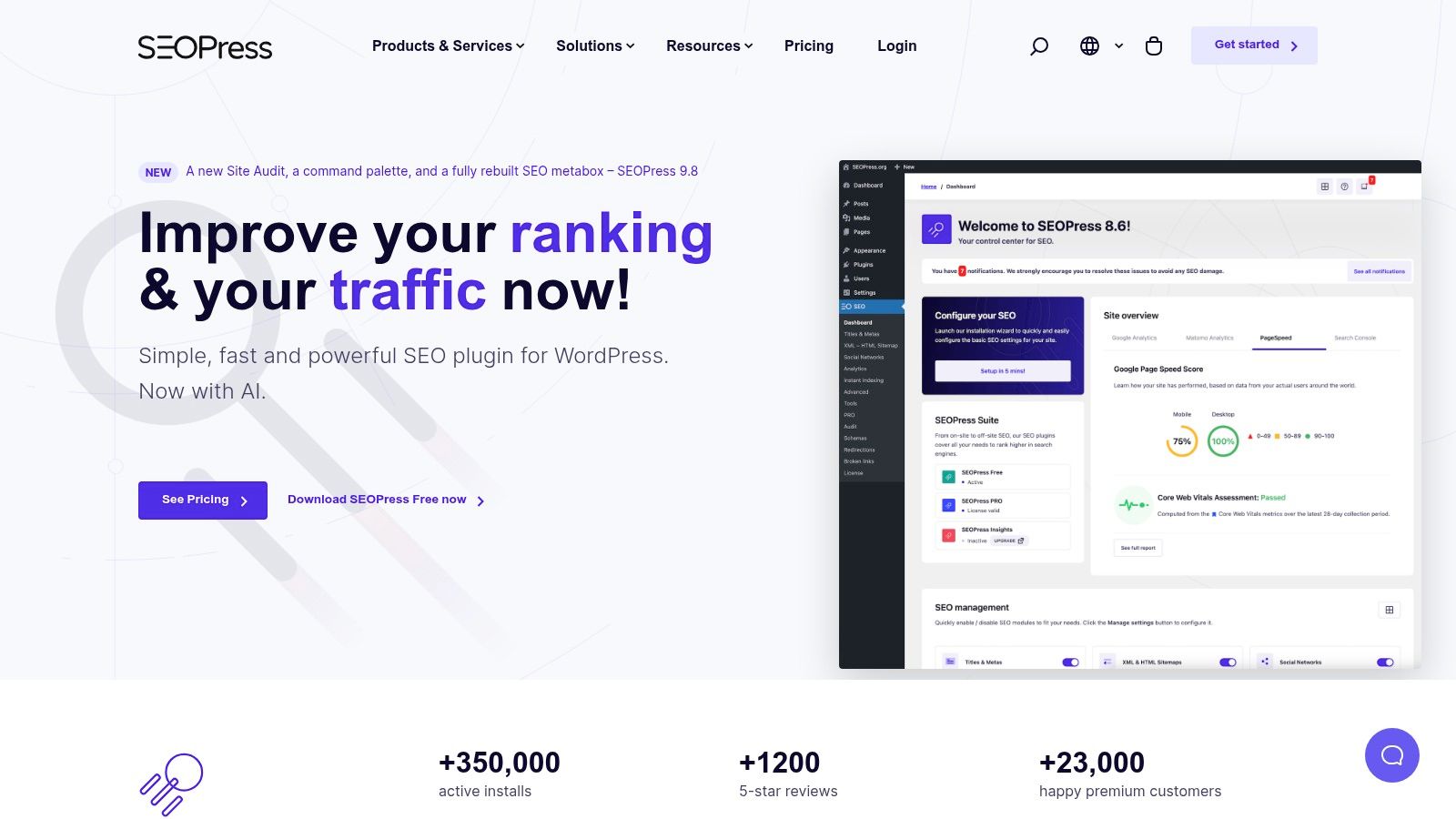
SEOPress is one of the easiest plugins to recommend when a team wants fewer distractions in the WordPress admin. It doesn't try to impress you with noise. It focuses on usable SEO controls, a cleaner interface, and licensing that tends to make sense for agencies and developers.
That combination matters on client builds. Some plugins are powerful but constantly remind users they're inside a sales funnel. SEOPress feels more restrained, which makes training easier and admin screens less cluttered.
Why it stands out
The feature depth is better than many people expect. You get metadata control, schema options, redirects, site audit features, Google News and Video XML sitemaps, import and export tools, and migration paths from major plugins. It also supports AI integrations for metadata and image alt generation, which can be helpful for repetitive tasks when used carefully.
For performance-sensitive sites, SEOPress often lands in a sweet spot. It gives you meaningful controls without making the backend feel heavy.
A good fit includes:
- Agency client sites: White labeling and cleaner licensing simplify delivery
- Content publishers: Good metadata and sitemap control without bulky workflow layers
- Performance-focused builds: Less admin clutter than some all-in-one competitors
Main limitation
If you want built-in off-site intelligence like broader rank tracking or backlink-centric workflows, SEOPress isn't trying to be that full command center by default. Some teams prefer that. Others will still need separate tools alongside it.
If your priority is a polished SEO layer inside WordPress, not an all-encompassing marketing platform, SEOPress is a strong middle-ground choice.
5. The SEO Framework
The SEO Framework is what I reach for when the brief is simple. Keep the site fast, keep the admin clean, automate the essentials, and don't bury users under notifications. It's a developer-friendly plugin, but it's also useful for businesses that don't want SEO to become an interface problem.
Its philosophy is different from Yoast and Rank Math. Instead of pushing lots of coaching into the editor, it aims to handle the routine work in the background.
Best for lean builds
This plugin is strong on automated titles, descriptions, canonicals, and editor guidance through simple color cues. Extensions then add things like local SEO, focus keyword support, and related functionality when needed.
That setup works well for:
- Large sites with many templates: Clean automation reduces repetitive work
- Developers and technical agencies: Less noise, more control
- Businesses that already know their workflow: Fewer prompts, fewer interruptions
What you give up
You won't get the same level of built-in educational support that you get from Yoast. You also won't get the same broad perception of “all-in-one abundance” that Rank Math and AIOSEO try to provide.
That's not a flaw. It's a design choice.
Agency note: The SEO Framework is often better for teams that already know what good SEO looks like and don't need the plugin to teach them.
If the team updating content needs frequent prompts on readability, keyword placement, or internal linking opportunities, another plugin may be a better match. If the team wants a quiet engine in the background, this one deserves a close look.
6. Slim SEO
Slim SEO is the answer for people who are tired of overbuilt dashboards. Install it, let it handle the basics, and move on. That's the appeal.
For small sites, that's often enough. A local company site, brochure site, niche publisher, or straightforward services business doesn't always need a complex SEO operating system inside WordPress. It needs reliable essentials with minimal setup.
Where Slim SEO makes sense
The free core handles meta tags, sitemaps, breadcrumbs, and basic image-related tasks automatically. The Pro tools add more serious schema building, link analysis, Search Console visibility, and writing support.
That makes Slim SEO useful in two distinct scenarios. First, for simple sites that want “just enough” SEO. Second, for teams that like a lightweight base but may want a few more targeted capabilities later.
I'd consider Slim SEO for:
- Local service businesses: Fast setup and low admin friction
- Small publishers: Essentials covered without overwhelming writers
- Owners managing their own sites: Less chance of misconfiguration
The trade-off
Slim SEO doesn't guide users as aggressively as some of the bigger names. If your content team depends on on-page scoring, readability prompts, or frequent optimization coaching, it may feel too sparse.
That doesn't mean it's weak. It means it assumes you value simplicity over instruction. For the right business, that's exactly the point.
7. SmartCrawl
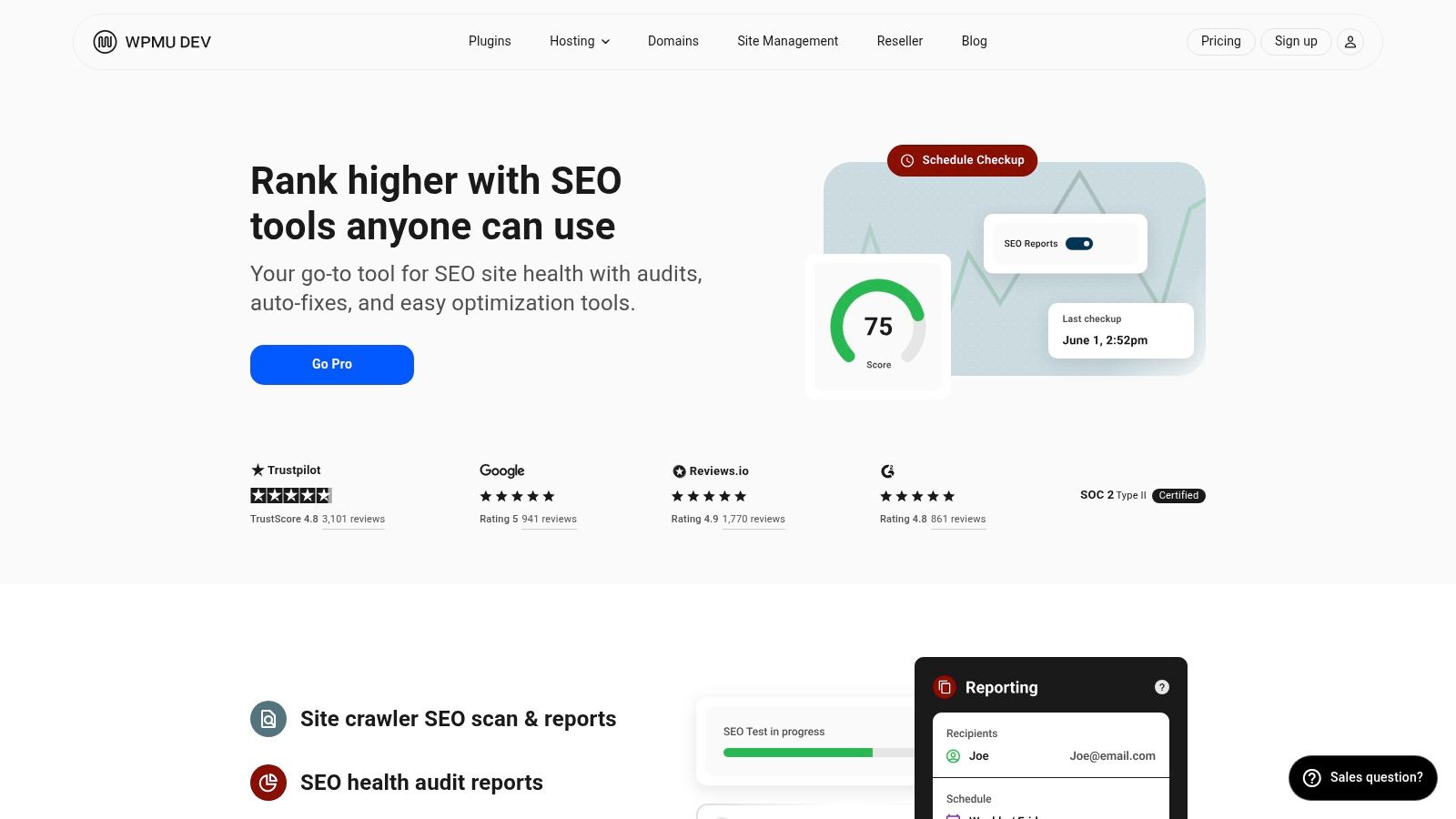
SmartCrawl is easiest to recommend when a business is already invested in WPMU DEV. On its own, it's a capable SEO plugin. Inside that broader ecosystem, it becomes much more compelling because it fits into a shared workflow with hosting, optimization, image compression, and security tools.
That matters for agencies managing many WordPress installs. Fewer vendors often means fewer workflow gaps.
Good operational fit
SmartCrawl includes SEO audits, crawler scans, metadata controls, schema settings, local business fields, automatic internal linking, 404 handling, redirects, and white-label options. It covers a broad slice of practical SEO work without trying to be flashy about it.
Its best use cases are usually:
- Agencies using WPMU DEV Hub: Centralized management is its core value
- Site owners wanting moderate guidance: Enough features without extreme complexity
- Multi-site environments: Better operational consistency across installs
Why some teams skip it
Outside the WPMU DEV stack, SmartCrawl can feel less differentiated. It's solid, but there are competitors with deeper specialization in analytics, content guidance, or advanced schema.
If you're already using Smush, Hummingbird, Defender, or WPMU DEV hosting, SmartCrawl is easy to justify. If you're not, I'd compare it against Yoast, AIOSEO, and Rank Math based on the exact workflow you need.
8. WP Meta SEO
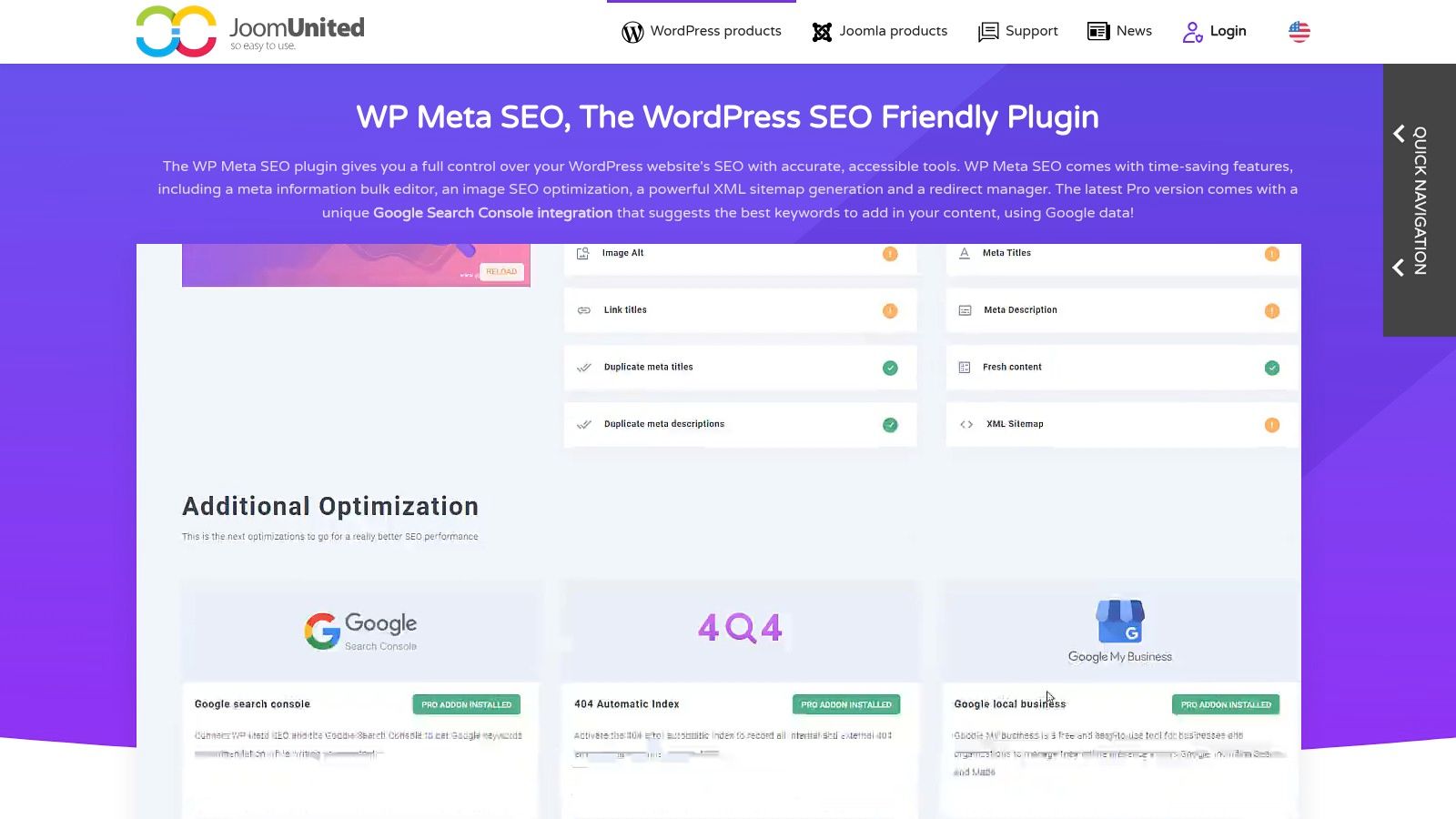
WP Meta SEO is less about handholding and more about bulk productivity. That makes it useful on large sites where the bottleneck isn't “what is SEO?” but “how do we update hundreds of items without losing a week?”
This is one of the few plugins on the list that feels clearly built for cleanup work at scale.
Strong for large libraries
The bulk meta editor is the main draw. Teams managing lots of posts, category pages, products, or images can work through metadata and image SEO tasks much faster than they can in editor-by-editor workflows. XML and HTML sitemaps, redirects, WooCommerce support, and Search Console suggestions round it out.
It tends to fit:
- Publishers with large archives
- Ecommerce stores with large catalogs
- Marketing teams fixing inherited SEO debt
Bulk editing sounds boring until you inherit a site with years of missing titles, duplicate descriptions, and unoptimized image fields.
Where it falls short
WP Meta SEO isn't as prescriptive as Yoast or as broad in branding and ecosystem as AIOSEO. If your team wants a plugin that teaches them what to do next, this isn't the first pick.
If your team already knows the work and needs faster execution, it becomes much more attractive.
9. Squirrly SEO

A common agency scenario is a client team that knows SEO matters but does not have a specialist to turn that into a weekly process. They publish, update a few titles, then stall because no one owns the next step. Squirrly SEO is built for that kind of team.
Instead of acting only as a settings layer, Squirrly adds workflow guidance inside WordPress. You get live optimization feedback, Focus Pages, audits, keyword research, and progress tracking in one system. That makes it closer to an SEO operating layer than a lightweight plugin.
Where the AI and guidance features actually help
While some roundups, like this one from Zapier, point to AI-powered suggestions, a key consideration is whether those suggestions save time on actual production work. In practice, they help most with repetitive decisions. Drafting metadata, spotting missing optimization elements, and prioritizing what to fix next are good use cases. They do not replace content strategy, search intent research, or editorial judgment.
That distinction matters.
For small marketing teams, local businesses, and service companies trying to build a repeatable SEO routine, Squirrly can reduce the blank-page problem. The plugin gives people a task list and a scoring system they can act on without needing to interpret every signal from scratch.
Best fit for teams that need process, not just settings
Squirrly usually fits best for:
- Local SMBs without in-house SEO leadership
- Content teams that want guided priorities inside WordPress
- Agencies onboarding less technical clients who need structure between monthly calls
The trade-off is weight and dependency. The interface asks more from the user than minimalist plugins do, and part of the experience depends on Squirrly's connected cloud platform. That is fine for teams that want coaching, tracking, and built-in prompts. It is less attractive for developers, privacy-sensitive organizations, or experienced SEO teams that already have their own workflow.
If the goal is to match a plugin to business type, Squirrly makes the most sense for organizations that need help turning SEO from a vague priority into a managed process.
10. Schema & Structured Data for WP & AMP by Magazine3
Most businesses don't need a dedicated schema plugin as their first move. But some absolutely do. When rich result eligibility depends on precise structured data across many page types, an all-in-one SEO plugin can start to feel limiting.
That's where Schema & Structured Data for WP & AMP comes in. It's not a replacement for a core SEO suite. It's a specialist layer for teams that need more detailed schema control.
When to add it
This plugin is useful for sites dealing with multiple content formats and needing conditional schema logic across templates. Product, article, FAQ, HowTo, local business, review, and other markup types can be configured with more depth than most general SEO plugins provide.
That makes it practical for:
- Publishers with varied content templates
- Ecommerce sites needing detailed product-related markup
- Agencies managing schema-heavy implementations
- AMP environments that still need compatibility support
Important caution
Schema is powerful, but it's easy to misconfigure. A plugin can help generate the markup, but it won't save you from poor field mapping, missing required properties, or template-level inconsistencies.
Use this when schema is a real requirement, not because “more markup” sounds like better SEO. For many sites, Yoast, Rank Math, AIOSEO, or SEOPress already provide enough. For the sites that need more control, this plugin fills a gap well.
Top 10 WordPress SEO Plugins, Feature Comparison
A plugin comparison only helps if it makes the shortlist clearer. In agency work, the main question is rarely "which plugin has the longest feature list?" It is "which plugin fits this site, this team, and this growth stage without creating cleanup work six months from now?"
That is how to read the table below. Use it to match plugin strengths to operating reality. A WooCommerce store, a publisher with multiple authors, and a local service business should not be making this decision the same way.
| Plugin | Core features ✨ | Quality ★ | Value/Price 💰 | Target 👥 | Unique selling point 🏆 |
|---|---|---|---|---|---|
| Yoast SEO | Real-time content checks, XML sitemaps, canonical, schema, internal linking (Premium) | ★★★★ | 💰 Premium (higher renewals) | 👥 Editors, mid-large teams | 🏆 Mature ecosystem, onboarding & training |
| All in One SEO (AIOSEO) | TruSEO on-page checks, schema, WooCommerce, GSC & page builder integrations | ★★★★ | 💰 Mid-High (bundled tiers) | 👥 SMBs, e-commerce, agencies | 🏆 Broad e-commerce & builder integrations |
| Rank Math | Rank tracker, extensive schema, WooCommerce, 404/redirects, smooth migrations | ★★★★ | 💰 Low-Mid entry, high feature value | 👥 Power users, agencies | 🏆 Feature-rich with generous limits (Pro) |
| SEOPress | Privacy-first, AI metadata, site audit, redirects, white-label, Unlimited licensing | ★★★★ | 💰 Straightforward pricing (stable renewals) | 👥 Agencies, performance-sensitive sites | 🏆 Privacy-minded + predictable pricing |
| The SEO Framework | Automated titles/descriptions, minimal UI, extension manager, API | ★★★★ | 💰 Low-Mid (paid extensions) | 👥 Developers, large/performance sites | 🏆 Lightweight, performance-first automation |
| Slim SEO | Auto meta, sitemaps, breadcrumbs. Pro: visual schema, link health, GSC | ★★★ | 💰 Low (core free, Pro add-on) | 👥 SMBs, publishers wanting simplicity | 🏆 Minimal, fast "just enough" SEO |
| SmartCrawl (WPMU DEV) | SEO audits, auto-fixes, schema, auto internal linking, white-label | ★★★ | 💰 Best value inside WPMU DEV bundle | 👥 Agencies using WPMU DEV ecosystem | 🏆 Tight integration with WPMU DEV tools |
| WP Meta SEO | Bulk meta editor, image SEO in bulk, sitemap, redirect manager, GSC tips | ★★★ | 💰 One-time/annual license, good for bulk ops | 👥 Large content libraries, ecommerce | 🏆 Powerful bulk productivity & cleanup |
| Squirrly SEO | Focus Pages (tasking), keyword research, rank tracking, AI helpers, audits | ★★★★ | 💰 Subscription (stable renewals) | 👥 Teams needing strategy & training | 🏆 Prescriptive workflow + connected SaaS tools |
| Schema & Structured Data for WP & AMP | 30+ schema types, conditional rules, AMP compatibility, scalable licenses | ★★★ | 💰 Mid (specialist licensing) | 👥 Sites needing heavy/rich schema at scale | 🏆 Deep, fine-grained schema & AMP support |
A few practical patterns show up fast when teams start testing these side by side.
For local SMBs and brochure-style sites, Yoast, AIOSEO, Slim SEO, and The SEO Framework are usually the safest starting points. They cover the basics well, keep training overhead low, and reduce the odds of someone breaking indexation settings while trying to be helpful.
For e-commerce, the decision usually gets tighter. AIOSEO and Rank Math tend to appeal to teams that want more built-in controls around schema, redirects, and WooCommerce settings. SEOPress is often the better fit when license structure and long-term cost matter across multiple client sites.
For publishers and larger content libraries, workflow matters more than novelty. Yoast still works well for editorial teams that need guardrails. WP Meta SEO becomes useful when metadata cleanup is the bottleneck. Squirrly fits teams that want more guided SEO operations, though some editors find its interface heavier than they want for daily publishing.
I would treat SmartCrawl and Schema & Structured Data for WP & AMP as more situational picks. SmartCrawl makes sense if the site already runs inside the WPMU DEV stack. The schema plugin earns its place when structured data needs go past what a general SEO suite handles cleanly.
The trade-off across this whole list is simple. More features usually mean more settings, more overlap, and more room for configuration drift. Simpler plugins reduce admin friction, but they can leave gaps once a site needs advanced schema rules, deeper redirect control, or bulk optimization workflows.
Your Next Step From Plugin to Performance
Choosing from the best wordpress seo plugins is the easy part. Getting value from the choice is where most businesses either build momentum or stall out. A plugin won't fix weak pages, poor internal linking, thin category structure, duplicate metadata, or a site that loads poorly. It gives you the controls. Your process determines whether those controls turn into rankings, traffic, and revenue.
That's why I'd keep your decision framework simple. Start with business type and team behavior, not feature envy. If you run a local SMB site and update a few core pages each month, a simpler plugin like Yoast, AIOSEO, Slim SEO, or The SEO Framework is often enough. If you manage a growing ecommerce store, prioritize schema, WooCommerce compatibility, redirects, and category-level control. If you publish constantly, focus on editorial workflow, bulk editing, indexation controls, and scalable metadata processes.
Migration deserves more attention than most buyers give it. Before switching plugins, export settings if the current tool allows it. Then document your title templates, meta descriptions, schema settings, redirects, noindex rules, and sitemap preferences. After the new plugin is live, check a sample of key pages by hand. Don't assume imported settings are perfect just because the wizard says the migration is complete.
A practical rollout usually looks like this:
- Audit first: Review current metadata, schema output, redirects, and noindex settings before you install anything new
- Configure templates early: Set sitewide title and meta rules before editors start publishing
- Check search appearance: Verify homepage, service pages, product pages, and blog posts individually
- Test overlapping plugins: Make sure you're not duplicating schema, sitemap generation, or redirect functionality
- Keep the stack lean: The right plugin should reduce complexity, not add a second layer of confusion
Performance still matters, too. SEO plugins don't operate in isolation. Heavy themes, bloated page builders, poor hosting, and unnecessary plugins can undercut even a well-configured setup. If site speed is part of your bottleneck, Raven SEO's WordPress optimization guide is worth reviewing alongside your plugin decision.
If you need help beyond plugin selection, an agency can be useful. Up North Media offers SEO marketing services and web work that can include WordPress SEO setup, plugin configuration, and broader site optimization for businesses that want a more structured implementation.
Don't stay stuck comparing screenshots and pricing tiers for weeks. Pick the plugin that matches your site type, your team's technical comfort, and the workflow you'll maintain. Then install it, configure the essentials, and start improving the pages that matter most. That's how a plugin becomes a growth tool instead of another unused dashboard.
If you want help choosing, migrating, or properly configuring a WordPress SEO plugin for your business, Up North Media can help you turn that setup into a working SEO system with cleaner site structure, stronger on-page optimization, and a plan your team can maintain.