

Many teams looking for killer seo software are in the same spot. You're juggling a few disconnected jobs at once: checking rankings in one tab, auditing pages in another, rewriting content from a vague brief, then trying to explain the whole mess to a client or boss in plain English.
That’s why the wrong SEO stack gets expensive fast, even before you look at subscription cost. The software itself isn’t the problem. The problem is overlap, blind spots, and buying a heavyweight suite when what you really need is one good crawler, one reliable research platform, and one content tool that your team will use.
The market keeps moving that direction. The global SEO software market was valued at USD 74.6 billion in 2024 and is projected to reach USD 154.6 billion by 2030, with projected growth of 13.5% from 2025 to 2030, according to Grand View Research’s SEO software market report. That growth makes sense. Google made 4,500+ algorithm updates in 2023 alone, and that kind of churn punishes teams that rely on gut feel instead of process.
We also know demand for advanced tools goes well beyond the usual big names. Crowdo noted that a related Quora question on SEO tools pulled 48.2K total views, 876 average monthly views, ranked for 15 keywords, and generated 168 organic clicks per month from Google in its review of non-mainstream tools, which tells you people are actively searching for practical options outside the default shortlist of Ahrefs and Semrush in Crowdo’s SEO tools review.
If you’re also trying to layer AI into your workflow, this guide to AI SEO tools is worth reading alongside the list below.
1. Ahrefs
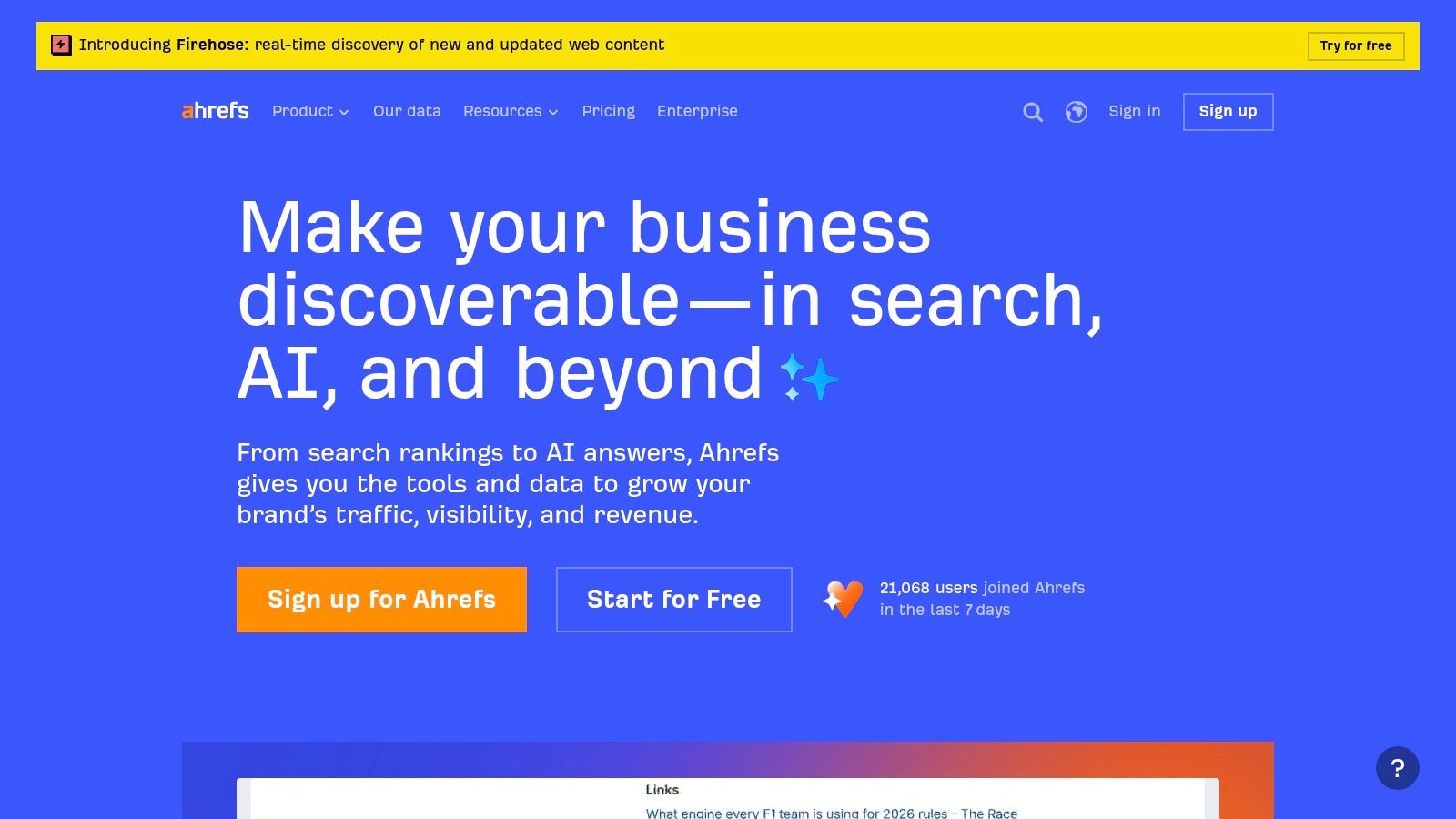
Ahrefs is still the tool I reach for when link intelligence and competitor discovery matter more than anything else. If we’re sizing up a market, validating a content gap, or checking why a rival page keeps winning, Ahrefs usually gives the fastest path to an answer.
It’s best for teams that need one core platform to handle backlink analysis, keyword discovery, rank tracking, content research, and site audits without stitching together five separate tools.
Where Ahrefs earns its place
The strength is depth. Site Explorer is still one of the cleanest ways to understand referring domains, linked pages, and competing organic visibility. Keywords Explorer is strong when you need to widen a keyword set instead of chasing one phrase at a time.
For agencies, the project structure also helps. You can keep audits, tracked terms, and reports separated by client, which sounds basic until you’ve worked in software that turns portfolio management into spreadsheet cleanup.
- Backlink work: Site Explorer is the main draw if link research is a core part of your process.
- Keyword expansion: Keywords Explorer is useful for building clusters and spotting adjacent opportunities.
- Reporting control: Report Builder and plan-based limits make exports and deliverables easier to manage.
Trade-offs
Ahrefs isn’t cheap, and extra seats can turn a reasonable plan into a budget conversation quickly. The other limitation is cadence. If you need very frequent movement checks, the default weekly rank rhythm can feel slow.
Practical rule: Use Ahrefs when the question is “Why is that site beating us?” not when the only question is “Did rankings move today?”
If you’re deciding between tools and want a more direct head-to-head on fit, this comparison of Ahrefs versus a professional SEO approach is a useful reality check.
You can explore the platform at Ahrefs.
2. Semrush
Semrush is what I’d call the broadest generalist in the group. If Ahrefs feels strongest in off-page intelligence and competitive digging, Semrush feels like the operations center for teams that want SEO, PPC, content, and market research living under one roof.
That matters for small and mid-sized businesses. Fewer logins. Fewer disconnected reports. Less time translating findings from one tool into another team’s language.
Best fit for mixed-channel teams
Semrush is strong when SEO doesn’t live alone. If your paid search team, content team, and SEO team all need to touch the same account, it’s often easier to run from one platform than hand off screenshots between specialty tools.
The workflow is solid for:
- Site health checks: Site Audit gives a practical technical baseline.
- On-page tuning: On-Page SEO Checker helps turn keyword targets into page-level actions.
- Ongoing rank visibility: Position Tracking works well for campaign reporting and keyword groups.
The App Center and bundled product options also make it appealing for companies that want to add capabilities over time instead of swapping platforms every year.
What doesn’t work as well
Semrush can feel crowded. There’s a lot in the platform, and not every team needs all of it. That creates a real learning curve, especially when account owners buy the suite first and define workflow second.
I also wouldn’t call it the cleanest specialist for deep technical auditing or ultra-granular backlink investigation. It does a lot very well. It just isn’t always the sharpest knife for one narrow job.
If you need one platform for a marketing team, Semrush makes sense. If you need one platform for technical SEO specialists, it may feel broader than necessary.
You can review the platform at Semrush.
3. Screaming Frog SEO Spider
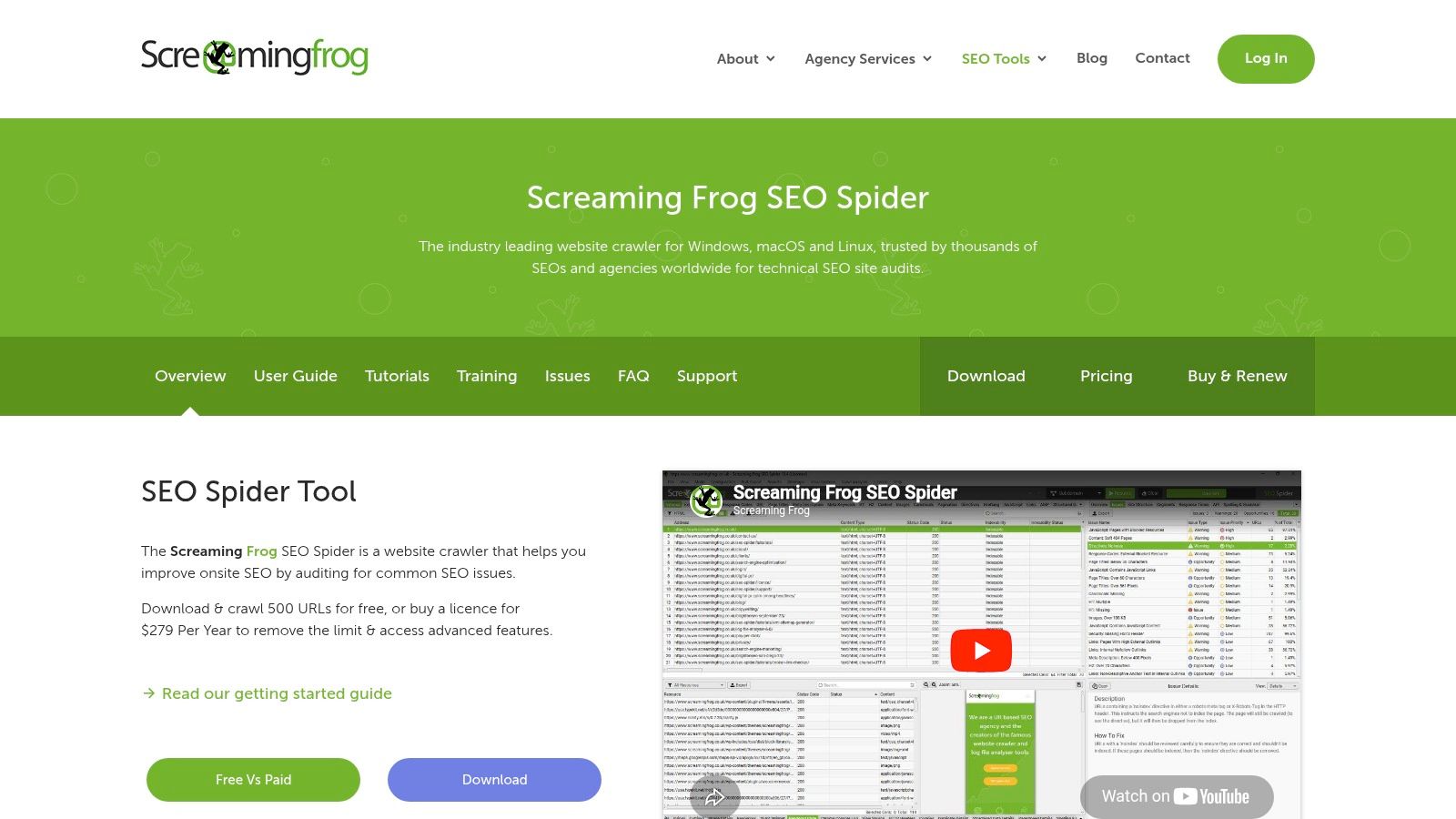
When a site has technical problems, Screaming Frog is usually where the essential work starts. Not dashboards. Not broad scores. The crawl.
This tool is built for people who want to inspect a site the way a technician inspects a machine. Broken links, redirect chains, duplicate elements, missing tags, crawl traps, odd canonicals, bloated templates. It finds the stuff that undermines rankings.
Why technical teams keep it open
RevenueJump’s review of killer SEO tools specifically called out Screaming Frog SEO Spider’s premium integration with Google Analytics for bounce rates and time-on-page data, which is a practical reason it remains useful for technical audits that need behavior context, not just crawl data, in Killerspots’ SEO overview.
That combination matters in professional practice. A page can be technically indexable and still be weak if users bounce fast, or if templates create a poor experience after the click.
Screaming Frog is especially good for:
- Pre-launch checks: Crawl staging or development environments before pages go live.
- Technical cleanup: Surface redirect issues, duplicate content, and status code problems fast.
- Custom extraction: Pull structured or repeated page elements with CSS, XPath, or regex.
The trade-off is collaboration
Because it runs locally, Screaming Frog depends on the machine using it. Huge crawls need strong hardware and patience. It also isn’t a polished collaboration platform. You don’t buy it for slick client reporting. You buy it because it tells the truth.
A good crawler is like a building inspection. It won’t market the property for you, but it will tell you where the foundation is cracked.
For technical SEO, that honesty is why it stays in serious workflows.
You can get it at Screaming Frog SEO Spider.
4. Sitebulb
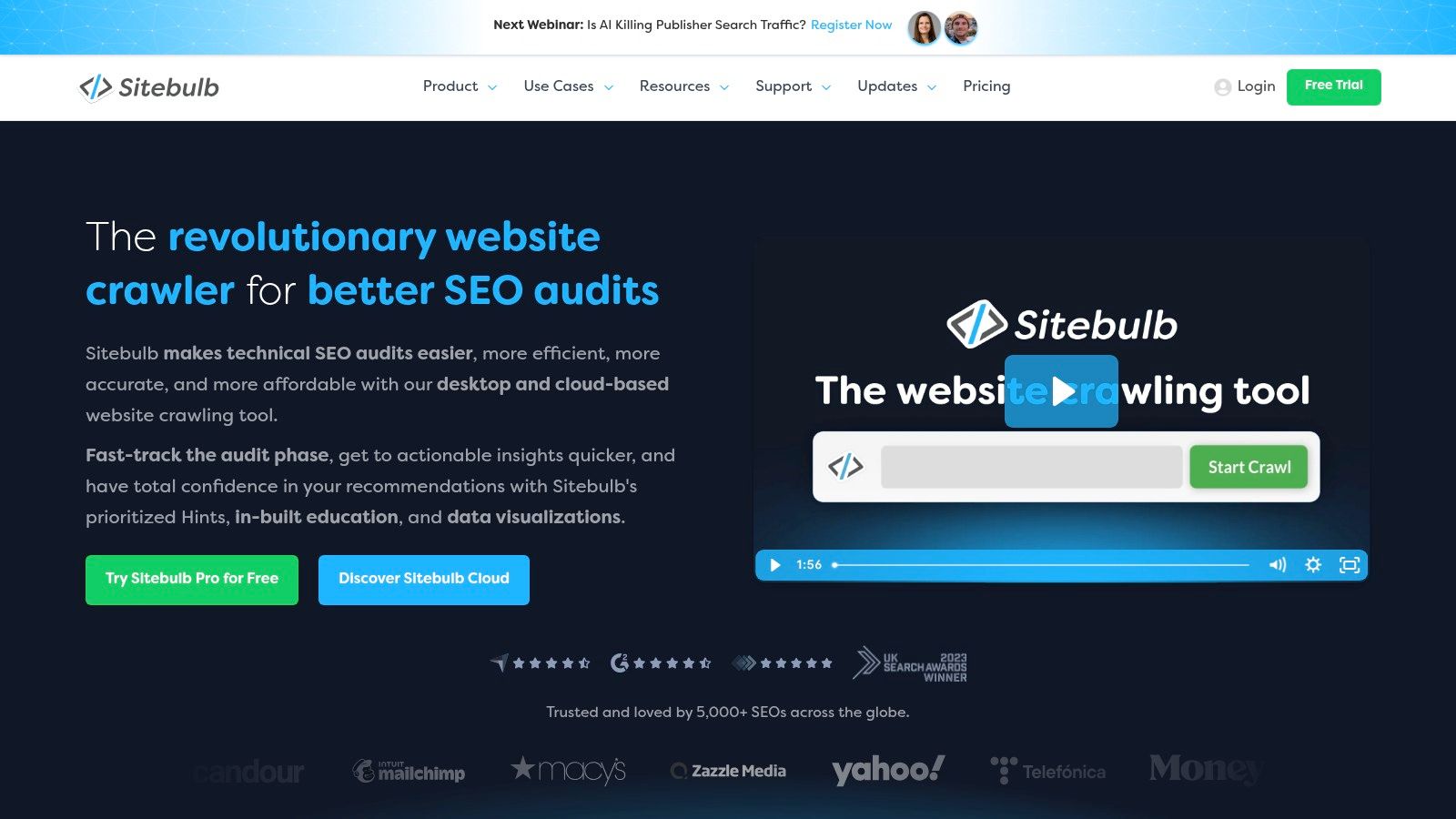
Sitebulb fills an important gap between raw technical power and stakeholder communication. It’s a serious crawler, but it also does a better job than most technical tools of explaining why an issue matters.
That sounds minor until you’re trying to get a developer, marketer, and business owner to agree on what needs to be fixed first.
Why it works well for mixed-skill teams
The Hints system is the standout feature. Instead of dumping problems into a giant list and leaving you to interpret them, Sitebulb gives context, prioritization, and visuals that help non-specialists follow the logic.
That makes it strong for:
- Consultants and small agencies: Easier to turn findings into recommendations clients can understand.
- Internal teams: Helpful when SEO isn’t the only job on someone’s plate.
- Larger organizations: Cloud features support scheduling, automation, and shared access.
The crawl visualizations are also useful. Site structure maps can expose architecture issues faster than a spreadsheet of URLs ever will.
Where it can fall short
If you’re using the desktop version, local machine limits still apply. For larger teams or heavier crawl demands, cloud costs can rise as your use expands.
Still, Sitebulb is one of the best examples of killer seo software that doesn’t just identify problems. It helps people act on them. That’s a bigger advantage than many buyers realize.
You can check the platform at Sitebulb.
5. Surfer
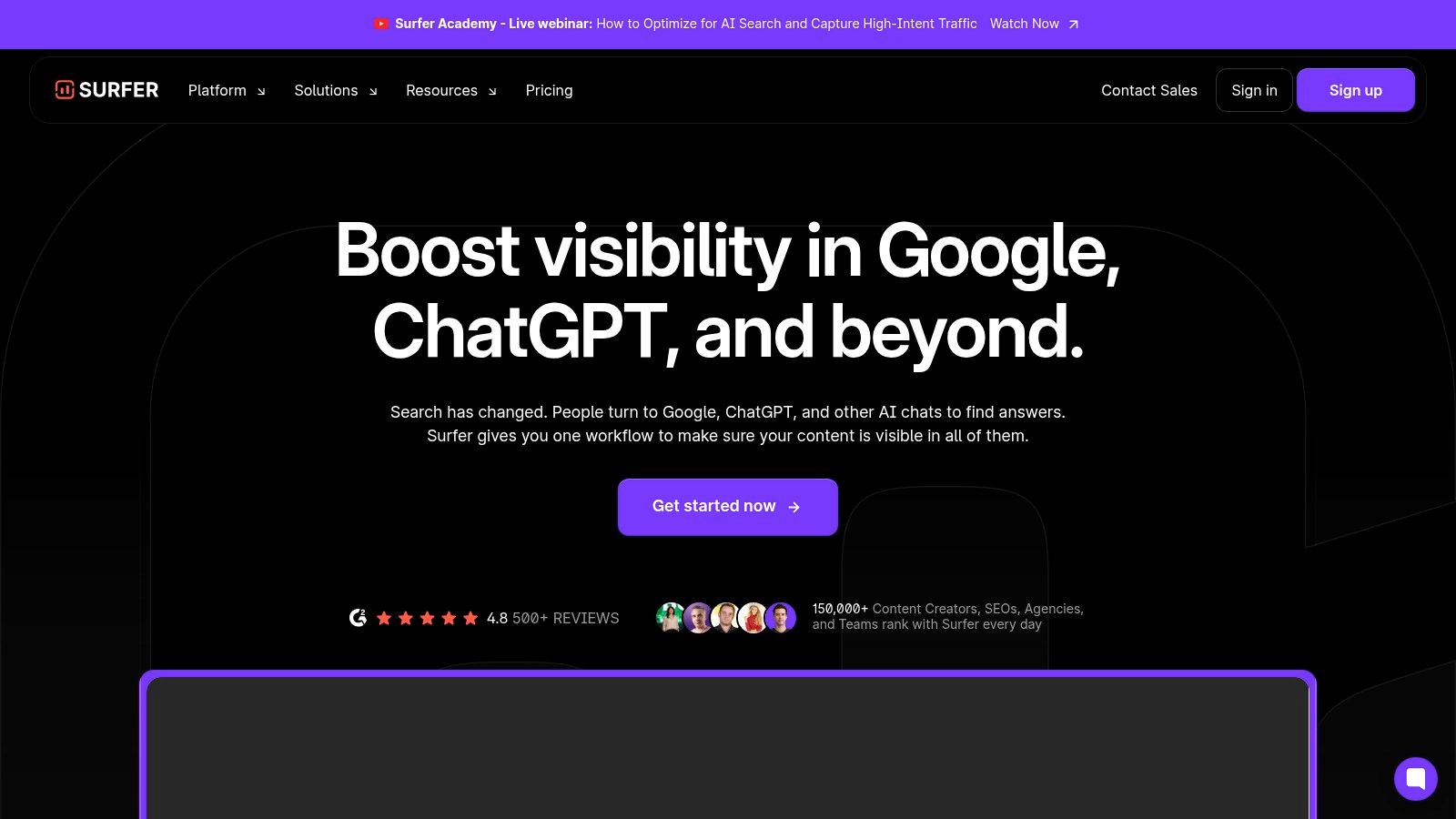
Surfer is the content production tool I’d choose when a team needs to move faster without letting briefs turn into guesswork. It’s built for the middle of the workflow, after you know the topic and before the page is published.
That makes it useful for publishers, ecommerce teams building category content, and agencies running repeatable content systems.
Where Surfer helps most
The Content Editor is the primary reason organizations invest in the platform. It provides live guidance on topic coverage, structure, and supporting terms while the content is being written. That shortens the gap between “this might rank” and “this is at least aligned with the SERP.”
Its Topical Map and audit features are also practical if you’re planning clusters instead of random standalone posts.
A few strengths stand out:
- Brief creation: Faster to hand writers a usable framework.
- Optimization: Helpful for refreshing pages that already have traction.
- Workflow integration: Google Docs, WordPress, and Zapier make it easier to fit into existing editorial systems.
For teams trying to improve the quality of drafts before they hit review, these SEO content writing tips pair well with a tool like Surfer.
What Surfer won’t replace
Surfer isn’t your backlink platform. It isn’t your technical crawler. It also isn’t the best fit if your team writes highly original expert content and resists any score-based workflow.
The best use of Surfer is guidance, not obedience. Let it shape coverage and structure. Don’t let it flatten your voice.
That’s the difference between helpful optimization and content that reads like it was assembled by committee.
You can review it at Surfer.
6. Clearscope
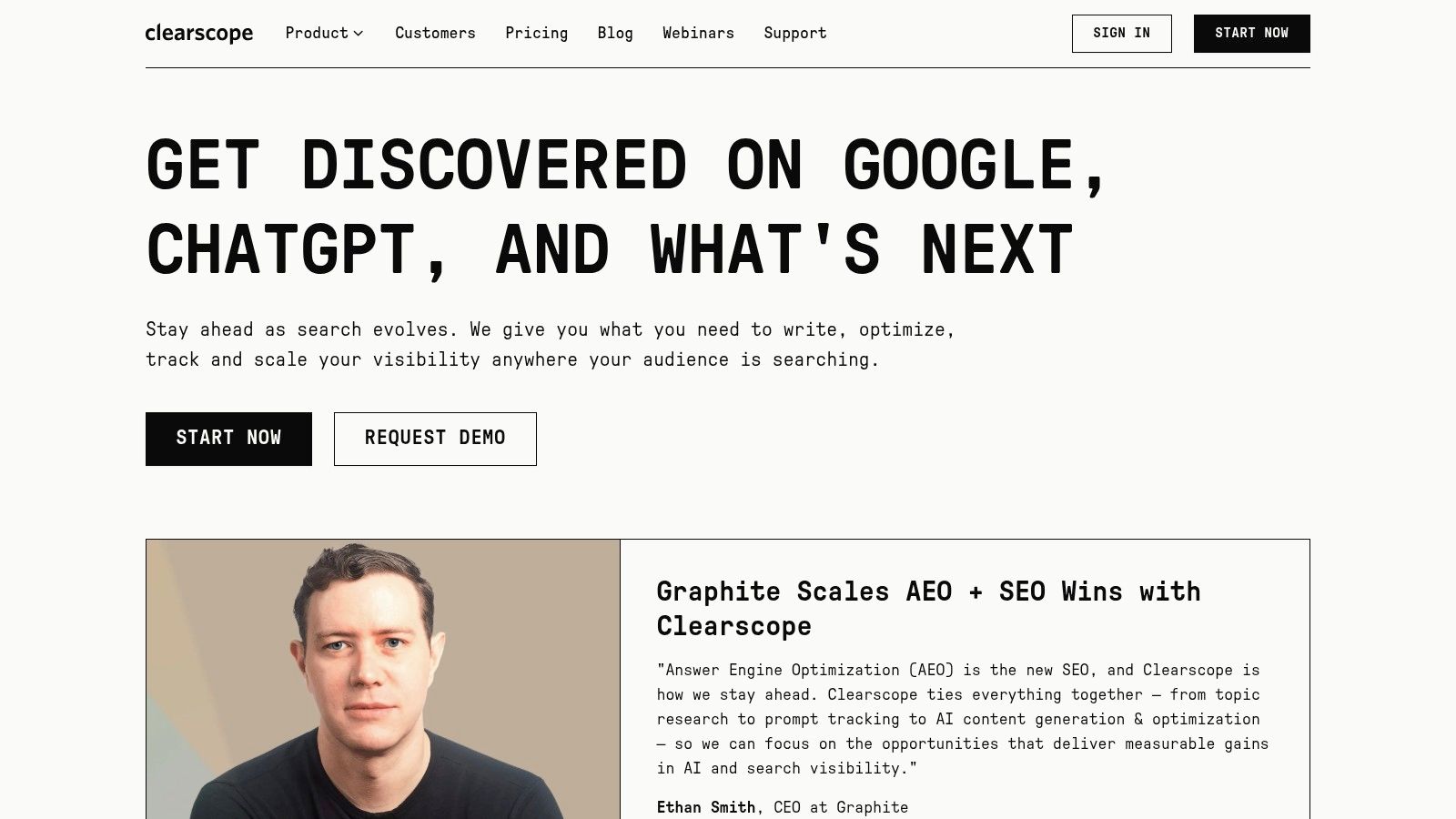
Clearscope is for teams that care more about editorial quality than content volume. If Surfer feels more production-oriented, Clearscope feels more editorial. The recommendations tend to be clean, easy to follow, and easier to introduce to writers who hate heavy SEO tooling.
That’s why it often fits well with publishers, brand-led teams, and content operations that already have a strong writing culture.
What it does well
The platform focuses tightly on content optimization. It grades drafts, recommends relevant terms and entities, and helps editors identify refresh opportunities through content inventory features.
In practice, that means:
- Writers adapt quickly: The interface is straightforward and doesn’t bury people in settings.
- Editors get consistency: Teams can review optimization status without rewriting every draft themselves.
- Refresh work gets easier: Older articles are easier to prioritize and improve.
I like Clearscope most when a company already knows how to create good content and seeks tighter optimization discipline.
Where it’s limited
The downside is obvious. It’s a premium content tool, not a full SEO suite. You’ll still need other software for technical audits, backlink analysis, and broader visibility tracking.
That’s the trade-off. Clearscope does one narrow job well, but you need to be honest about whether your bottleneck is content quality or SEO coverage overall. If your real issue is indexing, site architecture, or local visibility, Clearscope won’t solve that.
You can explore the platform at Clearscope.
7. BrightLocal
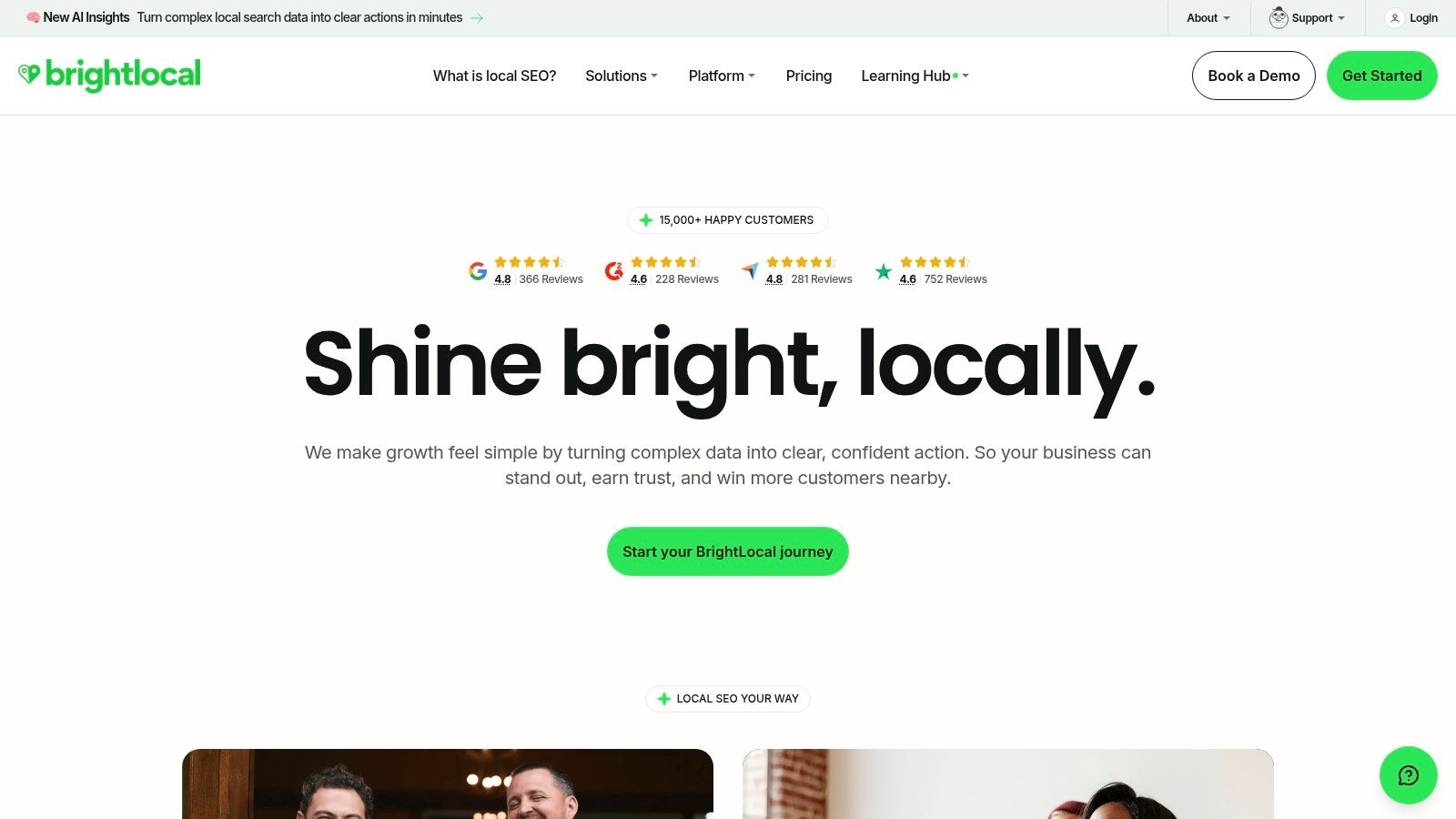
A common local SEO problem looks like this. Rankings look fine in a general tracker, but calls are flat, reviews are scattered across platforms, and one location has the wrong business information in half a dozen directories.
BrightLocal is built for that workflow. It focuses on the parts of SEO that matter to local businesses: map visibility, Google Business Profile performance, citations, reviews, and location-level reporting. For agencies and in-house teams managing service areas or multiple branches, that specialization saves time.
Where BrightLocal earns its place
BrightLocal works best when local visibility is a revenue channel, not a side task. We use tools like this when a client needs to know whether a specific office is gaining ground in the map pack, whether listings are inconsistent, or whether review trends are starting to hurt conversions.
Its strongest use cases are practical:
- Local rank tracking: Track visibility by location instead of relying on broad national averages.
- GBP audits: Spot missing categories, incomplete fields, and profile weaknesses that affect local discovery.
- Citation management: Keep business data cleaner across directories, which matters more for multi-location brands.
- Review monitoring: Pull reputation work into the same operating rhythm as SEO reporting.
That workflow-based focus fits the structure of a cost-effective toolkit. If Ahrefs or Semrush covers research and competitive analysis, BrightLocal fills the local execution gap those broader platforms only partially address.
The trade-off
BrightLocal does not replace your technical crawler, content optimizer, or link intelligence platform. A local law firm with ten offices may get a lot of value from it. A national ecommerce brand with light local needs may not.
That distinction matters if you are deciding between DIY software and agency support. A business owner can absolutely use BrightLocal to monitor rankings, reviews, and listings, especially for one or two locations. Once local SEO turns into multi-location governance, recurring optimization, and reporting across teams, the software is only part of the system. Someone still has to set priorities, catch false positives, and turn the data into action.
You can see the platform at BrightLocal.
8. Moz Pro
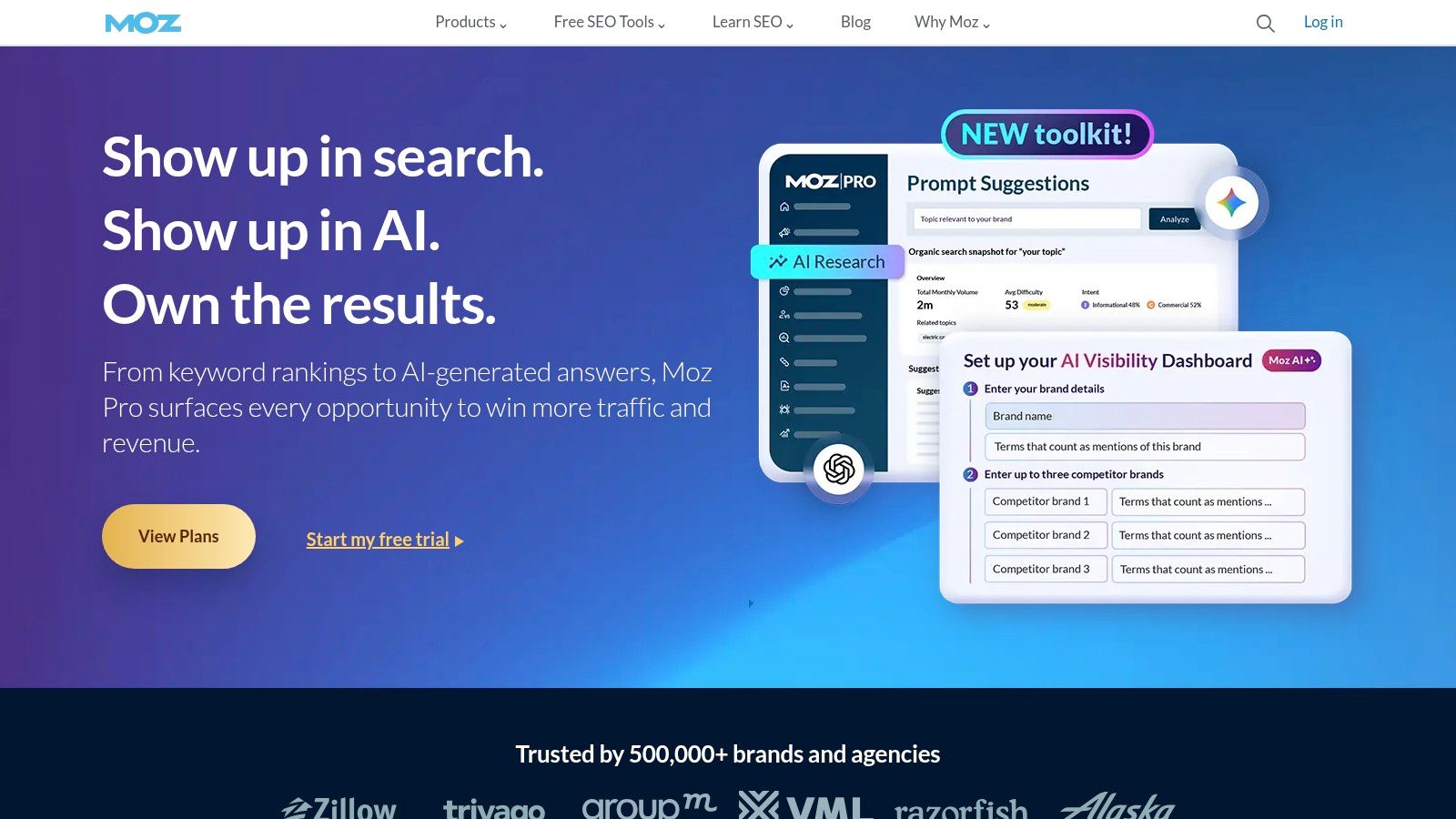
Moz Pro still earns a place because it’s approachable. Not every SEO team wants the densest dataset or the most aggressive feature rollout. Some teams want software they can learn quickly, use consistently, and explain to clients without translating every metric.
Moz has always been strong at that.
Where Moz Pro still makes sense
For many small businesses and lean marketing teams, Moz Pro offers a balanced set of tools: keyword research, rank tracking, site audits, link analysis, and on-page support. The interface is cleaner than many competitors, and the authority metrics are familiar to a lot of marketers.
That makes it useful when:
- Client communication matters: Domain Authority and Page Authority are easy shorthand for trend discussions.
- Training matters: Moz has a long history of educational support.
- Teams want simplicity: Fewer moving parts can mean more consistent use.
The honest limitation
Moz Pro can feel lighter than Ahrefs or Semrush when you need broader databases, faster competitive exploration, or deeper rank segmentation. It’s not broken. It’s just not always the sharpest option for aggressive campaigns.
That said, simple isn’t a flaw if it matches the team. A tool that gets used every week beats a more advanced platform that gets opened twice a month and ignored the rest of the time.
You can explore it at Moz Pro.
9. STAT Search Analytics
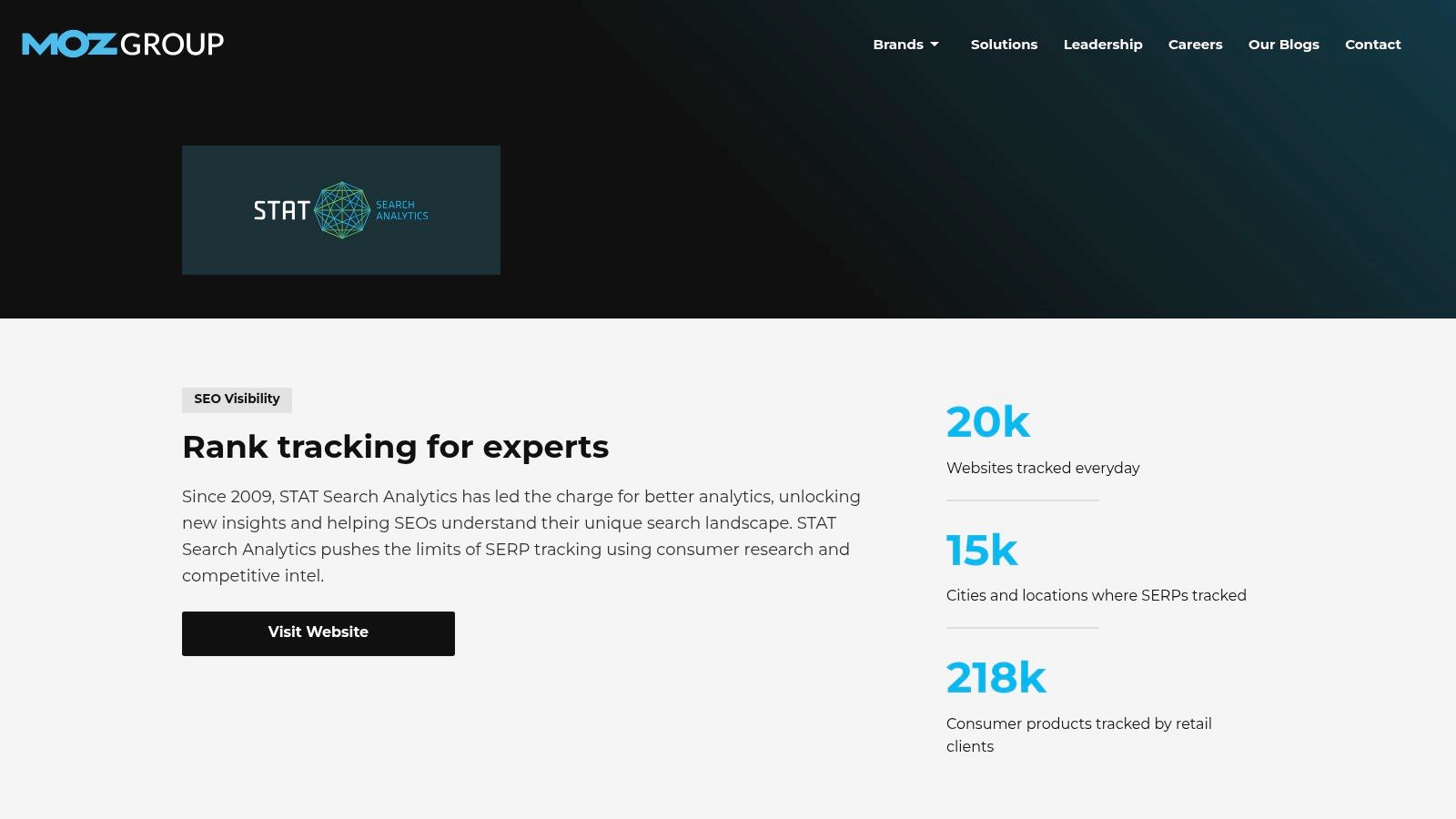
A national retailer wakes up to ranking swings across thousands of terms, in multiple cities, on mobile and desktop. That is the kind of problem STAT is built to handle.
STAT is a specialized platform for rank tracking, SERP monitoring, and share-of-voice reporting at enterprise scale. It is not trying to be your crawler, content optimizer, or backlink database. It focuses on search visibility measurement with far more segmentation than most all-in-one suites offer.
That focus matters if your workflow depends on daily ranking intelligence across large keyword sets.
Where STAT earns its place
STAT works best for enterprise teams, large publishers, and agencies managing broad search programs across markets. We use tools like this when the question is no longer "Are rankings up?" and becomes "Which keyword groups gained visibility on mobile in Chicago after the category template rollout?"
That level of reporting is useful for:
- Huge keyword sets: Track thousands of terms without forcing rank tracking into a side feature.
- SERP feature visibility: Measure map packs, featured snippets, People Also Ask, and other elements that affect clicks.
- Segmented reporting: Break performance down by location, device, intent group, or site section.
- Executive dashboards: Show share of voice and trend movement across business units or regions.
It also helps separate signal from noise. If rankings drop after a site change, STAT can show whether the decline is isolated to one market, one device type, or one keyword cluster. Pair that with a technical review of Core Web Vitals and what they mean, and you can diagnose whether the issue is performance-related or just normal SERP movement.
The trade-off
STAT is narrow by design, and that is both its strength and its cost. Smaller businesses usually get more value from fixing indexation, improving pages, building internal links, and tightening local SEO before paying for enterprise-grade rank intelligence.
This is one of the clearest workflow decisions in the whole SEO stack. If you are building a cost-effective toolkit, STAT belongs in the measurement layer for large campaigns, not as an early purchase for a growing business. In many cases, this is also the point where DIY starts to break down and agency support becomes more practical, because someone still has to turn ranking data into site changes, content updates, and reporting priorities.
You can learn more at STAT Search Analytics.
10. Google Search Console
Google Search Console is the only tool on this list that every site should have, no debate. It’s free, first-party, and gives you direct visibility into queries, pages, indexing, and technical issues from Google’s side.
Before we open paid software, we usually check Search Console first.
What it tells you better than anyone else
Search Console answers the baseline questions. What pages are getting impressions? What queries are showing traction? Which pages are indexed? Where are there coverage issues or enhancement problems?
That first-party view is critical because many paid platforms estimate visibility. Search Console shows actual search performance data from Google’s ecosystem.
Use it for:
- Performance analysis: Query and page-level trends by device, country, and date.
- Index diagnostics: Coverage, sitemaps, and page status.
- Issue alerts: Security problems and manual actions.
- Reporting pipelines: API access for dashboards and blended reporting.
If page experience and speed issues are muddying your results, this guide on Core Web Vitals and what they mean is a good companion.
What it cannot do
Search Console is not a crawler, not a competitor tool, and not a complete rank tracker. It tells you what Google sees from your property. It won’t tell you enough about the rest of the market.
Start with Search Console for truth, then add paid tools for context.
That order saves money and prevents a lot of bad diagnosis.
You can use it at Google Search Console.
Killer SEO Software: Top 10 Feature Comparison
| Tool | Core features | Quality ★ | Price/Value 💰 | Target audience 👥 | USP 🏆/✨ |
|---|---|---|---|---|---|
| Ahrefs | Backlink index, Keywords Explorer, Site Audit, Rank Tracker, Brand Radar | ★★★★★ | 💰 Premium, enterprise-grade ROI | 👥 Agencies & in‑house SEO teams | 🏆 Market-leading backlink intelligence ✨ |
| Semrush | SEO/PPC research, Site Audit, Position Tracking, App Center, Semrush One | ★★★★★ | 💰 Mid–High, modular bundles & trials | 👥 SMBs, e‑commerce, agencies | 🏆 All‑in‑one marketing stack ✨ |
| Screaming Frog SEO Spider | Desktop JS crawler, broken links, redirects, custom extraction, GA/GSC integrations | ★★★★☆ | 💰 Low, free up to 500 URLs / one‑time license | 👥 Developers & technical SEO consultants | ✨ Fast local crawling & deep technical control |
| Sitebulb | Desktop + Cloud audits, 300+ Hints, site visualizations, scheduling | ★★★★☆ | 💰 Mid, desktop + cloud tiers | 👥 SMB teams, consultants scaling to enterprise | ✨ Educational Hints & visual crawl maps |
| Surfer | Content Editor, Topical Map, Content Audit, AI assistant, integrations | ★★★★☆ | 💰 Mid, credit limits on lower tiers | 👥 Content teams, publishers, e‑commerce | ✨ Real‑time NLP content optimization & AI assistant |
| Clearscope | NLP content grading, content inventory, Google Docs editor | ★★★★☆ | 💰 High, premium for editorial teams | 👥 Publishers & enterprise content teams | 🏆 Editorial‑grade content intelligence |
| BrightLocal | Local rank tracking, GBP audits, citation management, review monitoring | ★★★★☆ | 💰 Mid, add‑ons can increase cost | 👥 Local SMBs & multi‑location agencies | 🏆 Purpose‑built local SEO & white‑labeling |
| Moz Pro | Keyword research, link analysis, site audits, PA/DA, MozBar | ★★★★☆ | 💰 Mid, clear tiering & education | 👥 Agencies, consultants valuing metrics | ✨ Trusted authority metrics & community support |
| STAT Search Analytics | Large‑scale daily rank tracking, SOV, SERP feature analytics | ★★★★★ | 💰 Enterprise, custom pricing | 👥 Publishers, retailers, enterprise SEO | 🏆 Massive daily tracking & share‑of‑voice reporting |
| Google Search Console | Query/page performance, index coverage, sitemap, API access | ★★★★☆ | 💰 Free, definitive first‑party data | 👥 All site owners & SEO teams | 🏆 Google‑first diagnostics & reporting (free) |
Final Thoughts
Monday morning usually starts the same way. Search Console shows clicks slipping, someone spots rankings down for a money term, and the first question is whether the team has the right tool or just more reports than it can act on.
The answer is usually workflow, not another subscription.
The strongest SEO setups are built around the jobs that need doing. Technical diagnosis sits in one lane. Research sits in another. Content improvement is its own system. Local SEO only matters if local intent drives calls, bookings, or foot traffic. That is why a practical stack often looks like Google Search Console for first-party visibility, Screaming Frog or Sitebulb for crawling, Ahrefs or Semrush for research, Surfer or Clearscope for content, and BrightLocal for local campaigns.
That mix is often cheaper and more useful than paying for one broad platform and using half of it. In agency work, we rarely see a single tool handle audits, keyword research, content briefs, rank tracking, and local management equally well. The trade-off is obvious. Specialized tools do their job better, but they add cost, overlap, and training time. All-in-one platforms reduce tool sprawl, but they usually ask you to accept weaker depth in at least one part of the workflow.
That is the core DIY question. Buying software is simple. Building a repeatable process around it is harder. Omniscient’s discussion of content discovery tool gaps gets at that broader problem. Teams collect features faster than they build operating habits.
For a small or mid-sized business, DIY works when one person owns the stack, knows what good output looks like, and has the authority to turn findings into fixes. If that owner can brief writers, prioritize technical tickets, and connect rankings to revenue, software pays off. If not, even good tools turn into monthly expenses and unfinished spreadsheets.
We see the same pattern with AI add-ons. Teams generate briefs and page outlines faster, but speed does not fix weak judgment. This analysis of the SEO software and AI workflow gap highlights the same operational problem. The software can produce more output. Someone still has to decide what deserves to be published, refreshed, consolidated, or removed.
If you want another viewpoint before you commit, this outside SEO tools comparison is a useful extra read.
Hiring an agency makes more sense when the bottleneck is execution, not access to software. A specialized team already has the stack, the reporting rhythm, and the pattern recognition that comes from working across dozens of sites. DIY makes sense when you want control and have the time to build the process. Agency support makes sense when delays are costing leads and the team needs decisions, implementation, and accountability.
If your team keeps adding tools without fixing crawl issues, publishing stronger pages, or improving local visibility, the problem is not the software. The problem is ownership.
If you want help building the right SEO stack, or you’d rather skip the trial-and-error and have specialists run the strategy, Up North Media is a strong fit. Their Omaha-based team combines SEO, custom web development, and AI consulting, making them a practical partner for businesses that need measurable growth instead of more dashboards.