

Your winning ecommerce SEO tech stack starts here. If you're comparing tools right now, you're probably dealing with one of three problems. You've outgrown a basic rank tracker, your product catalog has technical issues you can't isolate fast enough, or leadership wants SEO tied to revenue instead of vague visibility wins.
That's where most ecommerce teams get stuck. They buy one platform expecting it to handle keyword research, technical audits, competitor analysis, reporting, and indexing diagnostics, then realize no single tool does all of that especially well. The best seo tools for ecommerce work as a stack, not as a solo purchase.
That matters because search demand is massive. Google has long processed more than 5 trillion searches per year, and ecommerce teams use SEO tools to capture a small but valuable slice of that commercial intent through keyword research, competitive analysis, and better visibility on product and category pages. If you're still treating SEO tooling as optional, you're probably making decisions with partial data.
Our team at Up North Media tends to build around a simple principle. Start with a reliable all-in-one suite, pair it with first-party Google data, then add specialist crawlers or enterprise platforms only when the site complexity justifies it. If you want a broader foundation on strategy before tools, Ascendly Marketing's guide for SMBs is a useful starting point.
1. Semrush
Semrush is usually the starting point when an ecommerce team needs one system that can support planning, execution, and reporting without forcing analysts to jump across five separate tabs before lunch. I recommend it most often for small and mid-market stores that need SEO tied to paid search, content, and category growth, not just rankings in isolation.
Its value in a stack is breadth. Semrush will not replace a specialist crawler on a very large catalog, and it is not my first pick for backlink analysis if link acquisition is the main job. But it gives ecommerce teams a usable command center for keyword research, competitor monitoring, site auditing, and performance tracking, which is often the right first investment before adding narrower tools.
Where Semrush earns its place
For ecommerce, the practical win is how quickly it helps teams move from a vague goal like "grow non-brand traffic" to a prioritized plan. Keyword Magic and Keyword Gap are useful for separating product terms, collection-level opportunities, and informational queries that can support category pages. Site Audit helps surface internal linking gaps, crawl waste, broken canonicals, and other template issues that show up across large product sets. Position Tracking is strong for device, ZIP code, or location-based segmentation, which matters for retailers balancing national demand with local store intent.
A few workflows where Semrush tends to pull its weight:
- Category expansion research: Compare your catalog against direct competitors and find missing subcategories, supporting content angles, and adjacent intent worth testing.
- SERP feature analysis: Check whether Google is rewarding category pages, guides, videos, or marketplace listings before assigning content production.
- Cross-channel planning: Align SEO targets with paid search terms so merchandising and media teams are not working from different keyword sets.
- Executive reporting: Build cleaner visibility and landing page reports for stakeholders who want trendlines and revenue context, not raw exports.
One trade-off matters more than the feature list. Semrush works best for teams that need range, not purity. If the person managing SEO also touches PPC, briefs content, or reports to leadership, the platform saves time. If the mandate is deep technical analysis on a very large ecommerce site, Semrush often becomes one layer in the stack rather than the whole stack.
That is also why the Ahrefs versus Semrush debate is usually the wrong framing. The better question is which tool handles the primary bottleneck on your team right now. We covered that in more detail in this comparison of Semrush vs Ahrefs for different SEO workflows.
The downsides are straightforward. The interface can feel crowded. Some useful data sits behind higher tiers or add-ons. And for enterprise-scale crawling, log analysis, or indexation debugging, you will outgrow its technical depth before you outgrow its research and reporting value.
Up North Media has also published a broader look at killer SEO software for growth-focused teams if you want a suite-level comparison beyond ecommerce use cases. You can review current plans on the Semrush pricing page.
2. Ahrefs
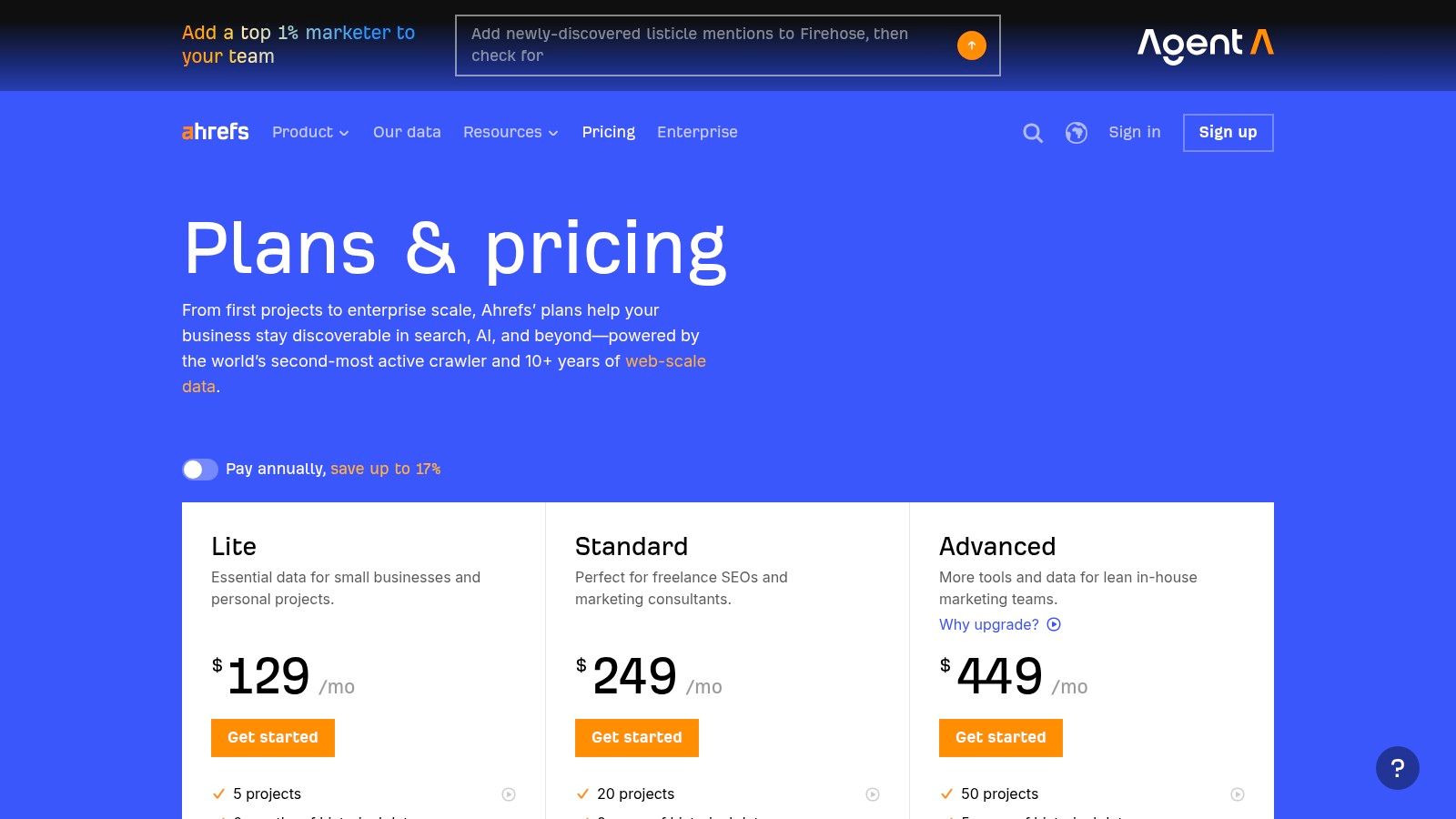
Ahrefs earns its place in an ecommerce SEO stack when the core problem is competition. Use it to answer the questions that decide roadmap priority. Which rival categories are gaining links faster? Which subcategories own the SERP? Which content types are supporting those rankings?
For ecommerce teams, that matters more than having another all-purpose dashboard. Ahrefs is especially strong for backlink analysis, category-level keyword research, and competitive gap work. On stores with hundreds or thousands of templates, it also helps surface internal linking and duplication patterns that are easy to miss when you only review a handful of pages manually.
The primary value is speed. Site Explorer gets you from a competitor domain to useful SEO direction fast. You can review top pages, linking domains, anchor patterns, and traffic-driving terms without stitching together three different reports. Keywords Explorer is also useful for splitting commercial terms from comparison, review, and accessory intent. That separation shapes how we build category pages versus supporting content.
I rely on Ahrefs most during diagnosis. If a collection page is stuck below stronger competitors, Ahrefs helps determine whether the fix is authority, content coverage, or site architecture. It does not replace a crawler or Search Console for technical validation, but it gives a sharp first read on what the SERP rewards.
Here's where it fits well for ecommerce:
- Competitive category research: Compare top-ranking category and brand pages to see what content depth and link support they have.
- Backlink gap analysis: Find the publications, partners, and resource pages linking to competing stores but not yours.
- Intent mapping: Separate product, category, and editorial opportunities so collection pages are not forced to rank for every query type.
- Template-level SEO reviews: Spot repeated title, cannibalization, and internal link issues before handing the findings to a crawler for deeper analysis.
Its trade-offs are clear.
- Best as a specialist layer in the stack: Ahrefs is excellent for off-page analysis and competitive research, but I would not use it as the only platform for stakeholder reporting or enterprise technical debugging.
- Costs rise with team usage: Extra seats and broader access can become expensive once content, SEO, and leadership all want visibility.
- Technical auditing has limits: For very large ecommerce sites, tools like Screaming Frog, Sitebulb, Lumar, or Botify still do the heavier lifting on crawl diagnostics and indexation work.
That is why the Ahrefs versus Semrush debate usually misses the point. The better decision is tool fit by workflow. If the team's bottleneck is understanding who wins the SERP and why, Ahrefs is often the better choice. If you want a side-by-side view of those use cases, this Semrush vs Ahrefs comparison for different SEO workflows lays out the trade-offs well. For pricing, visit the Ahrefs pricing page.
3. Moz Pro
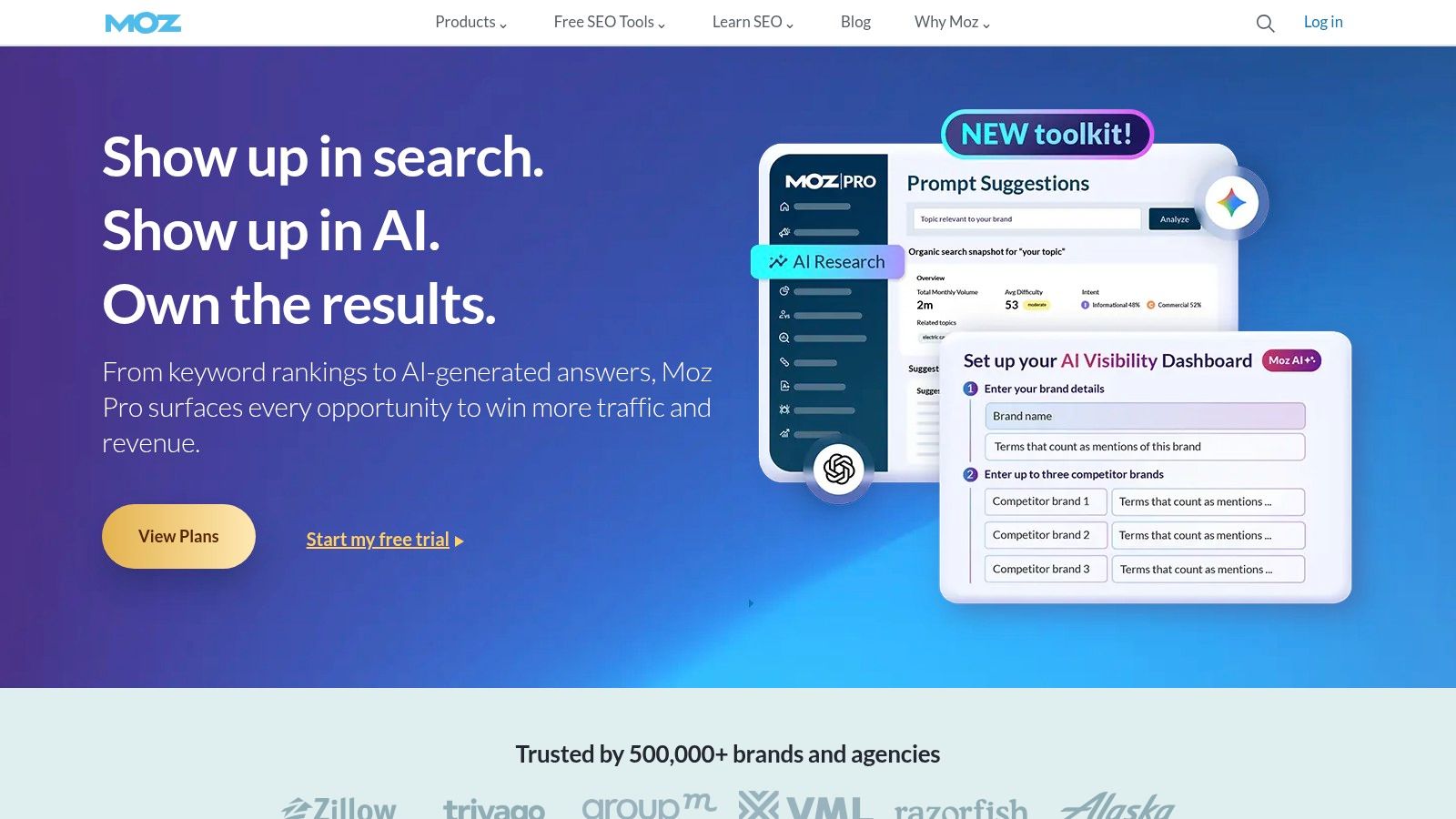
Moz Pro is still a good fit for ecommerce teams that want fewer moving parts and a cleaner interface. I don't usually recommend it when a store has heavy technical complexity or aggressive link competition, but I do recommend it when the team needs a straightforward SEO operating system they'll use.
That distinction matters more than people admit. A tool with slightly less data but much better adoption can outperform a more powerful platform that nobody on the team opens after the first month.
Why some stores still choose Moz Pro
Moz Pro covers the core needs well. You get keyword research, rank tracking, site crawl diagnostics, link metrics, and on-page recommendations in a package that's easier for non-specialists to learn. For smaller ecommerce brands, that can be enough to keep SEO execution moving without constant agency translation.
Its authority metrics still make it useful for quick prospect vetting during outreach or partnership review. If your team is trying to prioritize where to spend limited attention, a simple filter often beats a complex workflow.
Where it falls short is the same place it has for years. The data depth doesn't match Ahrefs or Semrush for harder competitive environments, and larger-scale tracking often requires additional tooling.
Here's where I'd put Moz Pro:
- Best fit: SMB ecommerce teams with modest catalogs and limited in-house SEO support
- Good companion use: Stores that want clean reporting and fundamental visibility tracking
- Less ideal: Enterprise catalogs, advanced log analysis, and heavyweight competitor intelligence
Moz Pro isn't the flashy choice. That's part of its appeal. If your team needs a practical suite with a gentler learning curve, it's still in the conversation. Explore the platform at Moz.
4. Screaming Frog SEO Spider
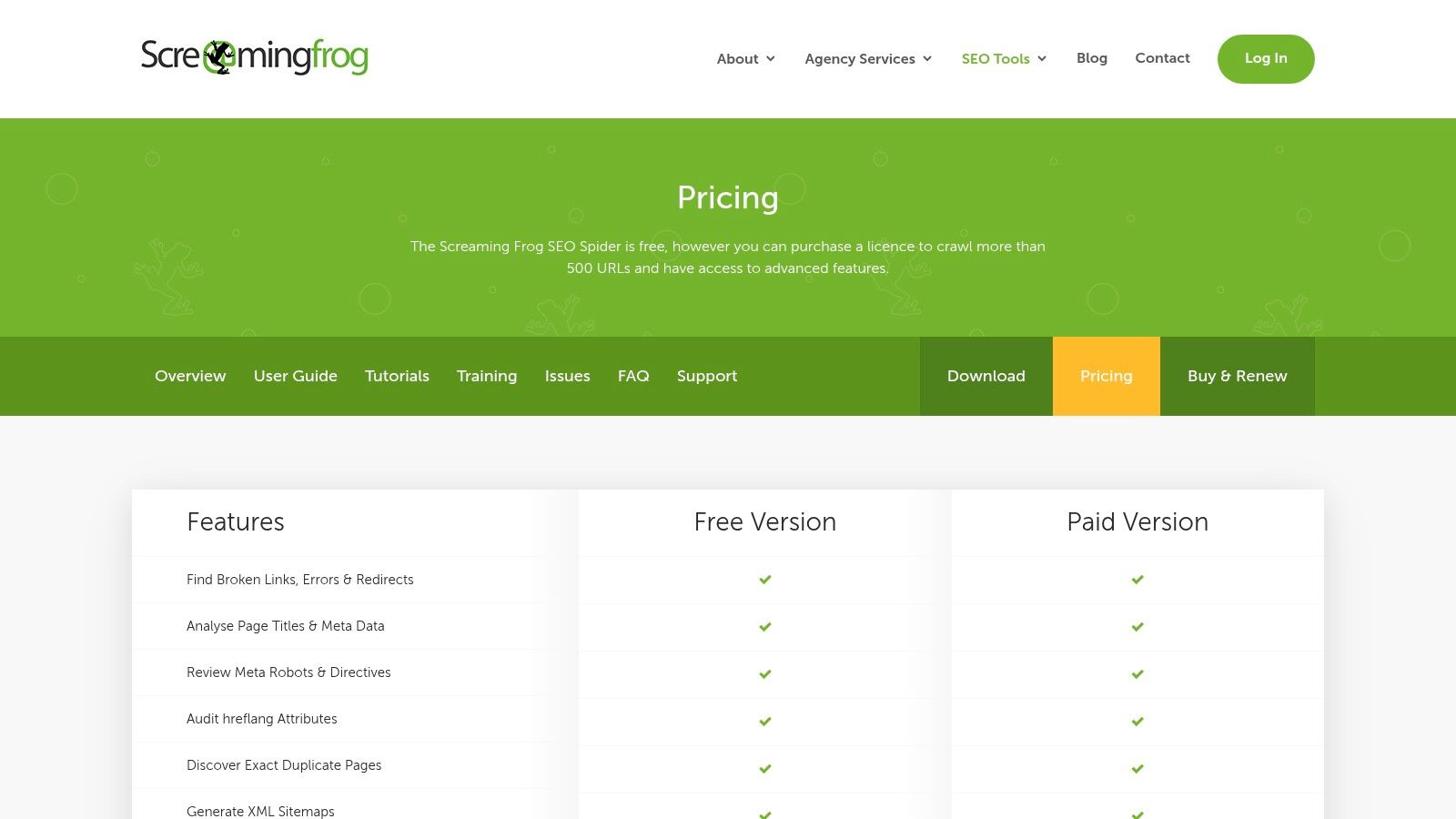
A category launch underperforms, product pages start outranking collection pages, and index coverage fills with low-value parameter URLs. That is usually the point where my team opens Screaming Frog.
For ecommerce SEO, Screaming Frog is the diagnostic layer in the stack. Semrush or Ahrefs can tell you visibility dropped. Screaming Frog shows which templates, directives, links, or URL patterns caused it. On stores with pagination problems, duplicate product copy, orphaned pages, canonicals pointing to the wrong version, or faceted navigation left open to crawl, it exposes the pattern fast.
Its advantage is control. You can crawl like Googlebot, render JavaScript when needed, pull custom extractions, segment URLs by folder or template, and export large datasets for analysis in Sheets, Excel, or BI tools. That matters on ecommerce sites because the main issue is rarely one page. It is usually a rule repeated across hundreds or thousands of URLs.
I use it most for work like this:
- Faceted navigation audits: Identify indexable filter combinations, crawl traps, and thin parameter pages.
- Template QA: Find duplicate titles, descriptions, H1s, canonicals, and noindex rules across product and category templates.
- Internal linking analysis: Check crawl depth, inlinks, and whether revenue-driving categories are getting enough internal authority.
- JavaScript checks: Confirm rendered content, links, and metadata appear correctly on modern storefronts.
- Structured data validation: Review schema output at scale before rich result issues spread across the catalog.
One recurring ecommerce mistake is treating content as the main fix when the site structure is the primary blocker. If category pages are not ranking, I check crawl depth, internal links, canonical logic, and parameter handling before rewriting copy. Screaming Frog makes that order of operations much clearer.
The trade-off is real. It is a desktop crawler, so very large sites can push local memory and processing limits, and the exports need cleanup before they make sense to executives or non-technical teams. It also does not replace rank tracking, backlink data, or log file analysis. It works best as part of a stack, not as the only SEO platform.
Still, for technical audits on ecommerce sites, few tools earn their place as consistently as this one. Review licensing on the Screaming Frog pricing page.
5. Sitebulb
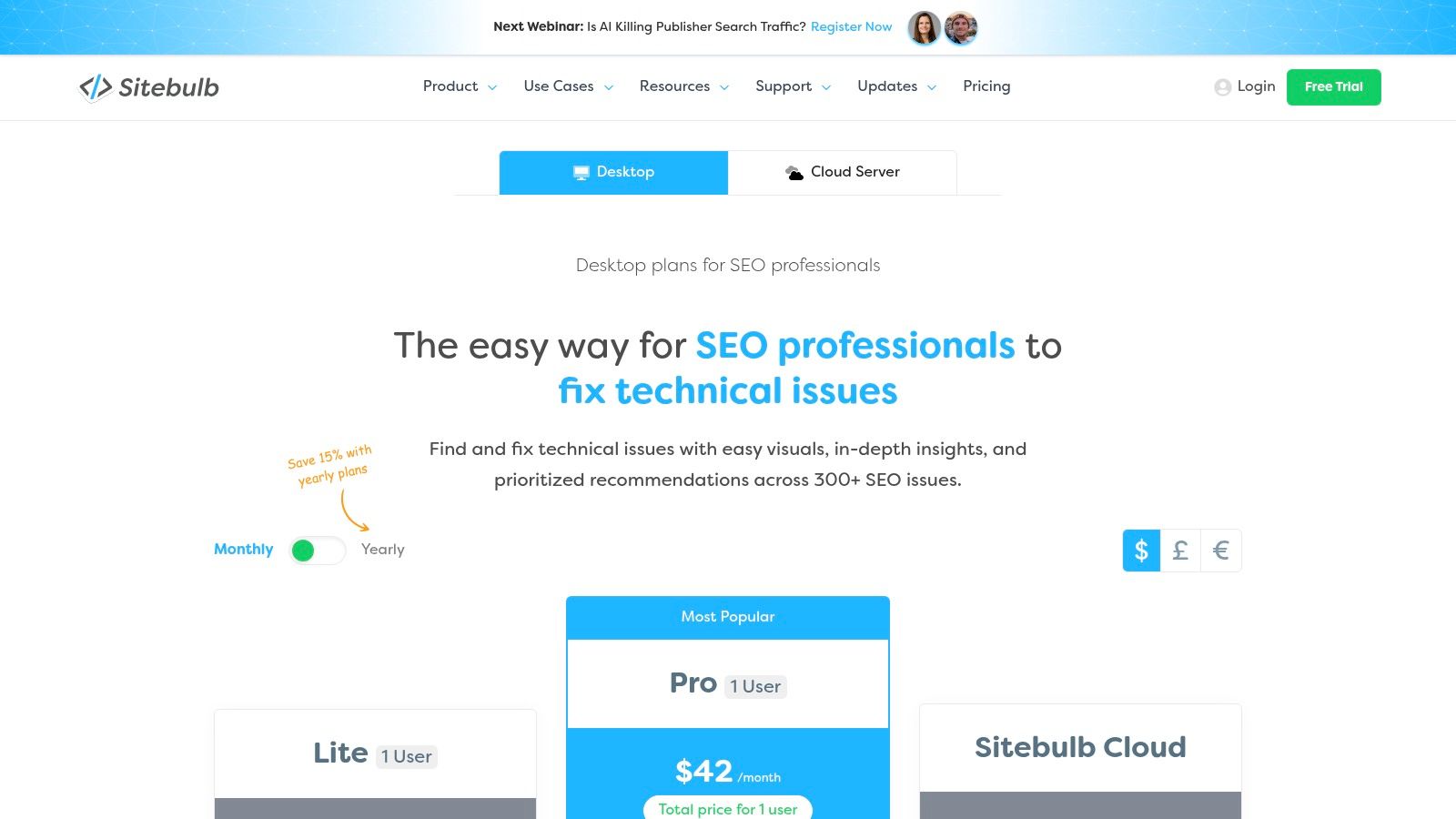
Sitebulb solves a different problem than Screaming Frog. It's not just about finding issues. It's about making technical findings easier to understand, prioritize, and present to people who don't live in crawl exports all day.
That makes it particularly useful for agencies, in-house leads, and ecommerce managers who need to move fixes through design, development, and merchandising teams without losing everyone in a spreadsheet.
Where Sitebulb feels better than raw crawler output
The visualizations are the main selling point. Site structure maps, issue hints, and prioritization layers make it easier to explain why a problem matters. On ecommerce sites, that's helpful when you're trying to show how indexation waste, redirect chains, or weak internal linking affect high-value categories.
Its desktop product is strong for focused technical work, and the cloud option makes more sense when you need collaboration or larger recurring crawls. If you run audits with multiple stakeholders, the usability advantage becomes obvious quickly.
What I like most:
- Clear issue explanations: Better for stakeholder communication than many technical tools
- Useful visual reports: Easier to turn into action plans
- Flexible setup: Desktop for lean teams, cloud when scale demands it
What I don't like is simple. Big desktop crawls still depend on local resources, and the cloud pricing model needs careful review before you commit.
A technical tool only helps if the dev team understands what to fix first. Sitebulb is better than most at making that handoff clean.
If Screaming Frog is the power tool, Sitebulb is the tool that often gets faster buy-in. That's a meaningful advantage on ecommerce teams where implementation speed matters as much as diagnosis. You can compare options on the Sitebulb pricing page.
6. Lumar
A merchandising team pushes a template update on Friday. By Monday, faceted category pages are canonicalizing incorrectly, product variants start competing with primary URLs, and the issue has already spread across thousands of pages. That is the kind of environment where Lumar earns its place.
Lumar fits enterprise ecommerce teams that need ongoing oversight, not a crawler they open a few times a quarter. I use it when a site has enough scale, release velocity, and template complexity that technical SEO needs to operate like QA. Desktop crawlers can find issues. Lumar is better at monitoring patterns, segmenting them by page type, and keeping fixes visible across multiple release cycles.
That matters on large stores because the work is rarely isolated to one problem. The same team is often managing canonicals, pagination rules, internal linking, structured data coverage, renderability, and indexation controls across several templates and markets. The challenge is not just finding problems. It is knowing which issue affects revenue-driving sections, who owns the fix, and whether the problem stayed fixed after the next deployment.
Where Lumar is strongest:
- Release monitoring: Spot regressions after deployments instead of waiting for traffic loss
- Template-level segmentation: Isolate issues across PLPs, PDPs, blog content, support pages, or international folders
- Workflow support: Keep technical findings tied to owners, status, and recrawl validation
- Enterprise-scale crawling: Handle site structures that are awkward or slow to manage in desktop-only setups
The trade-off is straightforward. Lumar is expensive, implementation takes planning, and smaller ecommerce teams usually will not use enough of the platform to justify the cost. If the site has a manageable catalog and a lighter development cycle, Screaming Frog or Sitebulb will often cover the technical audit work more efficiently.
For large ecommerce brands building a real SEO stack, though, Lumar fills a different role. Semrush or Ahrefs can surface opportunity and competition. A crawler can diagnose issues. Lumar becomes the operating layer that helps teams monitor technical health continuously and tie fixes back to the parts of the site that drive revenue. You can review current options at Lumar.
7. Botify
Botify is one of the more interesting enterprise platforms right now because it sits at the intersection of technical SEO, search demand, and emerging AI-search visibility. If your site is large enough that crawl budget and rendering behavior affect revenue pages directly, Botify becomes a very serious option.
Its strength isn't just crawling. It's the combination of crawler data, log analysis, and search demand signals in one environment.
Why Botify stands out on large ecommerce sites
On enterprise ecommerce stores, “what's broken” is only half the question. The bigger question is “what is Google spending time on, and is that aligned with the pages that matter commercially?” Botify is useful because it helps answer that with more precision than standard crawlers.
That's especially relevant as SEO tooling shifts toward AI-assisted workflows and changing search behavior. Current coverage still leans on classic backlink and ranking functions, but Backlinko's roundup notably includes ChatGPT alongside mainstream SEO tools, which signals that SEO stacks are expanding beyond traditional diagnostics alone. Botify's positioning around AI and answer-engine visibility fits that broader shift.
Where I'd use Botify:
- Crawl budget prioritization: Confirm bots spend time on pages capable of driving transactions
- JavaScript and indexation diagnosis: Find rendering gaps that standard reports blur
- Enterprise monitoring: Watch how releases affect discoverability in search and AI-oriented environments
The obvious drawback is that it's enterprise software. Smaller teams won't get enough value from the cost and complexity.
If you run a large catalog and need crawl, logs, and business context in one place, Botify is one of the better-built platforms in the market. Visit Botify for product details.
8. Oncrawl
Oncrawl is the tool I think of when an ecommerce team wants enterprise-grade technical analysis but also wants reporting that can connect SEO findings to business impact. It's particularly strong when duplicate URLs, crawl waste, and faceted navigation are creating noise across a large catalog.
That focus matters because many ecommerce SEO roundups still overemphasize generic keyword tooling and underplay specialized technical tasks. Yoast's ecommerce guidance, for example, puts specific attention on robots.txt, XML sitemaps, structured data, category-page templates, and faceted navigation, which is much closer to the daily reality of large stores.
Where Oncrawl earns budget
Oncrawl's cloud crawling, log analysis, segmentation, and cross-analysis with analytics and search console data make it useful for one thing in particular. It helps teams move from “there are too many URLs” to “these URL groups are wasting crawl attention and hurting the sections that generate sales.”
That's a big deal on sites with layered navigation, seasonal category churn, or multiple sorting and filtering paths. The reporting also tends to land well with mixed audiences because it can connect technical findings to broader site performance.
Its sweet spot looks like this:
- Large catalogs with crawl inefficiency
- Teams that need log file analysis
- Organizations that want business-facing reporting, not just technical exports
The learning curve is real, and the pricing sits well above desktop crawlers. But if your ecommerce SEO problems live in crawl behavior rather than just rankings, Oncrawl is the kind of tool that changes how you prioritize work. Explore it at Oncrawl.
9. STAT Search Analytics by Moz
STAT is not a general SEO suite, and that's why it's useful. It does one job at a much higher level than most broad platforms. It tracks rankings and SERP features at scale.
For ecommerce brands with a large keyword footprint across categories, brands, products, and locations, that specialization matters. You don't buy STAT to audit canonicals or inspect backlinks. You buy it because ranking volatility is happening across too many terms and markets for a standard tracker to give you enough visibility.
Best fit for large keyword portfolios
STAT works well when a retailer needs daily rank tracking across devices and locations, plus a clear view of SERP features shaping click behavior. If shopping-heavy features, local packs, or rich results are changing the environment around your core queries, STAT gives you cleaner monitoring than most all-in-one suites.
I like it in these scenarios:
- Large enterprise category sets: Track broad groups of head and mid-tail commercial terms
- Multi-market visibility: Segment by locale and device without turning reporting into a mess
- BI integration: Push rank and SERP data into a broader reporting environment
The limitation is obvious. It doesn't replace a crawler, and it doesn't replace first-party search data. It complements both.
If your weekly SEO meeting is dominated by “rankings changed, but we don't know where or why,” a platform like STAT can clean that up fast.
For smaller ecommerce teams, it's too much. For enterprise teams managing serious keyword breadth, it can be the missing layer between technical SEO and executive reporting. You can review the platform at STAT Search Analytics.
10. Google Search Console
A category page drops out of traffic after a site update, rankings in third-party tools look mostly stable, and the merch team wants an answer before the next promo goes live. Google Search Console is usually where diagnosis starts. It shows what Google is indexing, which queries are producing impressions, and which URLs are earning visibility.
That role matters in an ecommerce stack because GSC fills the gap the other tools cannot. Crawlers like Screaming Frog, Sitebulb, Lumar, and Botify show what exists on the site. Platforms like Semrush and Ahrefs estimate opportunity and competitor movement. GSC confirms what Google is doing with your pages right now.
For ecommerce teams, I use it for three jobs over and over:
- Indexing checks: Verify that priority category, product, and faceted pages are indexed after migrations, template changes, or large catalog updates
- Query-to-page analysis: Spot cases where Google ranks the wrong URL for a commercial term, which usually points to internal linking, canonicals, duplication, or weak category intent
- Fix validation: Confirm whether changes to schema, canonicals, sitemaps, redirects, and internal links led to better coverage or richer search appearance
It is also one of the fastest ways to catch expensive mistakes. If impressions disappear on a revenue-driving folder, GSC can point to coverage exclusions, crawl issues, or a sudden drop in indexed URLs before revenue reports fully reflect the damage.
The trade-off is clear. Search Console is diagnostic, not investigative. It will not replace a crawler for large-scale technical audits, and it will not replace Semrush or Ahrefs for competitor research, backlink analysis, or keyword expansion. Used together, though, the workflow gets sharper: find the opportunity in your research tool, inspect the site with a crawler, then use GSC to verify how Google responded.
GA4 still matters for conversion and revenue analysis. GSC answers a different question. It shows how search demand maps to URLs, where visibility is growing or slipping, and whether technical work changed search performance in the right direction.
If your team needs a practical framework for acting on those findings, this guide to ecommerce SEO best practices is a useful companion. Every store should also maintain a verified property in Google Search Console.
Top 10 eCommerce SEO Tools: Feature Comparison
| Tool | Core focus & key features (✨) | Quality / Trust (★) | Target audience (👥) | Value & pricing (💰) | Standout (🏆) |
|---|---|---|---|---|---|
| Semrush | ✨ Keyword Magic, Site Audit (e‑com checks), Backlink Analytics, Position Tracking | ★★★★ | 👥 SMB → mid‑market ecommerce teams | 💰 Mid‑range subscription; add‑ons extra | 🏆 Broad all‑in‑one competitive & keyword suite |
| Ahrefs | ✨ Site Explorer, Keywords Explorer, Site Audit, Rank Tracker, AI monitoring | ★★★★★ | 👥 SEO teams & enterprises needing backlink depth | 💰 Premium; costs grow with scale | 🏆 Industry‑leading backlink index & competitor insight |
| Moz Pro | ✨ Keyword Explorer, Site Crawl, Link Explorer, On‑page recommendations | ★★★ | 👥 SMB ecommerce teams & non‑specialists | 💰 Affordable entry plans; smaller datasets | 🏆 Clear UI & established link authority metrics |
| Screaming Frog | ✨ Desktop crawler, JS rendering, custom extraction, GSC/GA integration | ★★★★ | 👥 Technical SEOs & devs auditing catalogs | 💰 Excellent value (license), local resource dependent | 🏆 Fast, highly configurable technical crawler |
| Sitebulb | ✨ Visual site maps, prioritized hints, Cloud option, CWV insights | ★★★★ | 👥 Teams needing stakeholder‑ready audit reports | 💰 Desktop affordable + optional cloud tier | 🏆 Best UX and visualizations for audits |
| Lumar | ✨ High‑scale cloud crawling, segmentation, QA/alerts, SOC2 | ★★★★ | 👥 Large ecommerce enterprises | 💰 Quote‑based enterprise pricing | 🏆 Scales for massive, complex site architectures |
| Botify | ✨ Crawler + LogAnalyzer + RealKeywords, AI/answer‑engine insights | ★★★★ | 👥 Enterprise ecommerce teams with rapid releases | 💰 Enterprise, sales‑led pricing | 🏆 Unifies crawl+logs to prioritize revenue fixes |
| Oncrawl | ✨ Cloud crawler, log analysis, data science, KPI‑linked reporting | ★★★★ | 👥 Enterprises focused on crawl waste & revenue | 💰 Premium cloud pricing | 🏆 Connects technical SEO to business KPIs |
| STAT (by Moz) | ✨ Large‑scale rank tracking, SERP feature monitoring, API | ★★★★ | 👥 Agencies & enterprises with huge keyword sets | 💰 Sales‑led enterprise pricing | 🏆 Best for massive rank portfolios & SERP intel |
| Google Search Console | ✨ Indexing, Coverage, URL Inspection, CWV, structured data validation | ★★★ | 👥 All site owners; essential for ecommerce | 💰 Free (first‑party Google data) | 🏆 Source of truth for how Google sees your site |
Putting It All Together From Tools to Workflow
The best seo tools for ecommerce don't win on feature count alone. They win when each tool has a clear job inside your workflow. That's the difference between a stack that helps a team make decisions and a stack that turns into subscription clutter.
For most stores, the foundation is simple. Use one all-in-one suite for keyword research, competitor analysis, and ongoing monitoring. Pair that with Google Search Console for first-party indexing and query data. Add a technical crawler when the site has enough products, filters, or template complexity that hidden issues can suppress growth.
A practical workflow looks like this.
Sample Workflow Technical Audit and Prioritization
- Crawl: Run a full crawl with Screaming Frog to identify broken links, duplicate content, redirect chains, weak internal linking, and structured data issues across product and category pages.
- Validate: Cross-check those findings in Google Search Console using Coverage, URL Inspection, sitemap feedback, and Core Web Vitals reporting so you know which issues are visible to Google.
- Analyze: On larger sites, use Botify or Lumar to layer in crawl behavior, rendering context, and operational monitoring so you can see which problems are affecting important sections instead of treating every issue the same.
That process changes the outcome. Instead of dumping a giant error list on a dev team, you end up with a ranked action plan. Fix the pages Google keeps hitting but can't use well. Fix the category templates that create duplication. Fix the internal linking paths that bury high-margin collections.
The same stack logic applies outside technical audits. If you're evaluating new category opportunities, use Semrush or Ahrefs for market and competitor analysis, then validate your existing visibility in GSC. If you're dealing with complex faceted navigation or large-scale crawl waste, bring in Oncrawl, Lumar, or Botify. If the issue is visibility tracking across a huge keyword set, STAT becomes the specialist layer.
It's also worth acknowledging how the stack is changing. Ecommerce SEO isn't only about ranking blue links anymore. The underexplored shift in current tool coverage is that AI-assisted content workflows and search volatility now influence what teams need to monitor and produce. That doesn't make traditional platforms obsolete. It makes first-party diagnostics, structured data quality, crawl control, and faster content operations more important.
If you're a smaller retailer, don't overbuy. Start with Semrush or Ahrefs, add Google Search Console, and use Screaming Frog or Sitebulb for technical work. That setup is enough for a lot of growing stores. If you're operating a large catalog with serious engineering complexity, enterprise platforms earn their keep because they help prioritize issues in an environment where releases happen constantly.
Up North Media is one option if you need help turning those tools into an operating workflow rather than a collection of dashboards. The tooling matters. The process matters more.
If you want help choosing the right ecommerce SEO stack, prioritizing technical fixes, or connecting SEO reporting to revenue goals, Up North Media can help you build a practical workflow around the tools that fit your site and team.