

If you want to tell Google what your content is about, optimizing the HTML header is the single most important on-page task you can tackle. This invisible section of your code, the <head>, is basically the control room for search engines. It's packed with critical tags that directly influence your rankings, click-through rates, and even how your content looks when it's shared.
Getting this part right is foundational. Everything else in your SEO strategy builds on it.
The Hidden Power of Your HTML Header in SEO
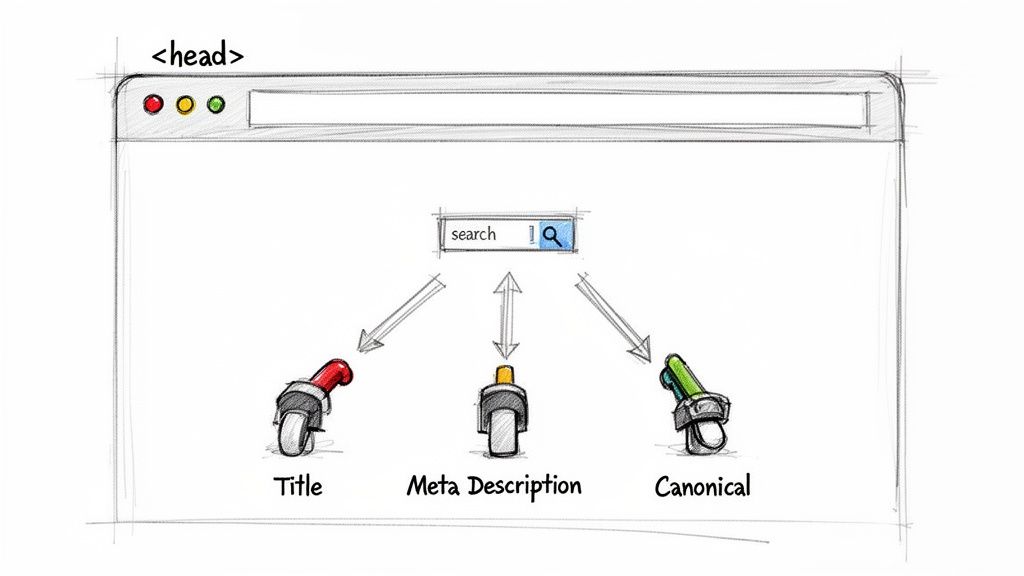
It’s a common mix-up, so let’s get this straight right away: the HTML <head> is not the visible <header> you see at the top of a website with the logo and navigation menu. The <head> section is a container for metadata, and it's completely invisible to a user looking at the page.
Instead, this metadata speaks directly to search engine crawlers and browsers. Think of it as your first and most vital chance to define a page's purpose, signal its relevance for your target keywords, and stop technical SEO problems before they even start.
Why This Invisible Code Matters So Much
I like to think of the <head> tag as the summary on the back of a book. Before a search engine "reads" your entire page (the body content), it first scans the <head> to get the main plot points. That first impression is crucial.
Properly optimizing this section has a real impact on a few key areas:
- Search Engine Rankings: The title tag is still one of the most heavily weighted on-page ranking factors. Period.
- Click-Through Rate (CTR): Your title and meta description are your sales pitch in the search results. A good one convinces people to click your link instead of the one above or below it.
- Duplicate Content Prevention: The canonical tag, which lives in the
<head>, is your tool for telling search engines which version of a page is the definitive one. This is essential for preventing ranking dilution. - Social Media Appearance: Open Graph tags control the image, title, and description that pop up when someone shares your content on Facebook, LinkedIn, or other platforms.
Mastering the elements within the HTML
<head>is non-negotiable for effective on-page SEO. It’s where you lay the groundwork for visibility, ensuring both search engines and potential visitors understand your page's value from the very first interaction.
To really nail these strategies, it helps to see how they fit into the bigger picture of search performance. Our comprehensive SEO best practices checklist gives you a structured guide to make sure you're covering all your bases, from on-page elements to the technical stuff.
For now, here’s a quick-reference table summarizing the most important tags you’ll find in an SEO-friendly <head> section.
Key Elements of an SEO-Optimized HTML Head
This table breaks down the heavy hitters inside the <head> tag and what they actually do for your SEO.
| HTML Tag | Primary Purpose | Direct SEO Impact |
|---|---|---|
<title> | Defines the page title shown in browser tabs and search results. | Strongest on-page ranking factor; major influence on CTR. |
<meta name="description"> | Provides a summary of the page's content for search results. | No direct ranking impact, but critical for improving CTR. |
<link rel="canonical"> | Specifies the "master" version of a page to avoid duplicate content. | Prevents keyword cannibalization and consolidates ranking signals. |
<meta name="robots"> | Instructs search engines on how to crawl and index the page. | Controls indexing and prevents thin content from hurting your site. |
Getting comfortable with these four tags is the first step. Each one gives you a specific lever to pull to improve how search engines see and rank your content.
Crafting Titles and Descriptions That Win Clicks

Think of your page's title tag and meta description as the digital version of a storefront sign. In the crowded marketplace of Google search results, these two little snippets are your first—and sometimes only—chance to convince someone to walk through your door. They are absolutely fundamental to html header seo because they have a direct line to your click-through rates (CTR).
A great title and description can make your result stand out, even if you aren't ranked number one. This is where you have to blend the science of keyword targeting with the art of persuasive copywriting. Before you even start, though, you need a solid keyword strategy. Nailing down the right terms is step zero, and a good guide on building an effective keyword list will get you on the right track.
Mastering the Title Tag
The <title> tag is, without a doubt, the single most important on-page SEO element you can control inside the HTML <head>. It’s not a suggestion; it’s a massive signal to Google about what your page is actually about. You want your primary keyword as close to the beginning of the title as you can get it.
This isn't just an old SEO trick. It’s about how both people and search engines scan for information. Users glance at the start of a headline to see if it’s relevant, and Google gives more weight to words that show up early. The goal is to keep your titles short, punchy, and to the point.
The data backs this up. The #1 spot in search results gets an average 39.8% CTR, which drops by more than half to just 18.7% for the second position. It's also wild to think that Google rewrites a staggering 61% of titles, often to make them shorter. This is exactly why keeping them under 60 characters is a smart move.
Pro Tip: Don't just stuff keywords in there. Frame your title as a solution to a problem. Instead of "Omaha Plumber Services," try something like "Expert Omaha Plumber | Fast 24/7 Emergency Service." The second one hits a user's potential pain point (urgency) and offers a clear benefit right away.
Writing Meta Descriptions for Humans
While your meta description doesn't directly influence rankings, it has a massive impact on whether someone actually clicks on your link. This is your 160-character elevator pitch. So many people make the mistake of just restating the title or cramming it with keywords. Don't do that. Treat it like ad copy.
- Be Action-Oriented: Start with verbs that encourage a click. Think "Discover," "Learn," "Shop," or "Compare."
- Include a Call-to-Value: What does the user get by clicking? Mention a key benefit. "Free Shipping" for an e-commerce site or "Get a Free Quote" for a service page works wonders.
- Keep It Unique: Never, ever use the same meta description across multiple pages. Every page has a unique job, and its description needs to reflect that.
For a deeper dive into getting this right, check out our detailed guide on how to write meta descriptions that turn searchers into visitors. When you write for humans first, you give them a compelling reason to choose your result over all the others—and that's the whole point.
Using H1-H6 Tags to Structure Your Story
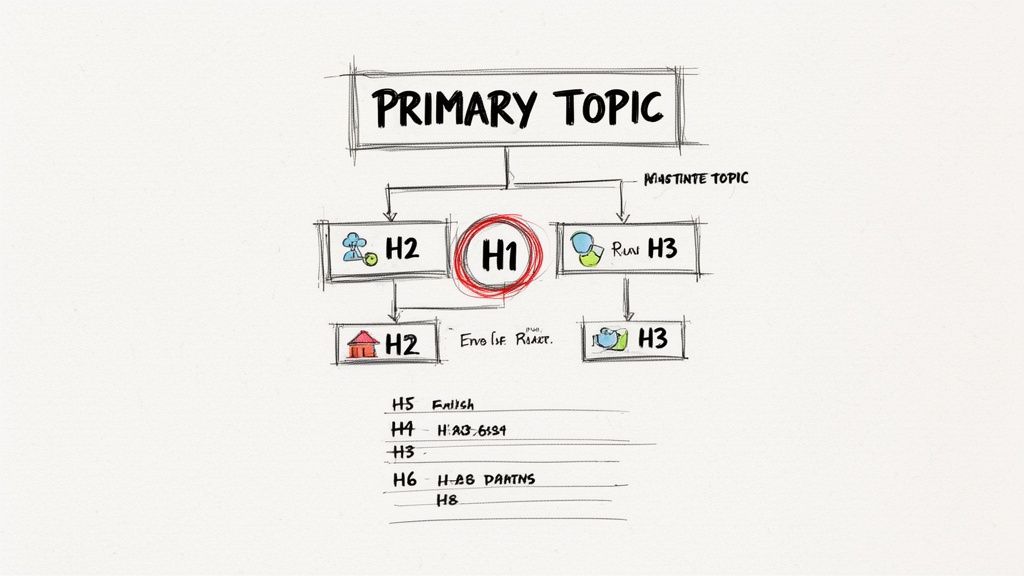
Alright, let's talk about the unsung heroes of on-page SEO: the heading tags. Even though they live in the <body> of your page, <h1> through <h6> tags are completely tied to your html header seo strategy. Think of them as the table of contents for your article—they build a logical roadmap that tells both people and search engines what your content is about and how all the ideas connect.
There's one rule here that's absolutely non-negotiable: use one, and only one, <h1> tag per page. This is your main event, the headline of your content. It should line up perfectly with what you promised in your <title> tag, acting as the strongest signal you can send about your page’s main focus.
Building a Logical Content Hierarchy
After you've nailed your <h1>, you'll use <h2> tags to break the content into its main chapters. These are your major subtopics. From there, <h3> tags let you drill down into more specific points under each <h2>. This nested, logical structure is everything.
You have to maintain the hierarchy. Don't ever jump from an <h2> straight to an <h4>. It breaks the logical flow of the document and can seriously confuse crawlers trying to map out your content's structure.
Here’s a quick look at what works and what doesn't:
| Good Structure (Logical Flow) | Bad Structure (Broken Hierarchy) |
|---|---|
<h1>Main Page Title</h1> | <h1>Main Page Title</h1> |
<h2>Section 1</h2> | <h4>A Random Sub-Point</h4> |
<h3>Sub-point 1.1</h3> | <h2>A Major Section</h2> |
<h3>Sub-point 1.2</h3> | <h6>Another Sub-Point</h6> |
<h2>Section 2</h2> | <h2>Another Major Section</h2> |
Sticking to this order makes your content a breeze for users to scan and perfectly outlines it for search engines.
Using Headings to Target Long-Tail Keywords
Headings aren't just for organization. Your <h2> and <h3> tags are prime real estate for targeting long-tail keywords and directly answering user questions. While your <h1> has your main keyword locked down, your subheadings can scoop up all the related queries.
Let’s say your <h1> is "Beginner's Guide to Digital Photography." Your subheadings could look something like this:
<h2>Choosing Your First DSLR Camera</h2><h2>Understanding the Exposure Triangle</h2><h3>What is Aperture?</h3><h3>How Shutter Speed Affects Your Photos</h3>
This simple strategy helps you rank for a much wider net of searches and proves to Google that your content is comprehensive. It’s a game-changer for signaling relevance.
Heading tags are absolute powerhouses. They directly influence how search engines understand the structure and importance of your content. Keywords in these tags carry way more weight than words buried in a paragraph, making them a crucial on-page ranking factor. You can find more info on Google Ranking Factors to see just how vital this is.
When you use H1-H6 tags the right way, you're building content that’s not only easier for humans to read but is also perfectly structured for search engines. This seriously boosts your chances of snagging featured snippets and ranking for those valuable, specific questions your audience is asking.
Solving Technical SEO Issues with Advanced Header Tags
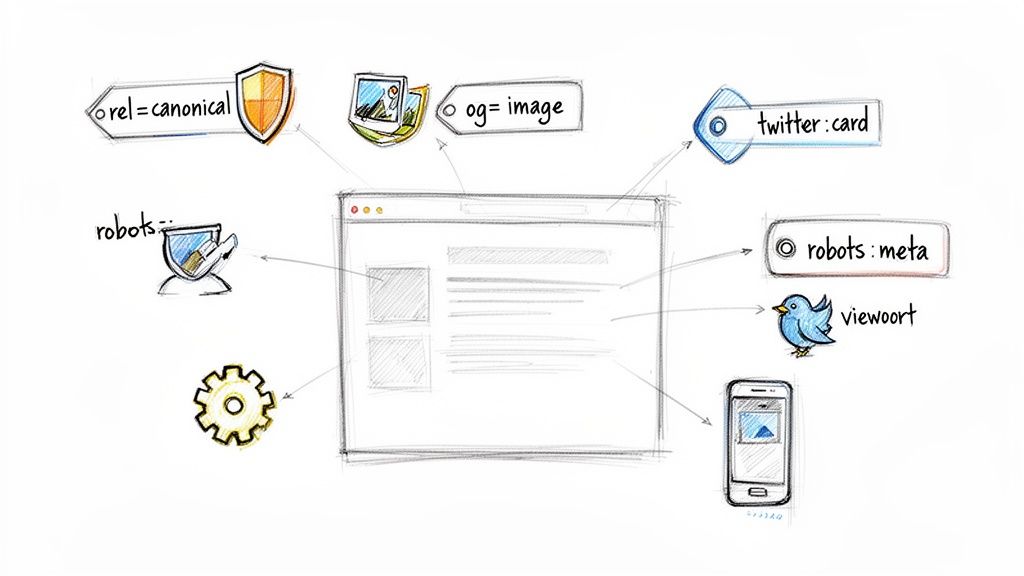
Alright, let's move past the basics of titles and headings. The HTML <head> is where the real technical heavy lifting of SEO happens. These advanced tags are your control panel, giving you direct say over how search engines crawl your site and how your content looks when it's shared on other platforms.
Getting these right directly impacts everything from indexing and duplicate content issues to your social media traffic.
Taming Duplicate Content with Canonicals
Duplicate content is a silent killer for SEO. I see it all the time, especially on e-commerce sites with product variants or CMS platforms that spit out multiple URLs for the same page—think filters, tracking parameters, or session IDs.
When Google stumbles upon multiple versions of what's essentially the same page, it gets confused. It doesn't know which one to rank, so your authority signals get diluted across all the different URLs. The canonical tag is the fix. It's a simple line of code that tells search engines, "Hey, out of all these similar pages, this is the one I want you to pay attention to."
This is more critical than you might think. We know over 17% of sites have flawed sitemaps, which can add to the confusion. By placing <link rel='canonical' href='...'> in your <head>, you point all the SEO value to a single, preferred URL. It prevents vote-splitting and makes sure your best content gets the credit it deserves. If you want to dive deeper into this, check out this excellent guide on understanding link canonical SEO.
Controlling Social Sharing with Open Graph and Twitter Cards
Have you ever shared a link on Facebook or X (formerly Twitter) only to see a weird, cropped, or totally irrelevant image pop up? It's frustrating, and it kills your click-through rate. That's a problem solved by Open Graph (for Facebook, LinkedIn, etc.) and Twitter Card tags.
These meta tags live in the <head> and let you dictate the exact title, description, and image that appear when your content gets shared. It’s the difference between a sloppy, accidental share and a visually compelling piece of micro-content.
At a minimum, you'll want to include these:
og:title: The headline you want people to see on social media.og:description: The short summary that appears below the headline.og:image: The specific URL for the eye-catching image you've chosen.twitter:card: The type of card. I almost always usesummary_large_imagefor the biggest visual impact.
By optimizing for social sharing, you're not just tidying up appearances. You're taking control of your brand's story across different platforms and creating a much better, more consistent user experience.
Directing Crawlers and Ensuring Mobile Usability
Finally, there are two more tags that are absolutely essential for controlling indexing and user experience.
First is the robots meta tag. This gives you page-level instructions for search crawlers. While a robots.txt file can block entire sections of your site, the meta tag is for more surgical control. For example, <meta name="robots" content="noindex, nofollow"> tells crawlers to completely ignore a specific page—perfect for thank-you pages, internal logins, or staging content.
Second is the viewport meta tag. Honestly, in this day and age, this is non-negotiable. The simple tag <meta name="viewport" content="width=device-width, initial-scale=1.0"> ensures your site renders properly on mobile devices. Without it, mobile users see a shrunken-down version of your desktop site, forcing them to pinch and zoom. That’s a terrible experience, and Google will penalize you for it.
Think of the viewport tag as a foundational piece of the mobile experience puzzle, one that's closely tied to key performance metrics. This is a big part of understanding Core Web Vitals.
Your Actionable HTML Header Audit Checklist
Knowing the theory behind HTML header SEO is one thing, but actually putting it into practice is what gets results. Think of this checklist as a straightforward framework to audit your own pages. The best part? You don’t need any fancy software—your browser's developer tools are more than powerful enough to get started.
To peek under the hood, just right-click anywhere on your website and select "Inspect" or "View Page Source." This opens up a window showing you the raw HTML. You’ll want to focus on the code between the opening <head> and closing </head> tags, but don't forget about the main <h1> tag in the <body>, either.
Core Metadata and Title Review
First up, let's look at the foundational pieces that show up directly in search results. These are your digital first impressions, so they need to be sharp, concise, and perfectly targeted.
- Title Tag Check: Do you have exactly one
<title>tag? Is it under 60 characters? More importantly, does it feature your primary keyword, ideally right near the beginning? - Meta Description Audit: Is there a unique
<meta name="description">tag on the page? Does it make a compelling case for clicking, and does it stay under the 160-character sweet spot? - Single H1 Tag Verification: Even though it lives in the
<body>, your<h1>is a massive SEO signal. Make sure there is exactly one<h1>on the page and that it closely mirrors the intent of your<title>tag.
A common slip-up is using the exact same text for both the
<title>and<h1>. While they need to be similar, it’s a smart move to vary them slightly. This lets you target different phrasing of the same core keyword, giving you more chances to rank.
Technical and Structural Integrity Audit
Next, let's dig into the technical tags that keep indexing issues at bay and ensure your content looks great when shared. Getting these details right is critical for a healthy site structure and clear communication with search crawlers.
- Canonical Tag Inspection: Find the
<link rel="canonical" href="...">tag. Is the URL pointing to the definitive version of the page you want Google to rank? If your page has URL parameters, this tag should point to the clean, core URL. - Robots Meta Tag Check: Look for a
<meta name="robots">tag. If you find one, double-check that it’s not accidentally set to"noindex", which would tell Google to completely ignore the page. It happens more often than you'd think. - Open Graph and Twitter Cards: Scan for
og:andtwitter:meta tags. Do they clearly specify a title, description, and image for social media sharing? You can use a free tool like the Facebook Sharing Debugger to see exactly how your page will look when someone posts the link.
Running through this quick audit gives you a clear, prioritized list of things to fix. Tackling these common mistakes—from a missing canonical tag to a rambling title—can lead to some surprisingly fast improvements in how search engines crawl, index, and ultimately rank your content. It's a foundational step toward taking full control of your on-page SEO.
Common Questions About HTML Header SEO
Even with a solid checklist, some of the finer points of HTML header SEO can feel a bit fuzzy. Let's tackle some of the questions I hear all the time to clear things up and help you fine-tune your strategy.
How Many H2 Tags Are Too Many?
There’s this persistent myth that you need to ration your <h2> tags. Honestly, that's just not true. There is no magic number or penalty for using multiple <h2>s.
Think of your <h1> as the book's title and your <h2> tags as the main chapter headings. If your article is a long, in-depth guide, it might need ten or more chapters to be well-organized. That’s perfectly fine. As long as each <h2> introduces a distinct, logical subtopic, use as many as your content needs to be readable and well-structured.
The key isn't the count, but the hierarchy. Just make sure you never skip heading levels—don't jump from an <h2> to an <h4>—and that each heading accurately describes the content that follows it.
Do Meta Keywords Still Matter for SEO?
Short answer: a hard no. The <meta name="keywords"> tag is a relic from the dial-up days of the internet. Google and other major search engines have been very public for over a decade now: they completely ignore it for ranking.
Why? Because the tag was so easy to abuse with keyword stuffing that it became a totally unreliable signal of a page's actual topic.
Spending even a minute filling out the meta keywords tag is time you could have spent writing a better title or a more compelling meta description. Focus your energy on the elements that actually move the needle.
Should My Title Tag and H1 Tag Be Identical?
They should definitely be similar, but making them identical is a missed opportunity. It's a smart practice to keep them closely aligned in topic and intent, but varying them slightly gives you a small but strategic advantage.
Here's how I think about it:
- The
<title>tag is what people see on the search engine results page (SERP). It needs to be punchy, compelling, and under 60 characters to grab attention and win the click. It often includes your brand name. - The
<h1>tag is the on-page headline a visitor sees after they click. It can be a little longer and more descriptive, reassuring them that they've landed in the right place.
For example, you might have:
- Title:
10 HTML Header SEO Tips for Beginners | Your Brand - H1:
A Beginner's Guide to Mastering HTML Header SEO
This approach lets you subtly target different keyword variations while creating a smooth, consistent experience for the user.
Ready to stop guessing and start ranking? The team at Up North Media specializes in data-driven SEO strategies that deliver measurable results for Omaha businesses. Let's build a plan that drives qualified traffic and boosts your bottom line. Get your free consultation today!