

Many organizations are already feeling the squeeze. You need blog posts, landing pages, emails, social assets, product content, short-form video, and sales enablement materials. You also need all of it to sound like your brand, support SEO, and move faster than your current process allows.
That's why AI content creation tools matter now. This isn't about replacing marketers, writers, designers, or editors. It's about removing the slowest parts of production so your team can spend more time on judgment, positioning, and quality control.
The market shift is real. The AI-powered content creation market was estimated at USD 2.15 billion in 2024 and is projected to reach USD 10.59 billion by 2033, with a 19.4% CAGR from 2025 to 2033. That kind of growth doesn't happen because teams are experimenting for fun. It happens because content demands keep rising while headcount and time usually don't.
Adoption inside content teams has also become routine. Among content professionals, 74% use AI at least weekly, 39% use it daily, and 5% say they do not use AI at all. ChatGPT leads usage at 66%, followed by Gemini at 32% and Grammarly at 16%. The takeaway is simple. AI is no longer a side project. It's part of the operating system.
What matters now is picking the right tools for the job. Not the loudest tool. Not the one with the longest feature list. The right tool for the workflow bottleneck you have.
1. Jasper
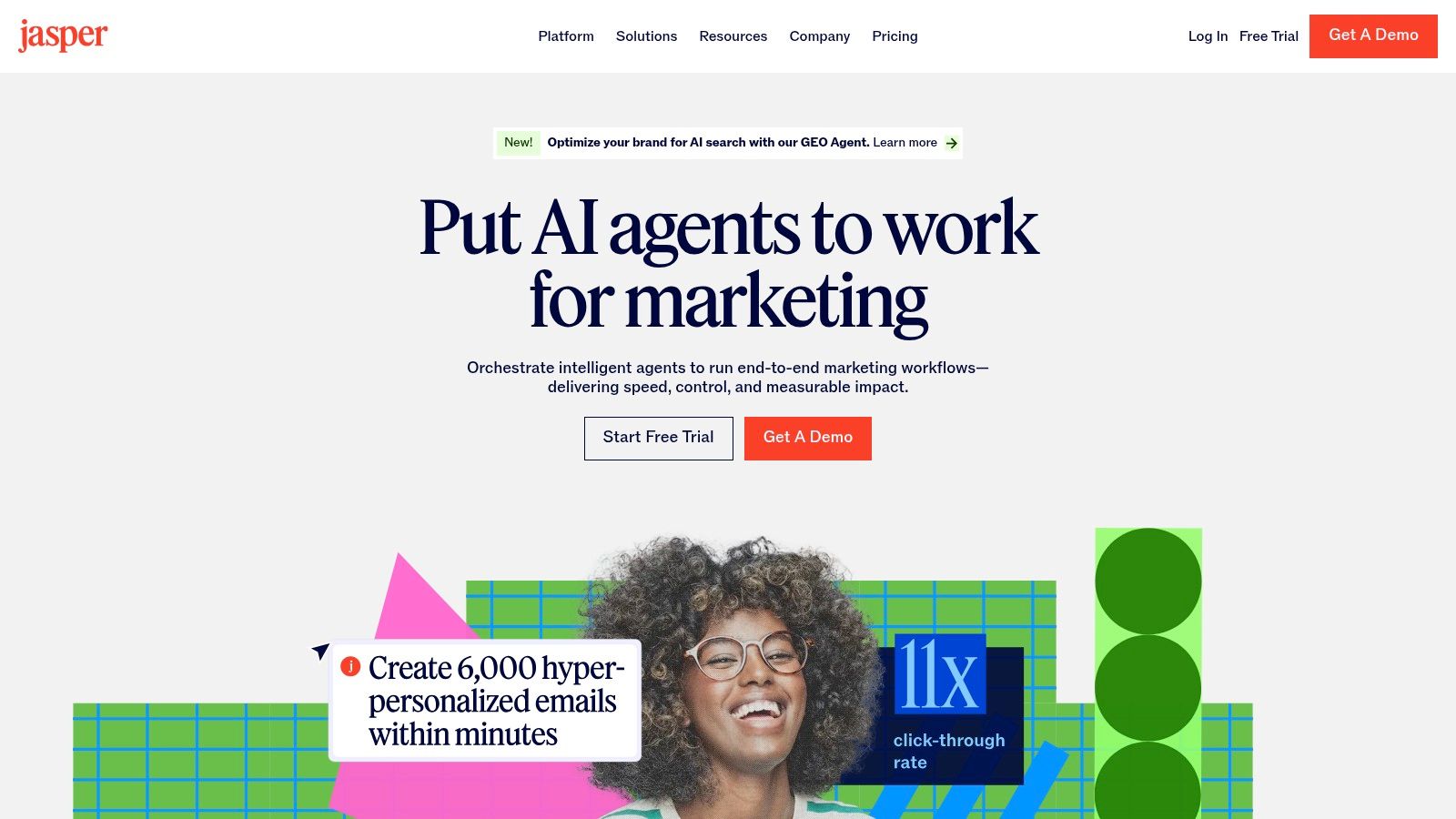
Jasper is one of the better fits for businesses that don't just need words. They need repeatable, on-brand marketing output across blogs, emails, landing pages, ad copy, and campaign assets. That distinction matters because generic chat tools are fine for one-off drafting, but they often break down when multiple people need to create content inside the same brand system.
Jasper's strongest feature set sits around structure. Canvas helps with long-form drafting and repurposing. Brand Voice, Knowledge, and Audience profiles help teams keep messaging tighter. Its agent and workflow features are useful when you're trying to move from “someone prompted a tool” to “the team has a process.”
If you're evaluating AI content creation tools for a marketing department, Jasper deserves a serious look because it was built for campaign operations, not just chat.
Where Jasper works best
For Omaha SMBs, Jasper makes sense when multiple people touch content and the owner is tired of everything sounding different. For e-commerce teams, it's useful for product collection pages, promotional emails, and ad variations that still need a consistent voice. For publishers, it's less about full article autonomy and more about speeding up briefs, rewrites, summaries, and channel-specific versions.
A practical use case is pairing Jasper with a documented editorial process and a service partner that understands implementation. That's where Up North Media's AI content creation services fit well, especially for teams that need governance rather than another standalone tool login.
Practical rule: Use Jasper when brand consistency matters more than raw experimentation speed.
The trade-off is cost structure and complexity. Jasper is better for teams than solo operators, and advanced usage can feel more expensive if you rely heavily on premium features. If your company mostly wants an all-purpose assistant for occasional drafts, Jasper can be more platform than you need.
Visit Jasper.
2. Copy.ai
Copy.ai is strongest when your content workflow overlaps with go-to-market operations. It's not just a writing tool. It's a workflow tool for teams that need research, drafting, messaging variation, and repeatable output across sales and marketing motions.
That's why Copy.ai often fits demand generation teams, revenue teams, and lean in-house marketers who wear multiple hats. Its workflow and agent setup can help with recurring tasks like campaign briefs, nurture email drafts, sales collateral refreshes, and content adaptations for different audience segments.
The biggest practical advantage is that it connects content creation to process. That makes it more useful than many AI tools that produce decent copy but don't help teams operationalize it.
Where Copy.ai earns its keep
If you run a small business with a compact team, Copy.ai can reduce the scramble around recurring marketing tasks. It's also useful for e-commerce brands that need campaign messaging across paid, email, and product launches without building every asset from scratch each time. For publishers, it's less compelling as a primary editorial platform, but it can still support syndication copy, newsletter intros, and sponsored content workflows.
A few strengths stand out:
- Workflow-based automation: Better for repeatable systems than ad hoc prompting.
- Multi-model access: Useful if your team wants flexibility instead of being tied to one model style.
- Team features: More practical for shared operations than consumer-grade AI chat tools.
What doesn't work as well is deep SEO execution. Copy.ai can help generate content and campaign assets, but it isn't the first tool I'd choose if search performance is the core objective. It's more GTM engine than SEO workbench.
Copy.ai is a good fit when your real problem isn't “we can't write.” It's “we can't keep up with all the content operations around selling.”
That distinction saves a lot of buyers from picking the wrong platform.
Visit Copy.ai.
3. MachineTranslation
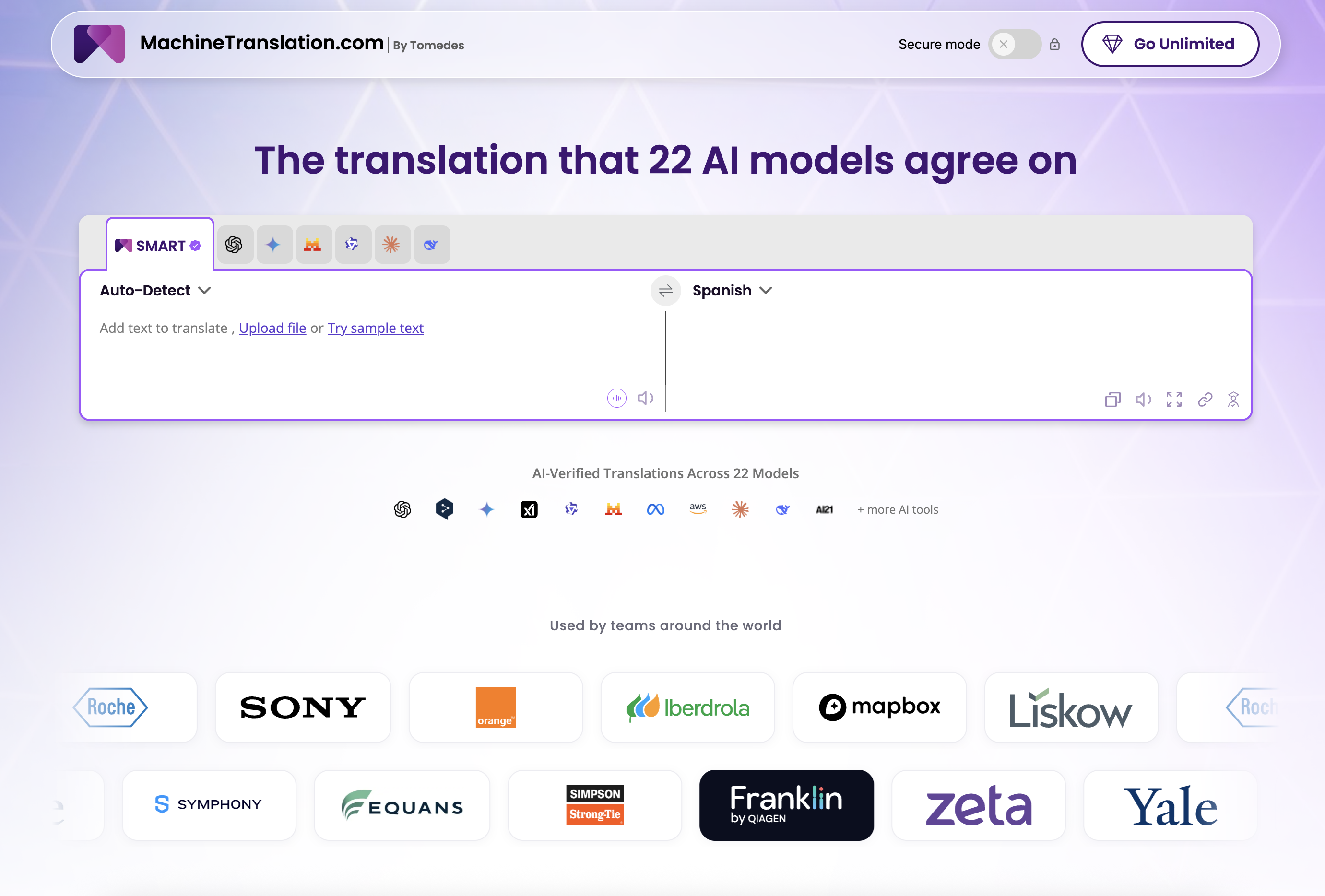
MachineTranslation.com is an AI translator that is one of the better fits for businesses that don’t just need a translation. They need reliable multilingual output across product pages, blog content, emails, and campaign assets without routing everything through a single AI engine or a separate localization budget. That distinction matters because most content tools assume English output, and they break down the moment a team needs to publish in French, Spanish, German, or a dozen other markets at once.
Its strongest feature sits around consensus. MachineTranslation.com runs every translation through 22 AI models simultaneously and returns a combined output, which tends to be more accurate than trusting one engine alone. The no-login free tier makes it accessible for lean teams. The 330+ language coverage means it scales when market expansion does. If you’re evaluating AI content creation tools for a business with any international footprint, MachineTranslation.com deserves a serious look because it was built for multilingual production operations, not just occasional translation.
Where MachineTranslation.com works best
For Omaha SMBs, it makes sense when a client base extends beyond English-speaking markets and the team needs multilingual versions of service pages or marketing content without a large localization budget. For e-commerce teams, it’s useful for product descriptions, promotional emails, and category pages that need fast regional coverage. For publishers, it works as a first-pass layer before human review, especially for content that needs quick adaptation across languages. A practical use case is pairing MachineTranslation.com with a human review step for any content going to a primary market. That’s where professional oversight still adds value, especially for nuanced or brand-sensitive copy.
Good use case: Drafting multilingual versions of content assets across product pages, emails, and blog posts before human review.
Less ideal use case: Highly literary or specialized content that requires a professional translator with deep subject matter knowledge.
Practical rule: Use MachineTranslation.com when multilingual coverage is a production bottleneck, not when cultural nuance is the core requirement.
The trade-off is straightforward. Machine output benefits from a review pass before publication, and highly literary or specialized content still benefits from a professional translator. But for businesses that need coverage across multiple markets at speed, the free multi-model approach is more practical than leaving international content unaddressed.
Visit MachineTranslation.com.
4. Surfer
Surfer is one of the clearest examples of a tool that treats content as a performance channel, not just a writing exercise. That's why it remains useful even as general-purpose AI writing gets more accessible. Surfer adds optimization structure, scoring, audits, and visibility tracking around the draft itself.
That matters because businesses don't publish for the sake of publishing. They publish to rank, capture demand, and support conversion. Surfer is good when you want AI assistance without losing the discipline of on-page SEO and content benchmarking.
Its setup works especially well for teams that already have a content calendar and keyword strategy but need a more reliable production and optimization process.
Why businesses choose Surfer
The biggest advantage is balance. Surfer gives teams drafting support, optimization guidance, and audit functionality in one place. It's a more disciplined environment than prompting in a blank chat window and hoping the output aligns with search intent.
For publishers and content-heavy brands, that discipline matters. So does market direction. In the broader market, the AI-powered content creation market was valued at USD 2.65 billion in 2025 and is forecast to reach USD 16.00 billion by 2035 at a projected 19.69% CAGR. The software segment accounted for 76% of market share in 2025, and the U.S. market is projected to grow from USD 0.73 billion in 2025 to USD 4.26 billion by 2035. Surfer fits that software-first buying trend because it's designed as an operational platform, not a service wrapper.
Editorial note: Surfer is strongest when you already know what topics matter and need a better way to execute.
The downside is that usage limits and credits vary by tier, so teams need to understand what they'll use. Smaller businesses can get value from it, but they should make sure they need an optimization platform, not just a faster drafting tool.
Visit Surfer.
5. Frase
Frase is often the better choice for teams that want SEO help without committing to a more complex platform. It's especially effective in the middle of the workflow. Research the SERP, build the outline, structure the brief, then turn that into a draft that can be edited by a human.
That makes Frase practical for lean teams. If your content process is still messy, Frase can bring enough order to be useful without requiring the operational lift that some larger platforms do.
I usually think of Frase as a strong “get us from topic to usable draft” tool. It doesn't need to be your entire content stack to justify itself.
Where Frase fits
For Omaha SMBs, Frase works well if one marketer handles content, SEO, and website updates. It can speed up blog planning and service-page support content without overcomplicating the stack. For e-commerce, it helps with buying guides and comparison content. For publishers, it's useful for briefs and fast content prep, though larger editorial teams may eventually want more robust workflow controls.
A few practical strengths:
- SERP-informed outlines: Good for getting away from blank-page drafting.
- Lean subscription approach: Helpful if you don't want to overpay for features you won't use.
- Usable optimization workflow: Enough structure for most small teams.
What Frase doesn't do as well is broader AI visibility tracking and more advanced enterprise workflow management. If your team needs strong governance, deep collaboration, or a wider set of post-publication controls, you may outgrow it.
The upside is simplicity. That's underrated. Many teams don't need the biggest platform. They need the one they'll use every week.
Visit Frase.
6. Adobe Firefly
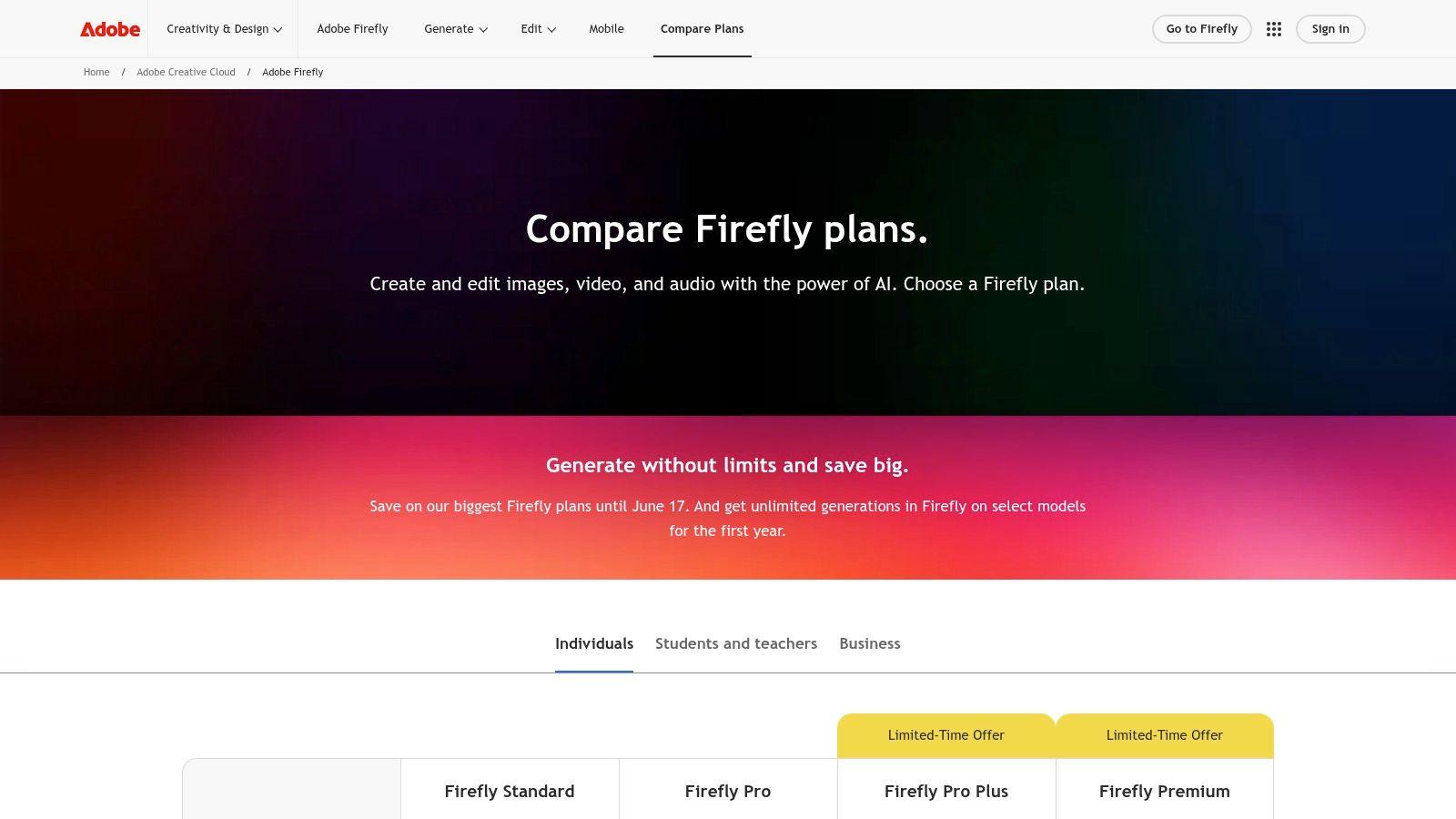
Adobe Firefly is one of the safest bets for businesses that need AI-assisted creative production inside an existing design environment. That matters more than flashy outputs. For many teams, the fundamental issue isn't whether AI can generate an image. It's whether that asset fits the brand workflow, can be edited properly, and can move into production without friction.
Firefly works best when your business already uses Adobe tools or needs assets that a designer will refine afterward. It covers image generation, vector work, text effects, and growing video and audio capabilities. A significant benefit is that it sits inside a workflow creative teams already understand.
This makes Firefly a much better business tool than many standalone image generators for companies that care about approvals, revisions, and production quality.
Best for brand-safe creative operations
For e-commerce businesses, Firefly is useful for campaign visuals, concepting, and creative variations that still need polish in Photoshop or Illustrator. For Omaha SMBs, it can help internal teams create cleaner marketing assets without always starting from scratch. For publishers, it supports social graphics, feature illustrations, and visual ideation.
The strategic question isn't “can AI make images for us?” It's “how do we implement AI in business without creating more mess?” That's why process matters as much as tool choice. Up North Media covers that larger issue well in this guide on how to implement AI in business.
Firefly is a strong choice when a business wants AI output inside a real design system, not outside it.
The trade-off is that the credit model can feel abstract, and teams get more value if someone knows Adobe's core apps. Firefly is not the easiest tool for pure beginners, but it is one of the more practical options for businesses that need creative assets they can effectively use.
Visit Adobe Firefly.
7. Canva
Canva remains one of the most useful AI content creation tools for businesses that need speed, accessibility, and decent quality across visual content. It doesn't try to be the deepest design platform. That's why it wins. It helps non-designers move from idea to usable asset quickly.
Its AI features, including Magic Write, Magic Media, and Magic Design, make it easier to create social posts, ad graphics, presentations, simple videos, and lightweight marketing materials. For many small and mid-sized businesses, that's their primary workload. Not cinematic production. Not agency-level art direction. Day-to-day publishing.
Canva is especially effective when the bottleneck is execution volume, not creative direction.
Who should pick Canva
For Omaha SMBs, Canva is often the easiest recommendation on this list because it reduces dependence on specialized design help for everyday marketing tasks. For e-commerce teams, it helps produce promo assets, social creative, and campaign visuals quickly. For publishers, it's useful for newsletter graphics, quote cards, social snippets, and presentation assets tied to sponsored or editorial content.
The broader market trend supports why tools like Canva keep gaining ground. The global AI content creation tool market is projected to grow from USD 1.1 billion in 2026 to USD 3.9 billion by 2036 at a projected 13.6% CAGR, and text-based tools hold 34.6% share. Canva benefits from that demand because it combines assistive writing and visual production in one accessible environment.
- Best use: Fast-turn marketing assets with a team that isn't design-heavy.
- Weak spot: Advanced long-form writing and higher-end creative control.
Canva is not the answer for every content problem. It is, however, one of the best answers for businesses that need more content published without building a more complex production stack.
Visit Canva.
8. Descript
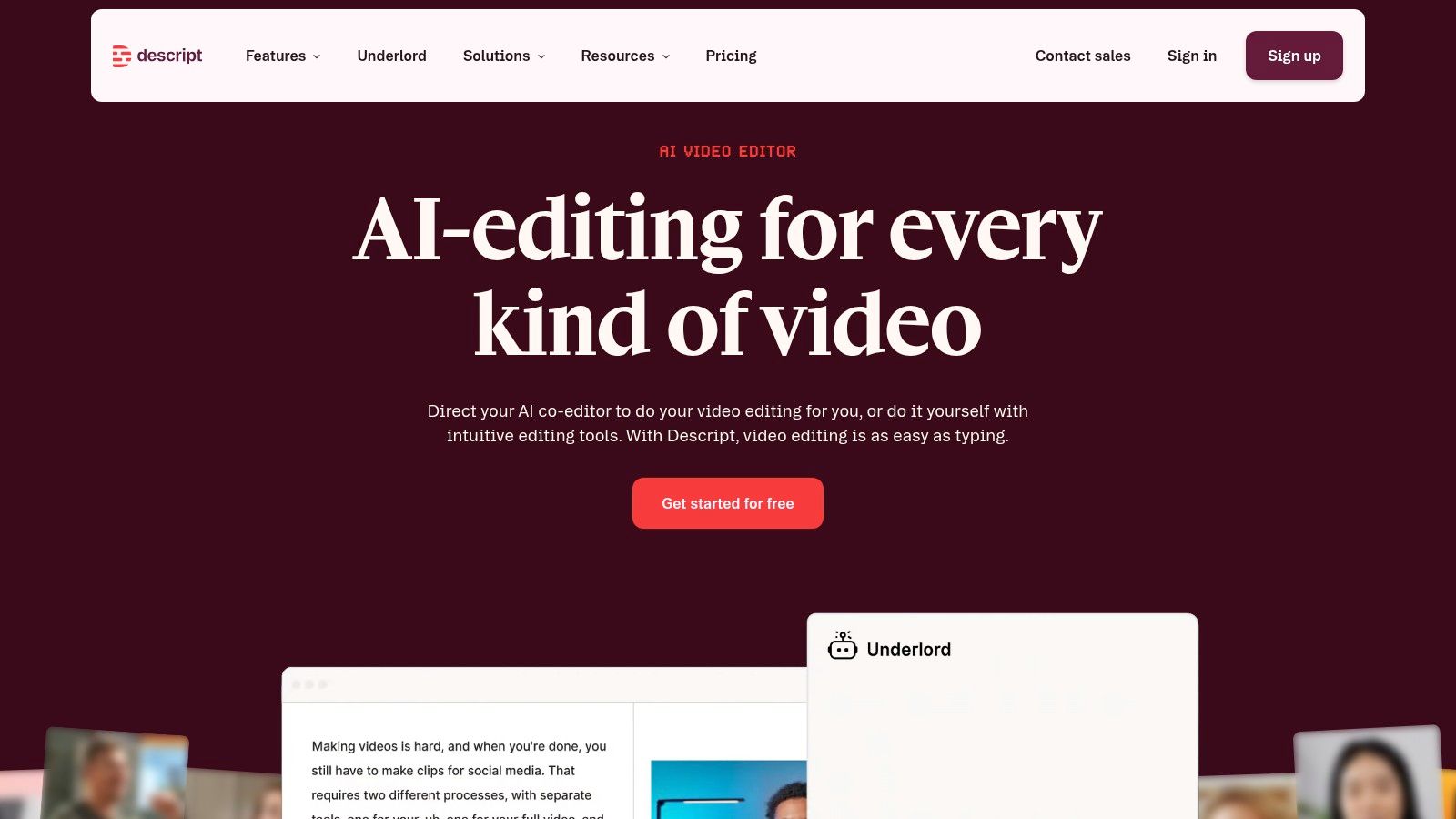
Descript solves a very specific pain point. Editing spoken content usually takes too long for the business value it produces. Podcasts, webinars, interviews, training clips, talking-head social videos, and internal explainers often die in the edit queue because traditional video and audio tools are too slow for teams that aren't dedicated editors.
Descript changes that by making transcript-based editing the core workflow. If you can edit a document, you can make meaningful edits to a video or audio file. That alone makes it one of the most practical multimedia tools on this list.
It's particularly strong for content teams that repurpose conversations into multiple outputs.
Why Descript is so useful in practice
One underserved angle in the market is choosing tools by workflow outcome rather than feature checklist. Impact's guide on AI tools for content creation highlights this split clearly, pointing to tools like ChatGPT and Claude for long-form drafting, Descript, Recast Studio, and Lumen5 for video repurposing, and Writer or Jasper for brand-voice control. That's the right way to think about Descript. It's not “an AI tool.” It's a repurposing and editing tool for spoken content.
For publishers, Descript can turn interviews into clips, transcripts, and article support material. For SMBs, it helps teams ship more customer education and founder-led content. For e-commerce brands, it works well for product explainers and post-purchase education.
Use this lens: If your team records often but publishes inconsistently, the bottleneck is probably editing. Descript addresses that directly.
The limits are straightforward. It won't replace advanced video finishing tools for serious color work, effects, or high-end production. But for business content that starts with a conversation, it can remove a lot of drag.
Visit Descript.
9. Synthesia
Synthesia is a practical choice when the business problem is video coverage, not cinematic storytelling. If you need training videos, product walkthroughs, onboarding modules, internal communications, or multilingual explainers, Synthesia can help you produce those assets without booking shoots or relying on on-camera talent for every update.
That's why its value is usually operational. Teams that need frequent updates to scripts, policy content, onboarding flows, or product instructions often benefit more from synthetic presentation than from repeated filming. The faster those materials change, the stronger the case becomes.
For many organizations, that's a better use of AI video than trying to mimic brand commercials.
Where Synthesia fits best
For Omaha businesses with distributed staff or recurring training needs, Synthesia can simplify internal communications and training libraries. For software and e-commerce brands, it's useful for help-center videos, feature overviews, and support content. For publishers, it's less essential unless they're creating a lot of explainer video from article content.
The biggest strength is consistency. You can update the script, localize the content, and produce another version without rebuilding the entire production setup.
A few trade-offs are worth stating clearly:
- Strong fit: Training, onboarding, product explainers, and repeatable business communications.
- Weak fit: Emotion-heavy storytelling, high-end brand campaigns, or content where real human nuance is central.
- Important mindset: Use avatars where clarity and scale matter more than personality.
Some viewers will still notice the artificial feel. That's normal. The mistake is using Synthesia where a real presenter would clearly build more trust. Used in the right lane, it saves a lot of production effort.
Visit Synthesia.
10. Runway
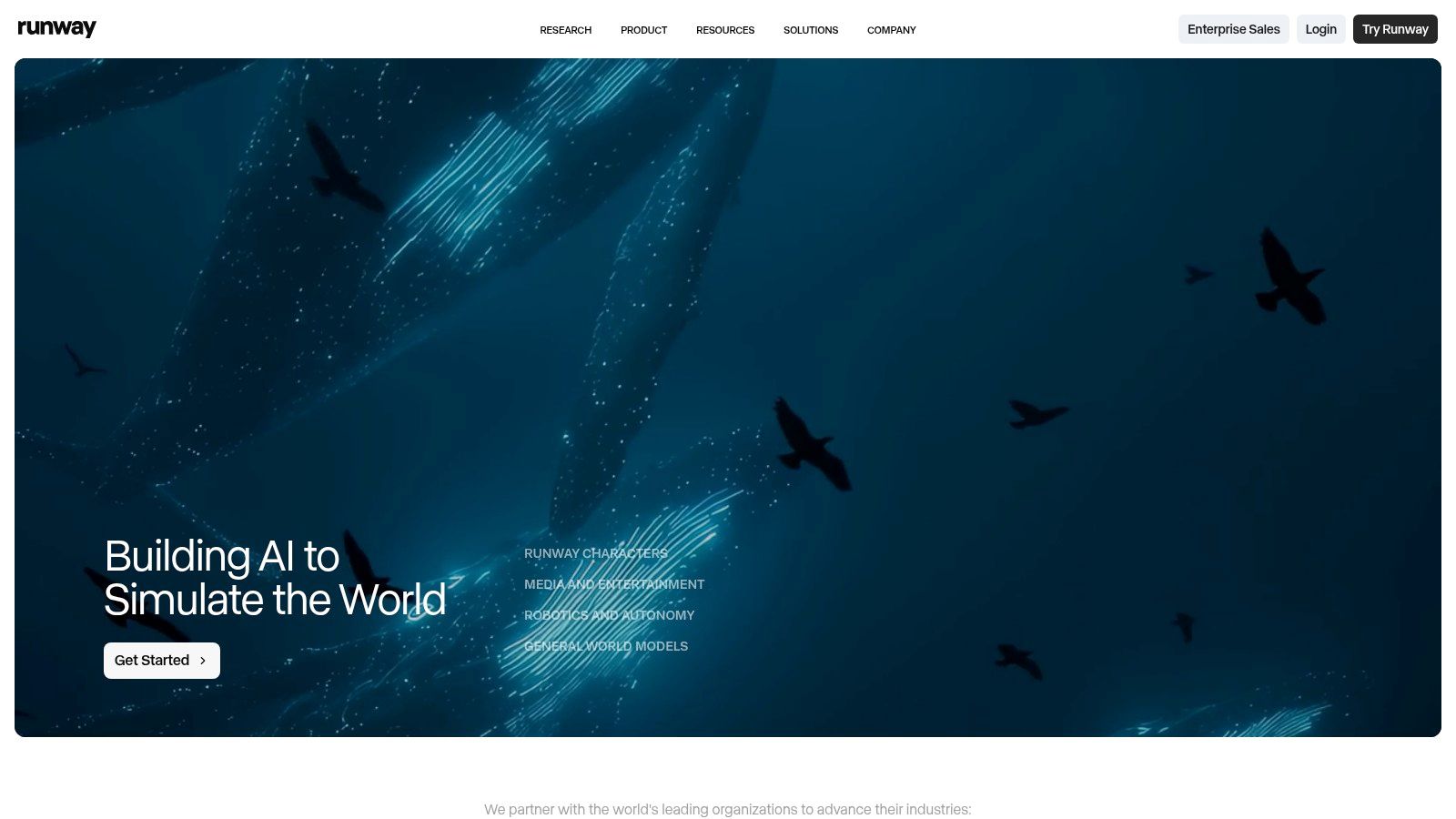
Runway is one of the most interesting tools in this market because it expands what small teams can produce visually. It's not just for turning prompts into short clips. It's useful for concepting, ad creative exploration, motion experiments, image-to-video workflows, stylized content, and previsualization before a more expensive production happens.
That makes it different from Canva and different from Descript. Canva helps non-designers publish quickly. Descript helps editors process spoken content. Runway helps creative teams generate motion-based assets and visual concepts that would otherwise require a more complex production route.
For businesses experimenting with short-form video and campaign visuals, that flexibility is appealing.
Best use cases for Runway
Runway works well for e-commerce brands producing attention-grabbing paid social concepts, stylized product visuals, and campaign ideas that don't justify a full production budget at the early stage. It can also support agencies and publishers that need motion assets for social distribution and concept-led storytelling.
The broader strategic question isn't whether AI can generate more content. It's whether it improves business outcomes or just increases output. GWI's discussion of AI content tools points toward the more useful answer, emphasizing tools that combine generation with audience insight, SEO signals, and workflow automation, while also stressing human editorial oversight and brand alignment. Runway is powerful, but it works best when a marketer or creative lead still makes the decisions.
AI video generation is most useful at the concept and iteration stage. It's less useful when the brand needs polished realism and total control.
This represents the fundamental trade-off. Runway can dramatically expand what a small team can test. It still benefits from human taste, editing judgment, and channel strategy.
Visit Runway.
Top 10 AI Content Creation Tools Comparison
| Tool | Core features ✨ | UX / Quality ★ | Target 👥 | Price / Value 💰 | Standout 🏆 |
|---|---|---|---|---|---|
| Jasper | Canvas long‑form, brand voice, no‑code Agents ✨ | ★★★★ | 👥 Marketing teams & agencies | 💰 Hybrid credit model; Business tier best value | 🏆 Brand governance & scaled on‑brand workflows |
| Copy.ai | Custom workflows/agents, multi‑model chat, API ✨ | ★★★★ | 👥 GTM & content ops teams | 💰 Workflow‑credit limits on lower tiers | 🏆 Practical automation for repeatable processes |
| MachineTranslation.com | 22‑model consensus output, 330+ languages, no‑login free tier ✨ | ★★★★ | 👥 Multilingual SMBs, e‑commerce & publishers | 💰 Free multi‑model tier; scales with usage | 🏆 Multi‑engine accuracy for multilingual production |
| Surfer | AI writer, content scoring, audits, AI visibility ✨ | ★★★★ | 👥 SEO/content teams seeking measurable ranking | 💰 Tiered credits/limits; enterprise premium | 🏆 Strong balance of AI generation + SEO rigor |
| Frase | SERP‑driven outlines, briefs, rank‑ready docs ✨ | ★★★★ | 👥 Small teams & agencies needing briefs | 💰 Lean base price + add‑ons; starter project caps | 🏆 Efficient keyword→outline→draft flow |
| Adobe Firefly | Image/video/audio/text gen; Creative Cloud integration ✨ | ★★★★☆ | 👥 Creative teams & enterprises (licensed assets) | 💰 Credit/quotas; CC tiers include entitlements | 🏆 Commercial licensing + Adobe ecosystem |
| Canva | Magic Write/Media/Design, templates, brand kits ✨ | ★★★★ | 👥 SMBs, marketers, non‑designers | 💰 Strong free tier; Pro unlocks advanced tools | 🏆 Fast template‑driven asset production |
| Descript | Text‑based edit, transcription, overdub voices ✨ | ★★★★ | 👥 Podcasters & talk‑based video editors | 💰 Media‑minute/credit model; tiered plans | 🏆 Drastically shortens editing workflow |
| Synthesia | Stock/custom avatars, dubbing, translations ✨ | ★★★☆ | 👥 Training, L&D, product explainer teams | 💰 Credit system; monthly credits on paid plans | 🏆 Scalable presenter‑less video production |
| Runway | Gen‑4/4.5 models, text‑to‑video, upscaling, VFX ✨ | ★★★★ | 👥 Marketers & creators needing advanced video | 💰 Credit tiers; model‑dependent costs | 🏆 Cutting‑edge text‑to‑video & motion tools |
Start Integrating AI, Don't Wait for Perfection
Most businesses don't need ten new platforms. They need one or two AI content creation tools that remove the biggest bottleneck in their current workflow. For some teams, that bottleneck is long-form drafting. For others, it's SEO alignment, repurposing webinar footage, producing social visuals, or updating training content without a full production cycle.
The fastest way to get this wrong is to buy based on hype. The better approach is to buy based on job-to-be-done. If your team struggles to maintain a consistent brand voice across multiple contributors, Jasper is stronger than a generic chatbot. If search is the priority, Surfer, Frase, or Writesonic are more useful than a broad writing assistant. If visual speed matters more than design depth, Canva is the obvious place to start. If your content operation depends on video and audio repurposing, Descript will likely do more for output than another text generator.
That strategic lens matters because the market is moving quickly, but maturity is uneven. Some tools are excellent inside a narrow workflow. Others try to do everything and end up doing nothing especially well. Buyers who focus on function usually make better decisions than buyers who focus on novelty.
For Omaha SMBs, my advice is simple. Start with the channel that already drives the most value. If organic search brings qualified traffic, improve the SEO workflow first. If referrals close sales but your brand lacks supporting content, invest in writing and design support. If your team records webinars, sales demos, or customer education sessions but rarely repurposes them, prioritize multimedia workflow tools.
For e-commerce brands, look closely at where content friction affects revenue. Product launches, promotional campaigns, collection pages, lifecycle email, and ad creative usually need a mix of writing and visual tools. Jasper, Canva, Firefly, and Runway can all play a role, but they solve different problems. The right stack depends on whether your bottleneck is messaging, creative throughput, or campaign iteration.
For publishers and content-driven businesses, the strongest path is usually a combination of research, optimization, repurposing, and editorial control. Surfer or Frase can support the search side. Descript can extract more value from interviews and recorded content. Jasper can help standardize workflows where multiple editors and contributors need consistency. What won't work is publishing AI-generated volume without an editorial point of view. That creates commodity content fast.
The important distinction is this. AI should support better decisions and better execution. It shouldn't become an excuse to lower standards. The teams getting the most value from these tools still review, edit, shape, and prioritize with humans in the loop.
Start small. Pick one recurring content problem. Document the workflow. Test one tool against that process for a defined period. Measure output quality, team adoption, and how much manual effort disappears. Then expand from there.
That's how AI becomes an advantage. Not through a massive rollout. Through practical integration that solves real business problems.
If your team wants help choosing and implementing the right AI content creation tools, Up North Media can help you build a workflow that fits your business instead of forcing your business to fit the tool. From SEO content systems and brand-safe AI writing to automation, repurposing, and custom AI strategy, their Omaha-based team helps SMBs, e-commerce brands, and publishers turn AI into a measurable growth channel.