
Photoshop CS2 launched in April 2005, and the “free download” story came from Adobe posting non-activating installers and special serials for existing customers after its activation servers were retired. That did not turn CS2 into freeware, and downloading or using it without a valid pre-existing license isn't legal or safe.
If you're searching for a way to download Photoshop CS2 for free, you've probably seen old forum threads, archived Adobe pages, or YouTube comments claiming there's a hidden official giveaway. The confusing part is that the links were real. The conclusion people drew from them was not.
The short version is simple. Adobe created a workaround for past buyers when CS2 activation stopped working. Over time, those support files escaped their original context, and the internet turned “installer still exists” into “Photoshop CS2 is free.” If you run a small business, that misunderstanding can lead you into licensing trouble, outdated software, and a machine that's harder to secure than it should be. The better move is to understand why the myth started, then pick a modern tool that fits your workflow.
The Enduring Myth of a Free Photoshop CS2
A business owner finds an old Adobe download page, sees a serial number next to Photoshop CS2, and assumes the problem is solved. On the surface, it looks like a free copy from Adobe. That is why this myth keeps resurfacing years later.
The confusion started with a real support measure. Adobe retired CS2 activation and left existing customers a way to reinstall software they had already paid for. Once those files and serials circulated outside their original context, the web turned a narrow workaround into a broad claim that "Photoshop CS2 is free."
The real story
CS2 came from a very different software era. It was built for mid-2000s systems, and Adobe later had to work around its old activation process so past buyers would not lose access. That decision kept legacy customers running. It also created a screenshot-friendly rumor that still spreads in forums, blog comments, and low-quality download sites.
The key point is simple. Publicly reachable files are not the same thing as a public license.
That distinction matters because many people searching this term are not chasing nostalgia. They need a practical way to edit product images, resize graphics, clean up simple marketing assets, or ship creator content without taking on a new subscription. If that sounds familiar, the smarter question is not how to revive CS2. It is which current tool solves the job safely. For some creator workflows, that may mean using tools that generate YouTube thumbnails with AI instead of forcing a 2005 desktop app into a 2026 setup.
Why the myth keeps spreading
The rumor has stayed alive for a few predictable reasons:
- The download pages looked official. Adobe branding made many users assume open permission.
- The serial number was visible. People read that as "free for everyone" instead of "for prior license holders."
- Old tutorials never died. Blog posts, forum replies, and reposted videos kept repeating the same shortcut version of the story.
- The search intent is real. Small teams want low-cost design software, so the myth keeps finding a willing audience.
The result is a claim that sounds plausible, especially to a busy owner trying to save money. The history behind it is real. The free-for-everyone conclusion is not.
Unpacking the Legal Reality of CS2 Downloads
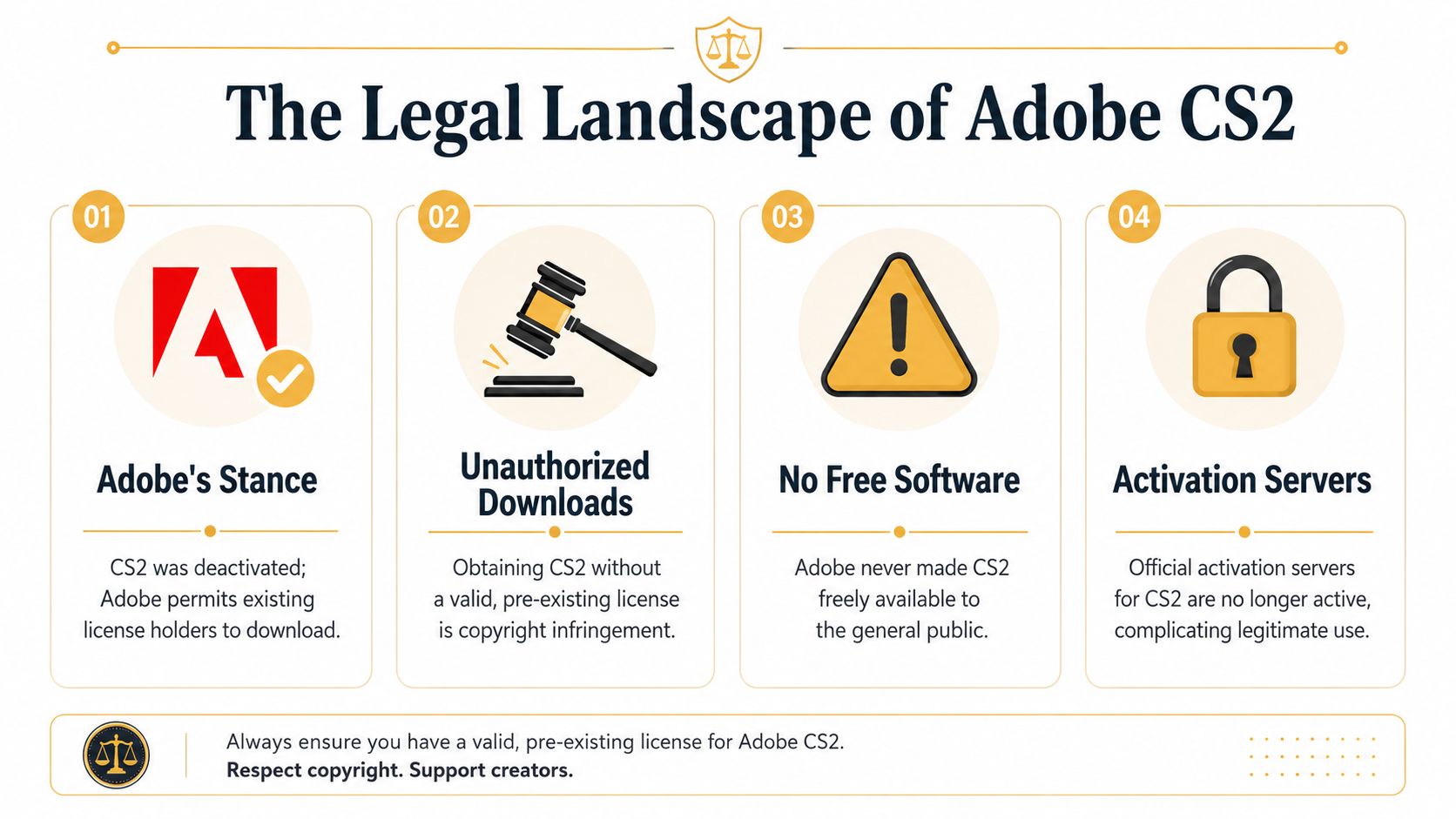
The legal issue is less complicated than commonly believed. Public access does not equal public permission. Adobe's own position was that the non-activating installer and serial were for people who had already bought CS2 and needed a way around dead activation servers.
What the license actually means in practice
The cleanest statement of the issue comes from Adobe's clarified support position: Adobe released the non-activating installer and serial number for Photoshop CS2 in 2005 as a customer-support measure after retiring its activation servers, but the software remains under its original EULA, and using it without a valid, pre-existing license isn't permitted, as summarized in this Windows Forum review of the legal reality of CS2 on modern systems.
Practical rule: If you didn't already own a legitimate CS2 license, the old installer page didn't grant you one.
That's the part people miss. They treat the serial number like a coupon. It wasn't. It was a workaround tied to prior ownership.
Why this matters for a business
If you're editing a few images at home, you might be tempted to shrug this off. For a business, that's a bad habit. Licensing problems rarely stay isolated.
A few real-world implications:
- Compliance risk: If your company uses software without a valid license, you're accepting avoidable legal exposure.
- Operational risk: An old install might work one day and fail after a system update, driver change, or hardware replacement.
- Team confusion: Publicly available installers create false confidence. Someone on staff thinks “Adobe hosted it, so it must be fine,” and that assumption spreads.
The public serial number didn't make it freeware
A useful way to think about CS2 is this. Adobe changed the activation method, not the ownership rights. The installer was made easier to access because the original validation path had broken. The underlying permission to use the software stayed with people who had already paid for it under the original license terms.
That's why “I found the installer” isn't the same as “I'm authorized to use it.” For a business owner, that's the line that matters.
Why You Should Avoid Installing CS2 in 2026
Even if you set the licensing question aside, CS2 is still a poor choice for current business use. The software is old enough that you have to fight the machine before you can do the work.
Start with security.
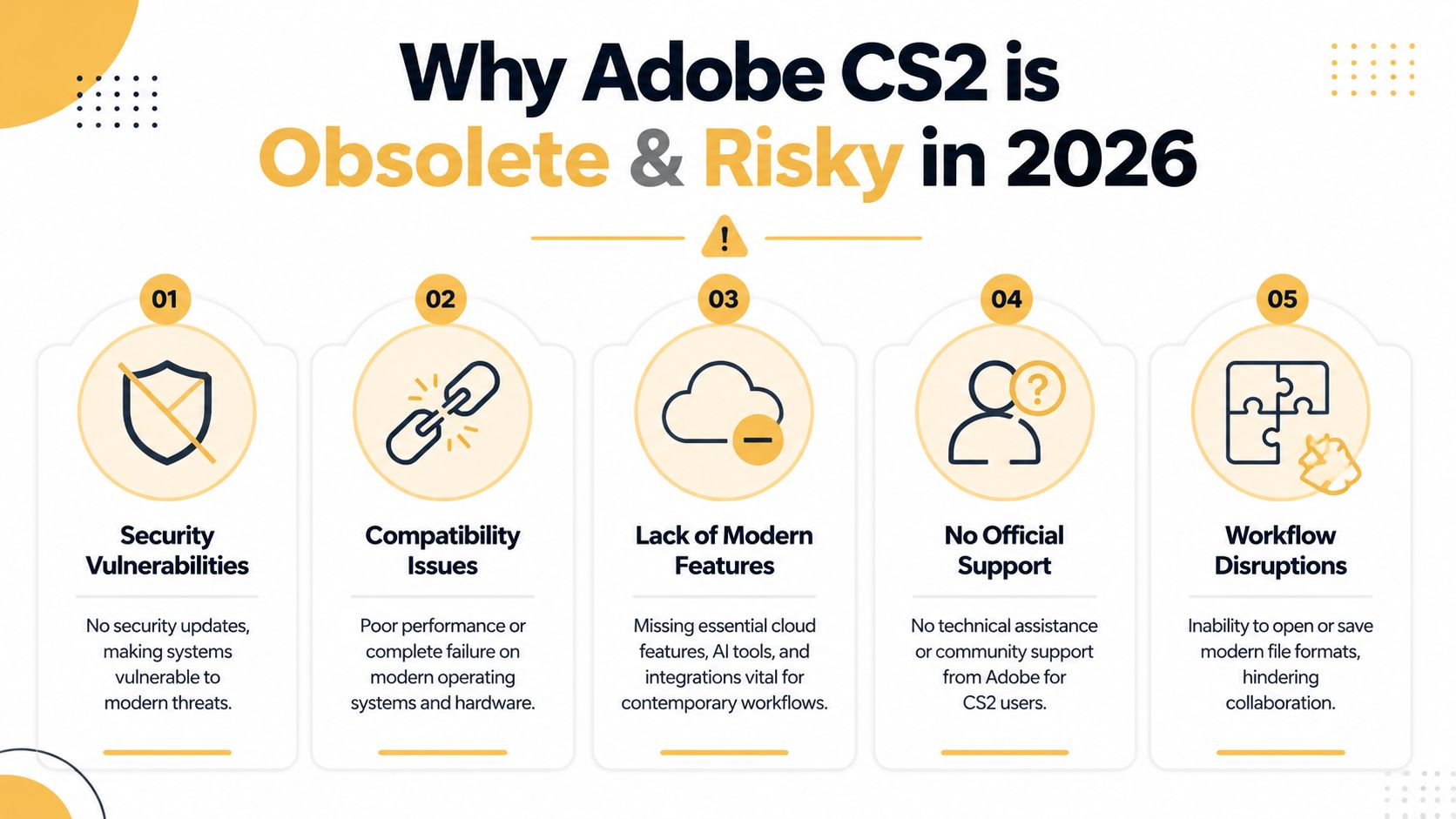
Adobe no longer provides security updates, compatibility patches, or official support for CS2. A separate analysis also states that CS2 lacks modern security protocols like AES encryption and is vulnerable to nearly 100% of contemporary malware exploits targeting unpatched legacy software, while modern 64-bit operating systems often require virtualization or significant modification to run it at all, according to Conrad Chavez's explanation of what Adobe's CS2 release really meant.
Security and support problems
An old image editor isn't just “missing features.” It can become the weak link on a workstation that also stores client assets, brand files, invoices, and credentials.
If you're reviewing your overall setup, these website security best practices are a good reminder of the broader principle: unsupported software increases risk because nobody is patching the holes anymore.
Unsupported creative software belongs in a quarantined legacy environment, not on a primary business machine.
A careful user can reduce some danger with isolation, but that's extra overhead for software that still won't meet current needs.
Compatibility is a constant fight
Here's the practical frustration. CS2 belongs to an older hardware and operating-system era. On current Windows machines, installs can be unreliable and unstable. On modern Macs, the situation gets worse. The old Mac version was built for PowerPC, and modern Intel or Apple Silicon systems need emulation or won't run it in a usable way.
This embedded walkthrough helps illustrate why old Adobe versions become a troubleshooting project instead of a production tool.
Missing features slow down actual work
Even if you somehow get CS2 running, you're still stuck with a tool from a very different design era.
What tends to break first for business users is workflow:
- Modern file expectations: Collaboration gets messy when clients or contractors send newer assets and your editor struggles with them.
- Cloud-based handoff: Current teams expect shared storage, fast exports, and easy movement between devices.
- AI-assisted editing: Current tools offer background removal, smart selections, and generative assistance that save time on routine tasks.
CS2 can't compete on any of that. The hidden cost isn't just risk. It's friction.
Superior Free and Affordable Photoshop Alternatives
If your real goal is editing images without overspending, you have better options right now than hunting for abandoned installers. The right choice depends on how close you want to stay to the Photoshop workflow, how much setup you'll tolerate, and whether your team works in a browser or on desktop.
Three options that solve the actual problem
Photopea is the easiest recommendation for many small businesses. It runs in a browser, feels familiar to anyone who has used Photoshop, and is convenient for quick edits on almost any machine. If you need to open layered design files, resize banners, adjust product shots, or export social graphics without installing software, Photopea is often the shortest path.
GIMP is the stronger pick if you want a free desktop app with deeper customization and no reliance on a browser tab. It's capable, stable, and widely used, but the interface and workflows don't feel as close to Photoshop. Teams usually need a little patience during the transition.
Adobe Photography Plan is the paid option worth considering if Photoshop is central to your business. It keeps you on current software, reduces compatibility headaches, and gives you Lightroom as part of the package. For businesses that edit images every week, paying for a supported tool is often cheaper than losing time to workarounds.
If your team already thinks in layers, masks, and adjustment workflows, the skills transfer cleanly to modern tools. You're not starting over.
Modern Photoshop Alternatives Comparison (2026)
| Tool | Price | Platform | Best For | Key Limitation |
|---|---|---|---|---|
| Photopea | Free with optional premium features | Browser | Fast Photoshop-like editing, occasional design work, lightweight business use | Browser-based performance can feel limiting on heavier files |
| GIMP | Free | Desktop | Budget-conscious teams that want a powerful installed editor | Steeper learning curve if your team expects Photoshop-style workflows |
| Adobe Photography Plan | Affordable subscription | Desktop and cloud-connected workflow | Businesses that need current Photoshop features and dependable compatibility | Ongoing monthly cost |
Which one fits your business
Use a simple decision filter.
- Pick Photopea if you need speed, low friction, and a familiar interface for everyday graphics.
- Choose GIMP if budget is the top concern and you want full desktop software with room to customize.
- Pay for Adobe if image editing is part of your core operations and downtime costs more than the subscription.
If your marketing stack is evolving beyond image editing alone, this roundup of AI content creation tools for modern teams is a useful next step. It's especially relevant if your team is handling graphics, copy, and campaign production together rather than treating design as a separate silo.
What tends to work best
For most small businesses, the practical path is to start with Photopea, document your most common tasks, and see where the limitations show up. If your work grows more complex, move to a paid Adobe setup or a dedicated desktop workflow.
That approach beats spending hours trying to force CS2 onto hardware it was never designed to support.
A Note for Legitimate CS2 License Holders
There is one narrow exception to the advice above. If you bought CS2 years ago, Adobe's old support workaround was intended for you, not for people looking for a free copy today.
Adobe briefly made CS2 installers available so existing customers could reinstall after the original activation system stopped working. That detail is what fueled the long-running "CS2 is free" myth. It never changed the license terms. It only gave prior license holders a way to access software they had already paid for.
If you still have a legitimate CS2 license, expect practical friction from the first launch. The installer may run, but the software still behaves like a retired product. Registration prompts can continue to appear, older operating systems are far more realistic than current ones, and modern Macs are usually a dead end unless you maintain a dedicated legacy setup.
What licensed users should expect
The main issue is usability, not ownership.
- Registration friction: You may keep seeing prompts tied to systems Adobe no longer supports.
- Old OS dependency: CS2 makes more sense on an older Windows machine or a carefully preserved legacy environment.
- Current Mac limits: Modern Apple hardware and current macOS versions are a poor fit for software from that era.
Owning a valid CS2 license answers the permission question. It does not solve compatibility, security, or support.
For archive work, a locked-down offline machine or virtual system can still be reasonable. For client work, production design, or anything tied to current file formats and web publishing, the smarter move is to use a current editor and focus on output quality. If that work ends up on your website, this guide on optimizing images for web performance will help you get better results after export.
Moving Forward With Modern Creative Tools
The search for a way to download Photoshop CS2 for free usually starts as a budget decision. It ends as a workflow decision. Old unsupported software costs time, creates risk, and leaves your team working around the tool instead of with it.
A better move is to choose a current option, standardize a few repeatable editing tasks, and train around that stack. If you're publishing online, this guide on how to optimize images for web performance is a smart next step after picking your editor. The core editing skills still transfer. The difference is that modern tools let you use those skills safely and without the baggage of a licensing myth.
If your business needs help choosing the right creative stack, improving site performance, or building a stronger digital workflow, Up North Media can help you turn those moving parts into a system that supports growth.