
You're probably looking at a familiar fork in the road.
One option gets you launched fast. Another gives you more control. A third promises you can have both, until the pricing changes, the workflow gets messy, or your team realizes the app can't support how the business runs. That's why choosing among web app development platforms isn't a design decision or a developer preference. It's a business decision that affects budget, launch speed, customer experience, and what you'll have to rebuild later.
For a small business owner, the wrong platform usually doesn't fail on day one. It fails months later. You try to add a custom quoting flow, connect a legacy system, support more users, or tighten security. Suddenly the “easy” option becomes the expensive one.
Your Guide to Modern Web App Development
The stakes are higher now because the category keeps expanding. The global web development services market was valued at $80.6 billion in 2025 and is projected to reach $125.4 billion by 2030, a projected 9.3% CAGR, according to web development market statistics compiled by Itransition. More businesses are investing in digital tools, which means there are more platforms, more vendors, and more overlapping promises than ever.
The three paths most businesses consider
Most decisions fall into three buckets.
- Traditional frameworks like React, Node.js, ASP.NET Core, and similar development stacks. These give you the most control. They also demand stronger technical planning, better architecture, and a clearer budget.
- Backend-as-a-Service and managed platforms that handle parts of the infrastructure for you. These can speed up development when your team needs authentication, databases, hosting, and APIs without building every layer from scratch.
- Low-code or no-code platforms that help non-technical teams build quickly through visual tools and prebuilt logic. These can be useful, but only when the business case is simple enough to stay simple.
Practical rule: Pick the platform that fits the business you want to run in three to five years, not just the app you want to launch this quarter.
That long view matters because early platform choices affect more than engineering. They influence compliance, integrations, reporting, ownership of your data model, and how hard it'll be to improve the product later.
What business owners should weigh first
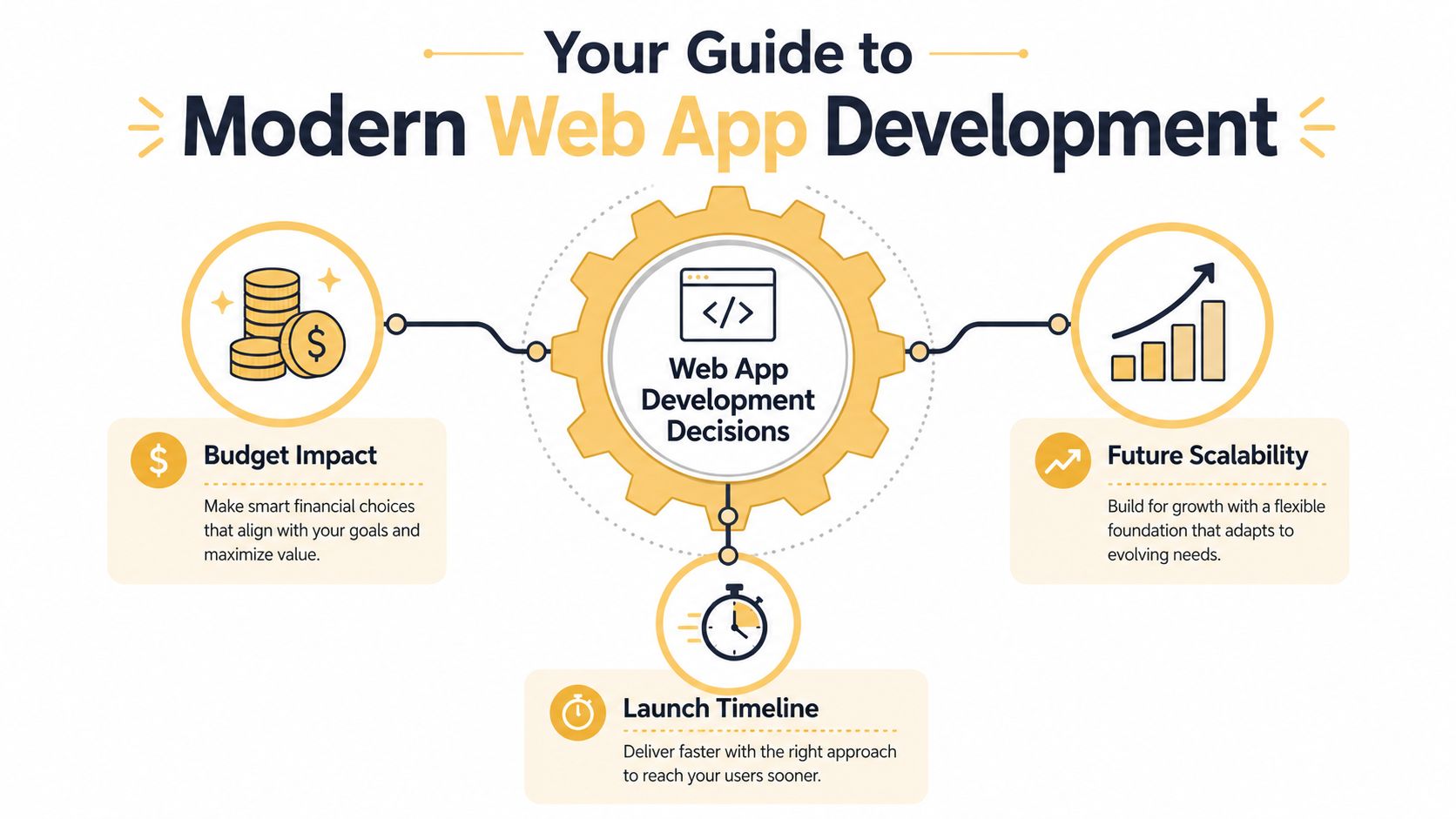
Before comparing features, narrow your decision around three pressures:
- Budget reality: Not just build cost, but maintenance, updates, integrations, and future changes.
- Launch urgency: Some businesses need a fast MVP. Others need a stable revenue-generating system that can't afford rework.
- Scalability needs: Internal tools, customer portals, e-commerce workflows, and SaaS products don't all grow the same way.
Security should enter the conversation early too, especially if you're handling customer accounts, payments, or sensitive business data. If your app is customer-facing, reviewing guidance around Affordable Pentesting for startups can help you understand why launch speed shouldn't come at the cost of exposure.
Comparing the Three Core Platform Types
A good comparison doesn't ask which platform is best in general. It asks which trade-off you can live with.
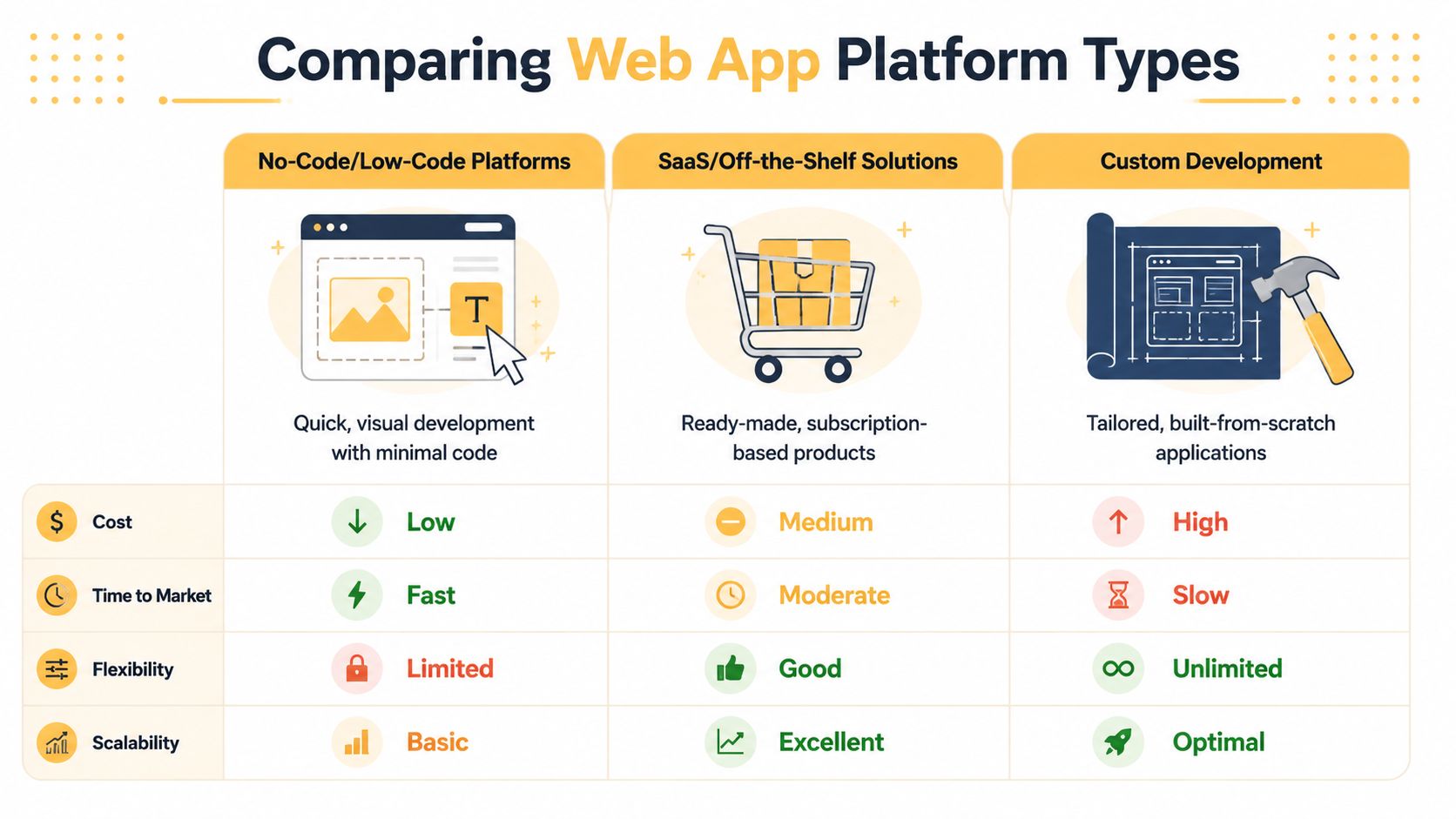
The table below gives a fast business-level view before we go deeper.
| Platform type | Best fit | Speed to launch | Flexibility | Long-term cost profile | Scalability outlook |
|---|---|---|---|---|---|
| Traditional frameworks | Businesses with custom workflows, unique customer experiences, or long growth plans | Slower at the start | Highest | More predictable when built well | Strongest |
| BaaS and managed backend platforms | Teams that need faster delivery without building every backend service | Moderate to fast | Moderate to high | Depends on service usage and architecture choices | Good, if planned carefully |
| Low-code and no-code | MVPs, internal tools, simple portals, process prototypes | Fastest | Limited for complex business logic | Can rise over time through platform dependency | Often constrained |
Traditional frameworks
If your business needs a real product, not just a digital wrapper around a form, traditional frameworks are often the right base.
JavaScript was used by about 65% of software developers globally in 2023, and that dominance supports ecosystems like Node.js at 40.8% and React at 39.5%, based on Statista's app developer data. That matters because talent availability, community support, and ecosystem maturity all affect your hiring and build options.
This route works well when you need:
- Custom workflows: Pricing engines, role-based dashboards, complex checkout logic, or non-standard approval flows.
- Integration depth: ERP, CRM, warehouse, payment, analytics, and proprietary systems working together.
- Performance control: You can optimize architecture around your actual usage, not just what a platform exposes.
Traditional stacks aren't always the fastest to launch, but they usually age better when the application becomes central to revenue.
Build custom when the app is part of your competitive advantage. If the product experience is how you win business, renting too much of the architecture creates limits later.
For teams evaluating design flexibility versus platform structure, this detailed comparison for developers is a useful example of how visual platforms and development-oriented approaches diverge in practice.
BaaS and managed backend platforms
This middle path is underrated.
A managed backend platform can remove a lot of plumbing work. Authentication, storage, APIs, database services, and deployment layers can come ready-made. For startups and small teams, that can be the difference between shipping and stalling.
This category works best when:
- You need to validate a product quickly.
- Your team is stronger on front-end experience than backend architecture.
- The application logic is important, but not unusually complex yet.
The trade-off is dependency. You save time because the provider handles infrastructure layers. You lose some freedom because your roadmap starts to rely on how that provider structures data, permissions, functions, and pricing.
Low-code and no-code platforms
These platforms earn their place when the job is narrow and the process is stable.
They're often a smart fit for internal dashboards, lightweight client portals, service request workflows, proof-of-concept tools, and short-run MVPs. They struggle when founders expect them to grow into extensively customized customer-facing products with unusual rules.
What usually works:
- Simple operational apps
- Early prototypes
- Temporary process automation
- Department-level tools with limited complexity
What usually doesn't:
- Products with layered permissions and non-standard logic
- E-commerce flows with custom pricing or bundling rules
- Applications that depend on many external systems
- Businesses that expect the platform to become a long-term core asset
Fast setup is valuable. Platform dependence is the cost.
Matching the Right Platform to Your Business Case
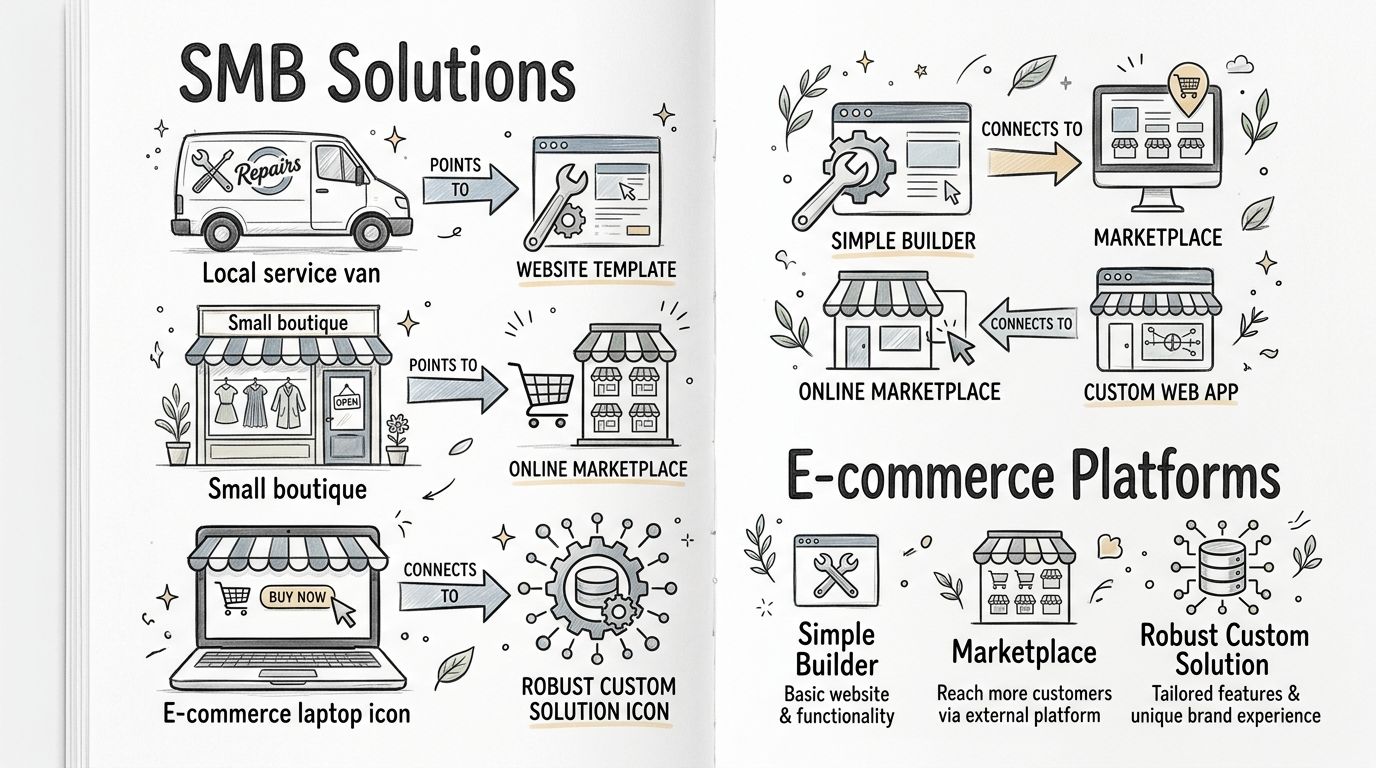
The cleanest way to choose is to stop thinking in categories and start thinking in business scenarios.
A founder launching an MVP
A non-technical founder with a new app idea usually needs proof, not perfection. In that situation, AI-first full-stack builders can be a strong option because industry benchmark results show they can reduce development time by 40% for non-technical founders versus traditional code-editing platforms. That makes them useful when speed matters more than deep architectural control.
If the product goal is to test demand, collect feedback, and secure early users, an AI-assisted build path can make sense. The mistake is assuming that an MVP platform is automatically the forever platform.
A service business building an internal operations app
A local business that needs a scheduling dashboard, client intake workflow, or inventory tracker often doesn't need a custom stack on day one. A low-code build can work well here because the audience is internal, the process is known, and the business value comes from reducing manual work.
That changes if the app starts touching billing logic, customer-facing self-service, or several third-party systems. At that point, the convenience of a visual builder often gives way to maintenance friction.
An e-commerce company with non-standard rules
Here, many teams make an incorrect decision.
A retailer selling a small catalog with simple checkout needs a very different build path than a business offering custom bundles, location-based inventory, customer-specific pricing, subscription logic, or post-purchase workflows. Once those rules shape revenue, general-purpose tools start to feel cramped.
If your sales process depends on unique rules, your platform has to model those rules cleanly. Workarounds become expensive fast.
A startup with a strong front-end vision
Some startups need a polished customer-facing experience quickly, but don't want to hire a full backend team immediately. A managed backend approach can fit well here. The team can focus on interface quality, onboarding, and product learning while relying on managed services for the backend foundation.
That's often the right compromise when you need momentum without overbuilding too early.
A Practical Framework for Your Selection Process
Most platform mistakes happen because teams ask, “What can we afford to launch?” instead of “What will this app need to support when the business grows?” A better process is to score the decision against the realities of your business.
Start with operational fit
Ask these questions internally before you compare vendors:
- Who will maintain this app after launch? A founder, internal ops manager, freelancer, or in-house development team all need different levels of platform control.
- What breaks if the app goes down? A lead form is one thing. A customer portal, order management flow, or billing tool is something else.
- How often will the business logic change? Stable processes can fit simpler platforms. Evolving rules usually need a more flexible architecture.
A lot of teams skip this part and go straight to demos. That's how they end up buying software based on interface polish instead of operational fit.
Build a five-year scorecard
Use a simple weighted checklist. Not every business needs the same priorities.
-
Revenue dependency
If the app directly supports sales, fulfillment, customer access, or retention, flexibility matters more. -
Integration complexity
If you need to connect payments, accounting, CRM, warehouse tools, analytics, or proprietary systems, don't underestimate the architecture. -
Workflow uniqueness
The more your process differs from standard templates, the more likely you'll outgrow visual builders. -
Ownership and portability
Can you move the application later, or are you locked into one vendor's logic and pricing model? -
Security and compliance expectations
Customer data, staff permissions, and transaction workflows raise the cost of shortcuts.
If you want a sharper lens for that planning exercise, this guide on how to choose the right tech stack is a practical companion to the platform conversation.
Test the roadmap, not just the demo
Before committing, give each platform one real scenario from your business. Not a generic sample app. Use something specific, like customer-specific pricing, order revisions after checkout, account-based permissions, or syncing data between departments.
A platform isn't proven when it handles the happy path. It's proven when it handles the exceptions your business deals with every week.
The Hidden Costs and Scalability Traps to Avoid
The biggest mistake in this category is believing that easy launch equals low total cost.
That's often wrong.
The no-code logic ceiling
No-code works best while your processes stay simple. The problem is that businesses rarely stay simple. A tool that handled version one of your workflow can become a bottleneck once you add approval layers, permissions, custom reporting, outside integrations, or account-specific behavior.
Industry experts report that 60% of enterprises trying to scale no-code apps hit a “logic ceiling,” where custom workflows and third-party integrations become unmanageable, according to this
.That logic ceiling usually shows up in familiar ways:
- Workflow sprawl: Rules live in too many places and become hard to debug.
- Integration fragility: One external connection changes and downstream steps break.
- User-permission complexity: What looked simple at launch becomes messy as teams and customers need different access.
- Re-platform pressure: The business outgrows the tool and has to rebuild under time pressure.
The total cost you don't see upfront
Another trap is pricing that looks manageable at launch but gets harder to control as usage grows. Subscription tiers, add-ons, automation limits, support plans, and external service dependencies can turn a “cheap” platform into a budget problem.
Some independent reporting cited in industry summaries notes that long-term ownership costs for no-code apps can exceed traditional custom development over a multi-year period, especially once recurring fees and specialized platform management are included. Even without reducing that to one universal rule, the business lesson is clear. Monthly software costs don't stay static when your app becomes important.
This is why it helps to evaluate web application development costs over time, not just launch estimates.
Reality check: If a platform saves money only while your usage is low and your workflows are basic, it may not be the cheapest option. It may just delay the bill.
What to watch for in vendor conversations
When you evaluate web app development platforms, ask blunt questions:
- What happens when we need custom logic that isn't native to the platform?
- How does pricing change as users, automations, or integrations grow?
- Can we export our data and application logic if we need to move?
- Who on our team can realistically maintain this in year two?
If the answers are vague, assume the burden lands on you later.
When to Partner with Experts for a Custom Solution
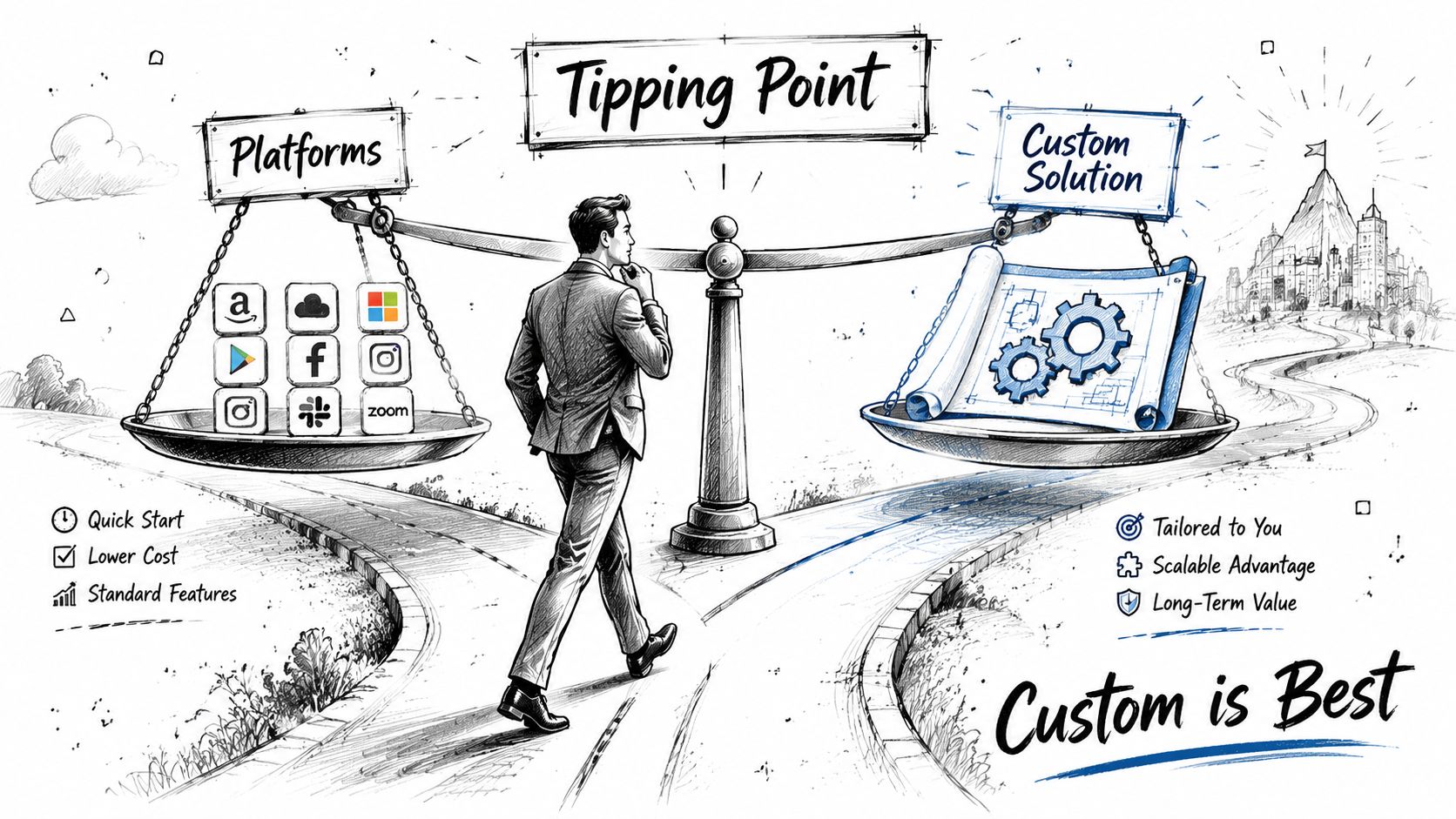
There's a clear tipping point where platform selection stops being a convenience question and becomes a strategic investment decision.
The signs you've outgrown packaged options
A custom solution usually becomes the smarter path when one or more of these conditions are true:
- Your workflow is the business. If the app reflects how you sell, serve, price, or deliver better than competitors, that logic shouldn't live in a rigid template.
- You need serious integration work. Proprietary systems, legacy databases, operational tools, and partner platforms often require more than plug-and-play connectors.
- Customer experience is a differentiator. If onboarding, dashboards, account controls, or checkout flows affect retention and conversion, you need precise control.
- Security expectations are higher. Customer data, role-based access, and transaction-heavy systems demand stronger architecture and testing discipline.
For business owners comparing packaged software against a longer-term custom build, this perspective on Reliable digital infrastructure and custom apps is useful because it frames development as business infrastructure, not just a launch project.
A custom build also makes sense when you need continuity. You don't want your roadmap determined by a vendor removing a feature, changing a plan, or forcing your process into a predefined model.
What expert partnership should look like
The right development partner shouldn't start by pitching technology. They should start by mapping revenue goals, operational friction, integration needs, and user journeys.
That means the early work should include:
- Process discovery: documenting how the business runs today and where software can remove friction
- Architecture planning: choosing frameworks and services that fit likely growth
- UX strategy: making sure the product is usable for customers and staff
- Ownership planning: reducing lock-in and making maintenance realistic
If you're evaluating what that kind of engagement should involve, this list of custom web application development firms and evaluation criteria helps clarify what to ask before signing anything.
A short explainer on custom build considerations can help sharpen that decision:
The strongest custom projects don't begin with “what stack do you want?” They begin with “what does this business need the software to do, and what will that look like after growth, new services, and operational change?”
If you're weighing web app development platforms and need a decision that supports growth instead of creating rework, Up North Media can help you map the right path. Whether you need an MVP, a scalable e-commerce application, or a fully custom platform tied to your business model, the team can help you choose and build with long-term ROI in mind.